
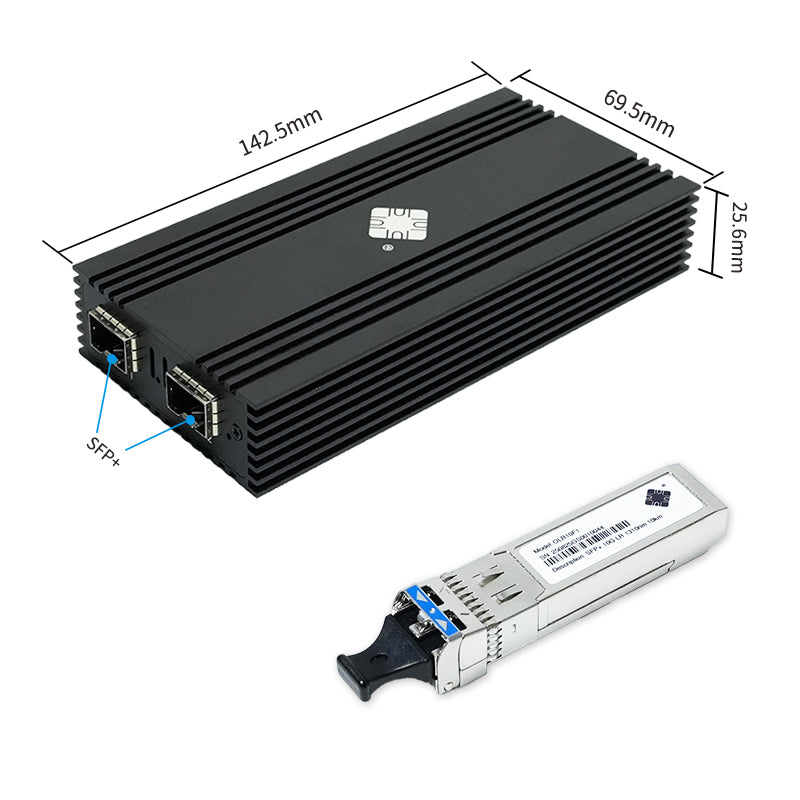
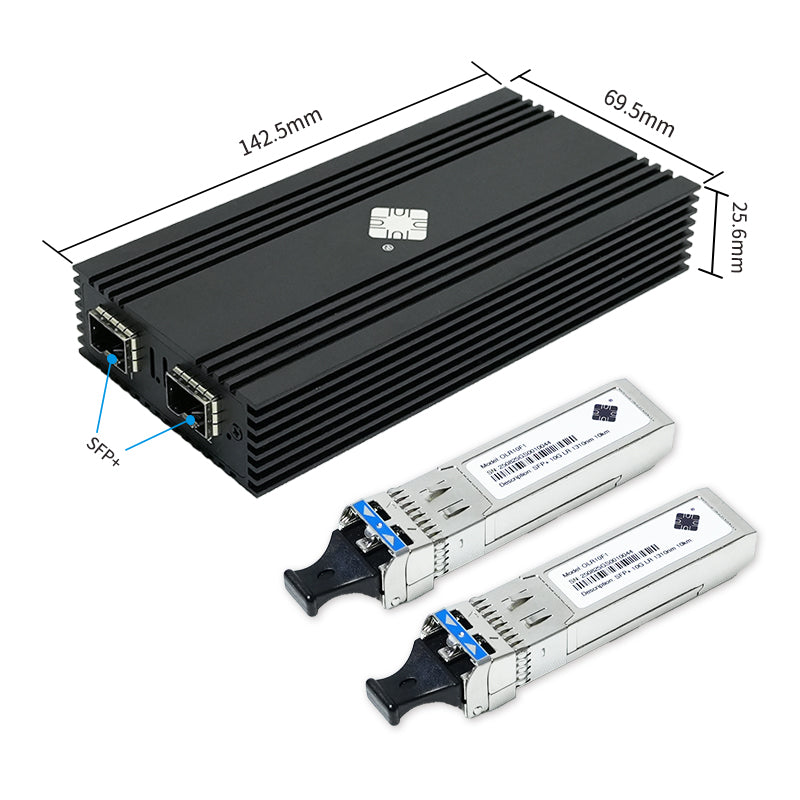
🔌 Interface Specifications
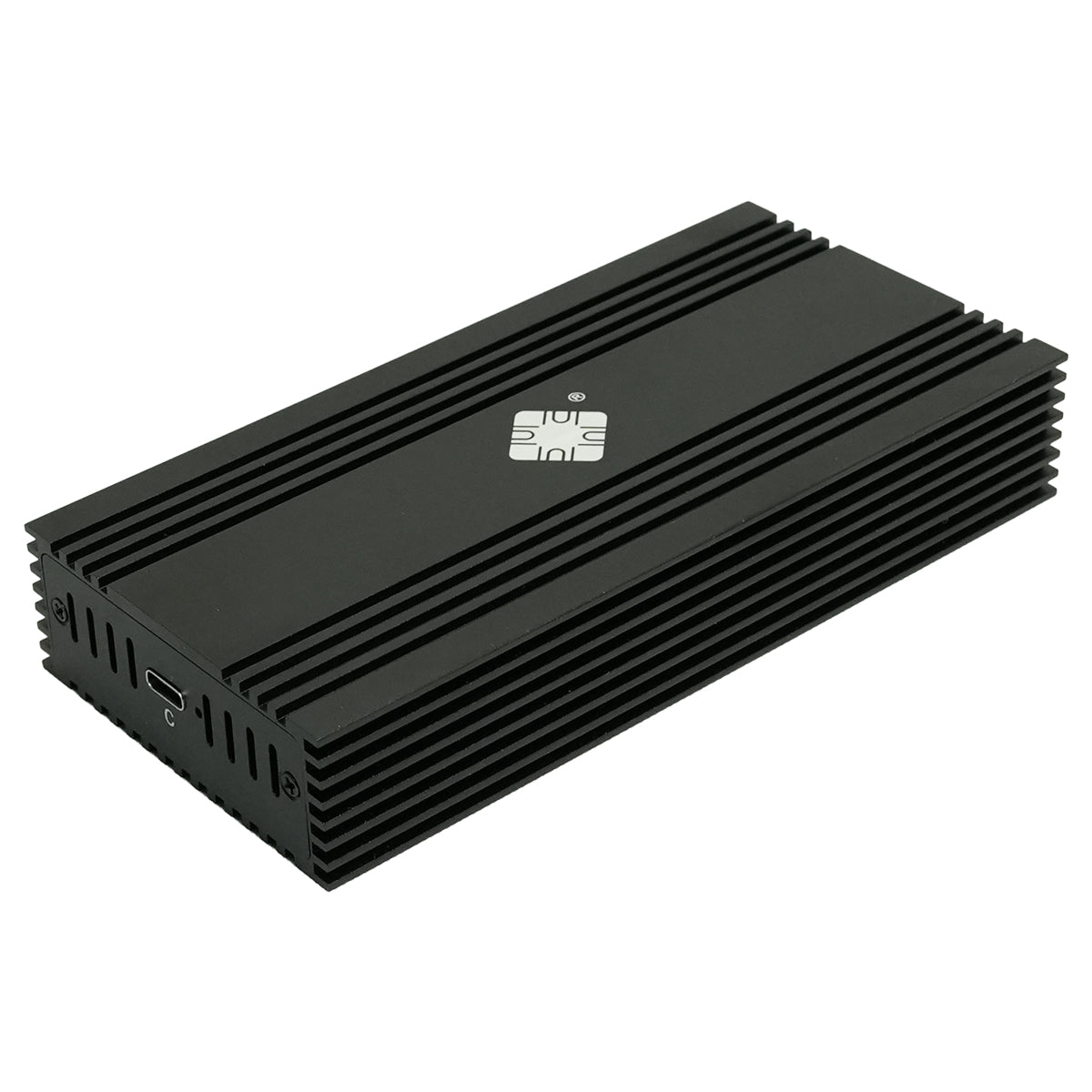
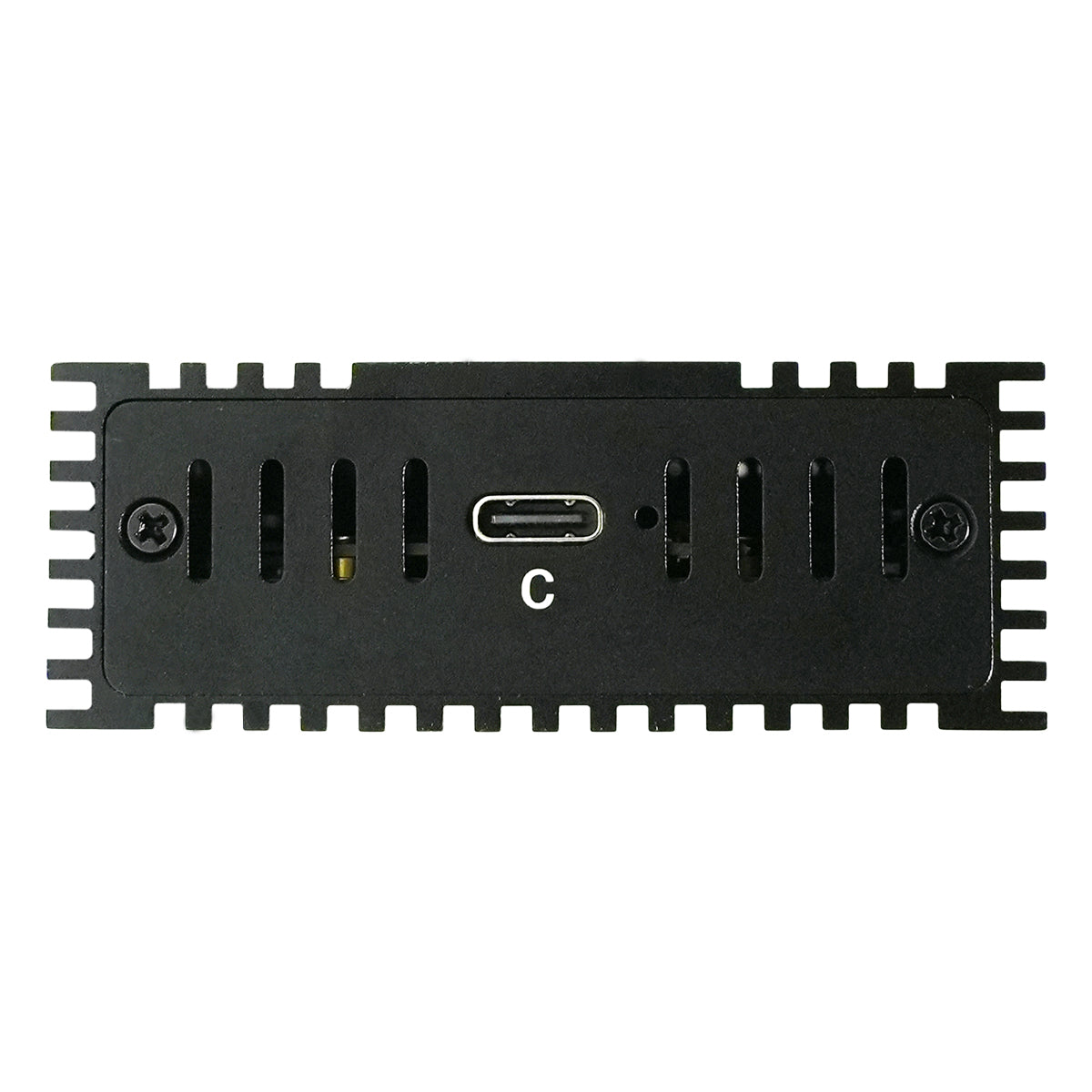
- Input Interface: USB4 / Thunderbolt 4
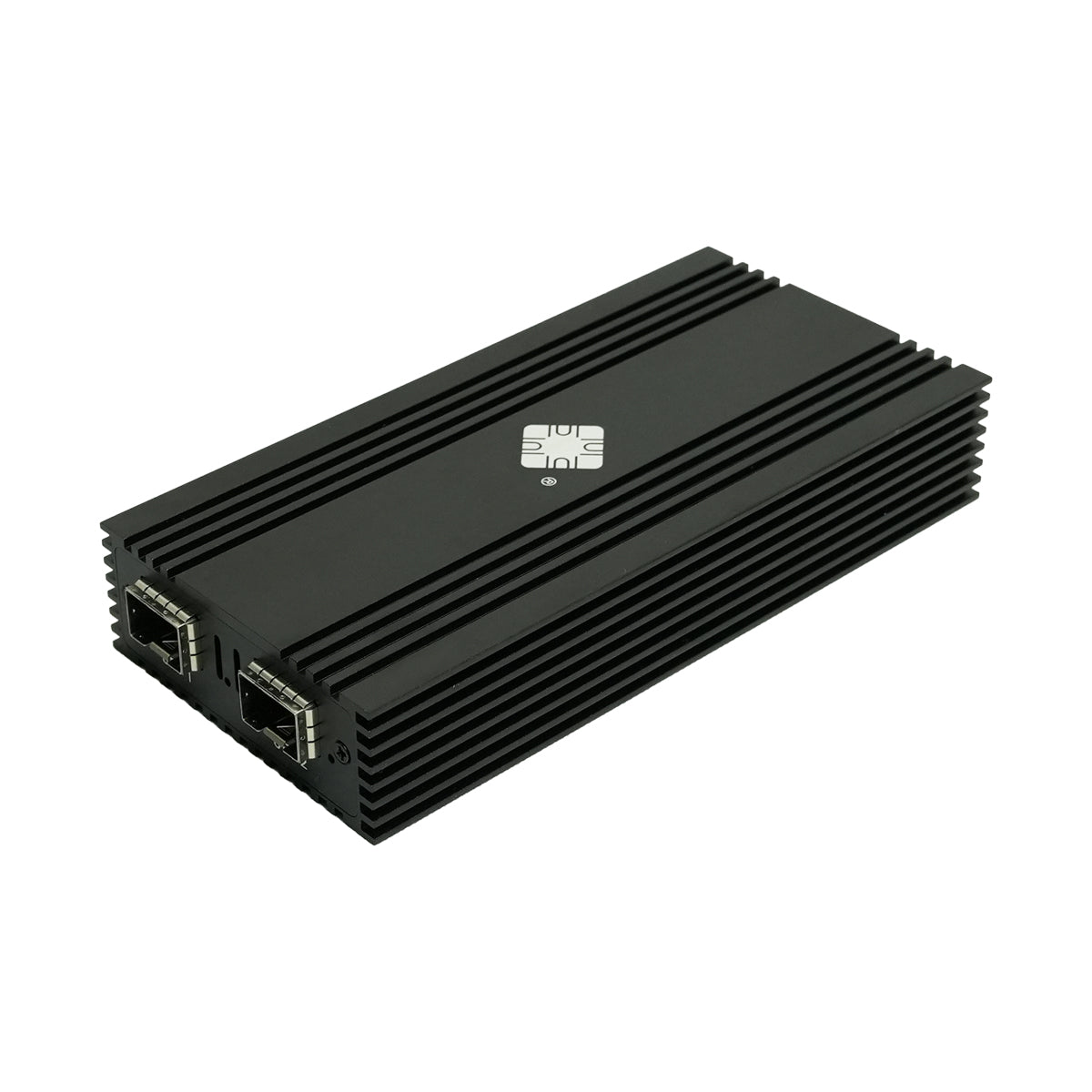
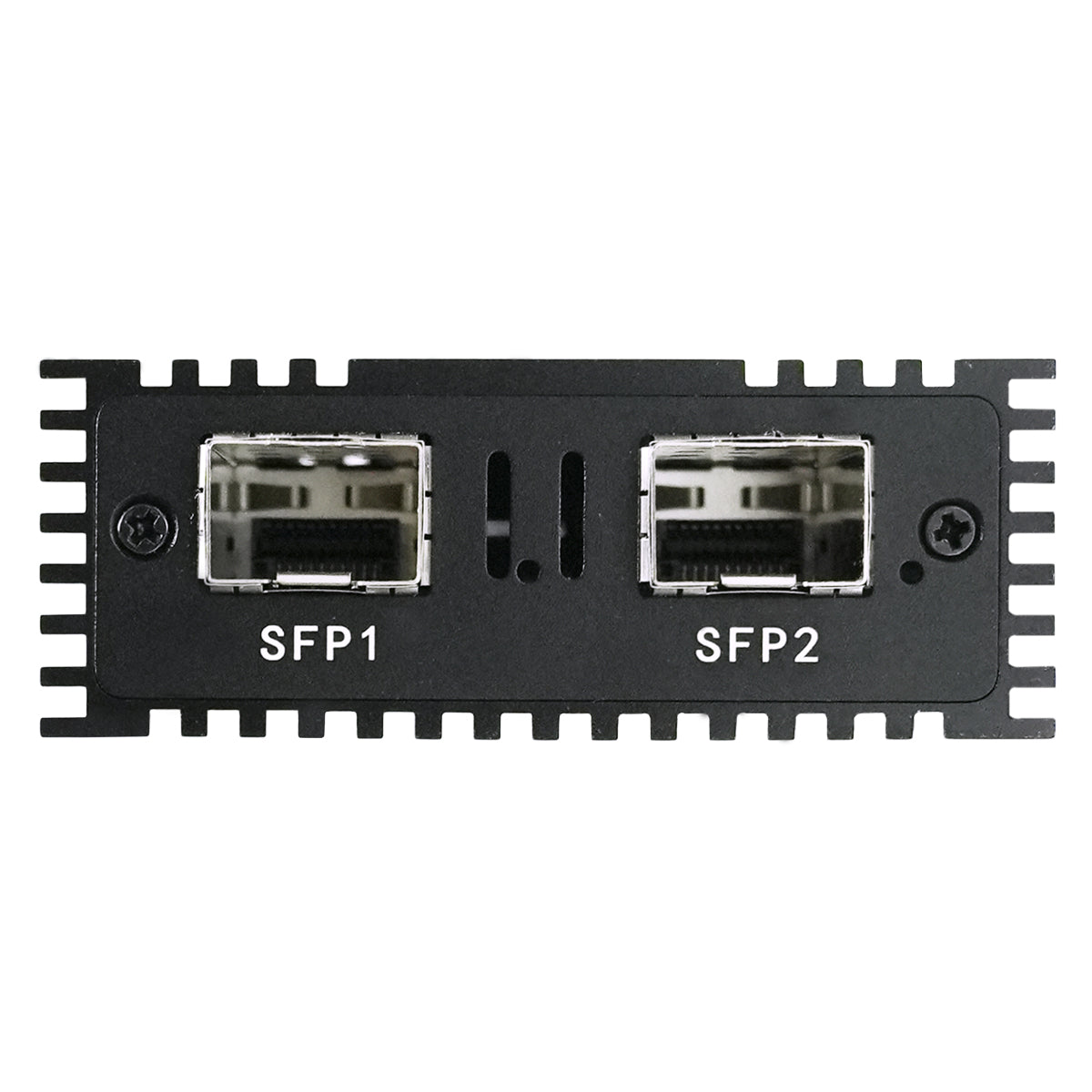
- Output Interface: Dual SFP+ Fiber
- Transfer Speed: 10Gbps per port
- Installation: Driver Required
💰 Product Advantages
- Affordable Price: Great Value
- Chip Quality: Intel Original 82599ES
- Dual Ports: High Scalability
- Tech Support: Professional Service
📊 Technical Specifications
🔧 Hardware Specifications
| Model: | DTB3F21 |
| Chipset: | Intel 82599ES |
| Input Interface: | USB4 / Thunderbolt 4 |
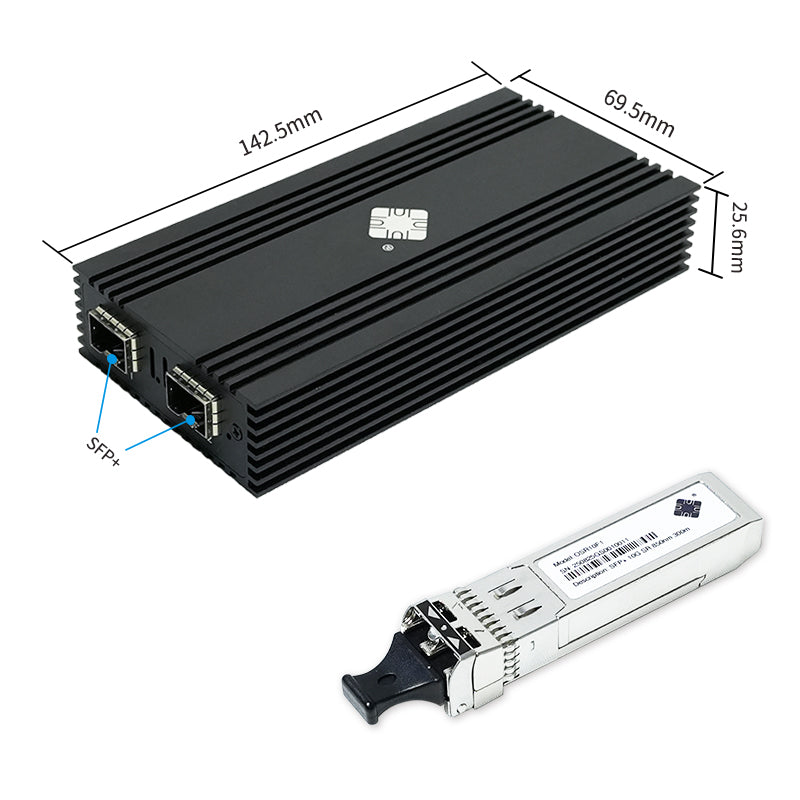
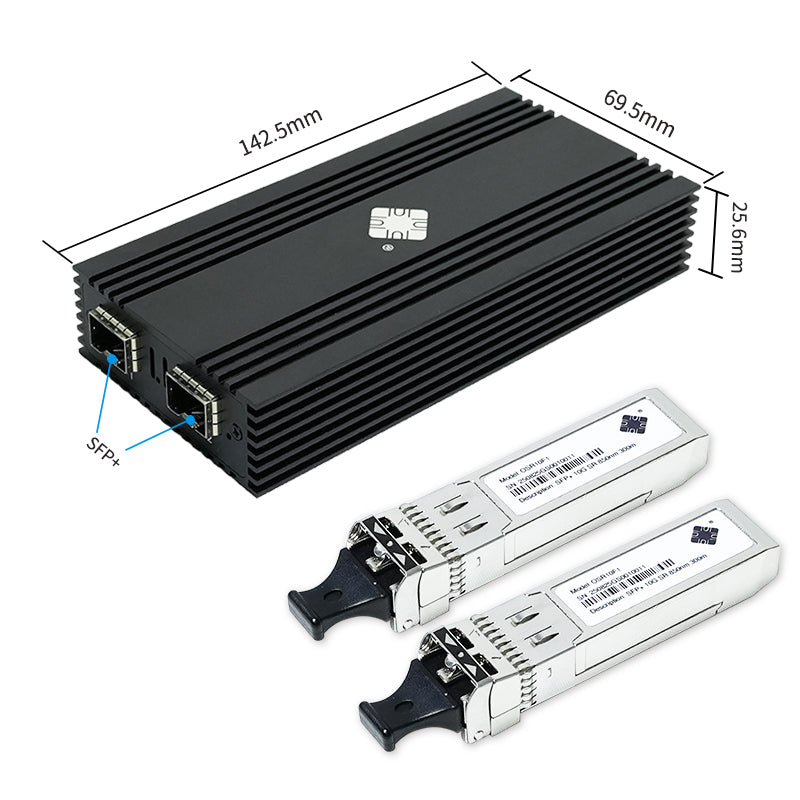
| Output Interface: | 2x SFP+ Fiber |
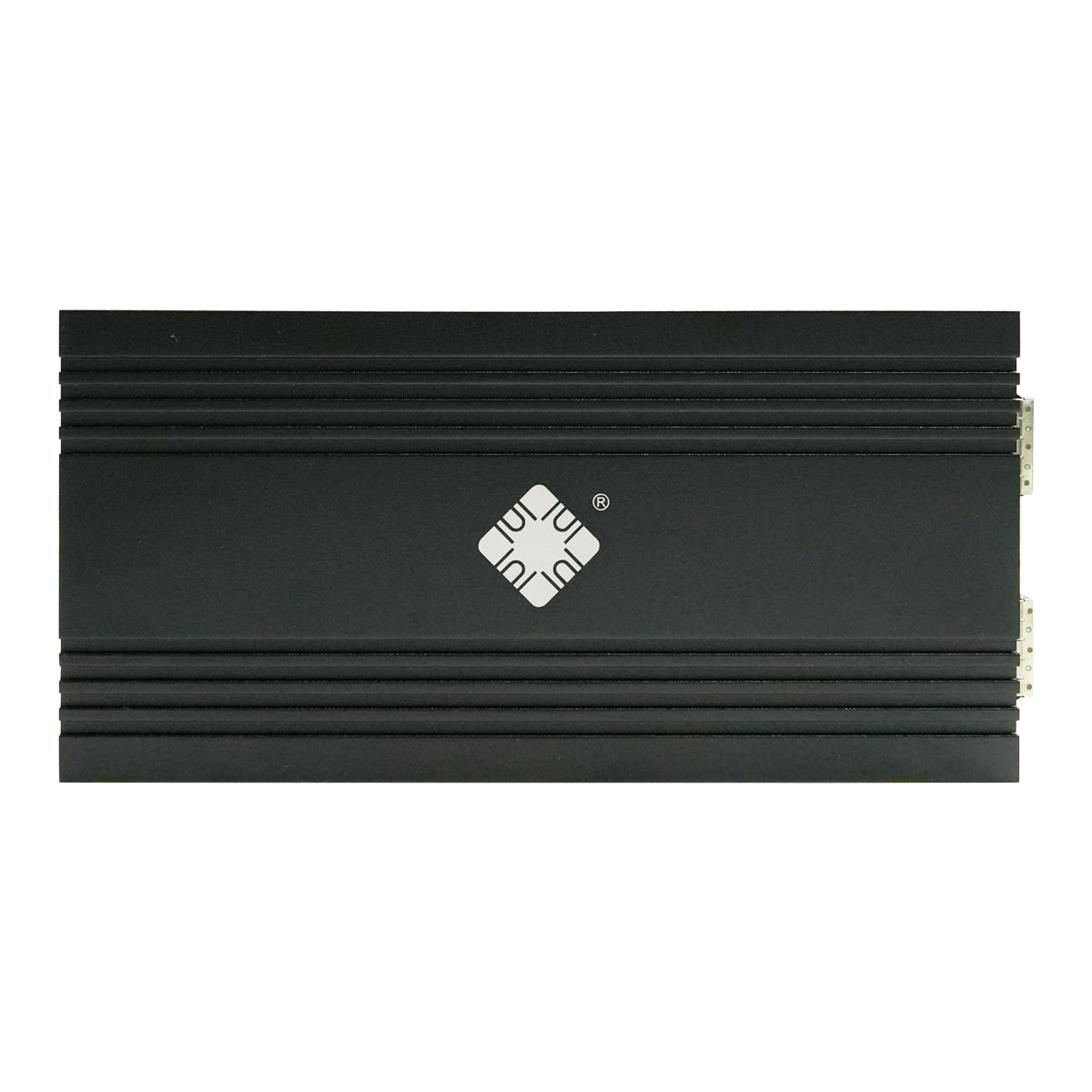
| Dimensions: | 142.5×69.5×25.6mm |
| Weight: | Net 239.5g / Gross 335.5g |
🌡️ Environmental Parameters
| Operating Temp: | 0°C to +55°C |
| Storage Temp: | -40°C to +70°C |
| Humidity: | 5% to 95% non-condensing |
🚀 Advanced Features
🔄 Offload Engines
- TCP Segmentation Offload (256KB)
- IPv6 Checksum Offload
- Jumbo Frame Support (15.5KB)
- VLAN 802.1q Tagging
⚡ Queue Management
- Multiple RX Queues (16×8, 32×4)
- 128 Transmit Queues
- Flow Director Technology
- Dynamic Interrupt Moderation
🛡️ Advanced Functions
- Data Center Bridging (DCB)
- 64 Virtual Machine Support (SR-IOV)
- MSI/MSI-X Interrupts
- DCA Support
🎯 Application Scenarios
Workstation Upgrade
High-performance computing
CAD/Video editing workflows
Storage Systems
NAS/SAN connectivity
Backup and archival
Network Upgrade
Server connectivity
Data center applications
📦 Package Contents
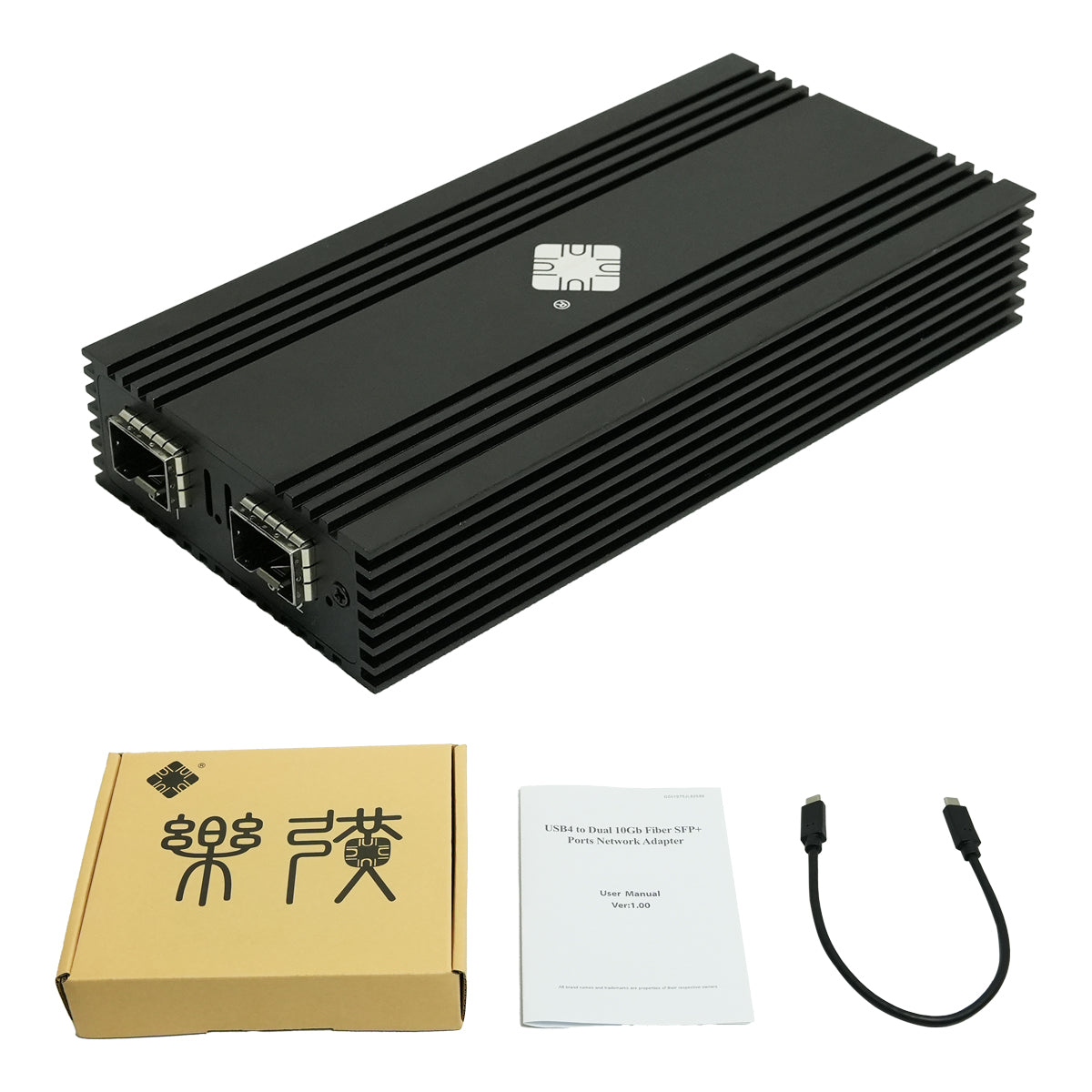
Network Adapter
DTB3F21 USB4 to Dual SFP+
Professional grade hardware
USB Cable
Type-C to Type-C cable
High-speed data transmission
Documentation
Installation guide
Driver download links
💻 System Compatibility
Windows (7/8/10/11), macOS (10.13+), Linux (kernel 3.x+), VMware ESXi, and other systems supporting Intel 82599ES drivers
⚠️ Driver Requirements
Intel 82599ES driver installation required for optimal performance
📥 Download Driver Package
❓ Frequently Asked Questions
Q: Is the Lekuo DTB3F21 adapter compatible with standard USB-C ports?
A: Completely incompatible. This network adapter cannot function through standard USB-C (such as regular USB 3.2/3.1) ports. It must be connected to a Type-C port that supports USB4 or Thunderbolt 3/4/5 to provide the PCIe bandwidth required for full 10Gbps performance. Before purchasing, please verify that your device (e.g., recent MacBook Pro, Mac Studio, Dell XPS, ThinkPad X1, etc.) is equipped with a Thunderbolt or USB4 port.
Q: Do I need to install drivers to use it on macOS or Windows?
A: macOS: Completely driverless on macOS 11 and above! The native system kernel includes built-in support for the Intel 82599ES chipset. It is plug-and-play and will appear directly under Network in System Settings.
Windows / Linux / ESXi: Drivers are strictly required. It is recommended to download and install the official Intel 82599ES driver to ensure proper recognition and to fully utilize the performance of the network card. Although some Linux and Windows systems include built-in drivers, they are often outdated and may not allow the network card to reach its full performance.
Q: Do I need to purchase SFP+ optical modules separately? Which brands are supported?
A: Yes. The standard package only includes the adapter and a data cable. SFP+ modules and fiber cables must be purchased separately (unless you bought an official adapter + module bundle).
• Short Range (within 300m): Choose 10GBASE-SR modules.
• Long Range (within 10km): Choose 10GBASE-LR modules.
• Brand Compatibility: Widely compatible with major standard SFP+ modules from brands like Intel, Cisco, Freescale, FS.com, and 10Gtek.
Q: Can both SFP+ ports work simultaneously? What network modes are supported?
A: Yes, both ports can be used at the same time. They can run independently (e.g., Port 1 for storage and Port 2 for management). Alternatively, you can configure Link Aggregation (LACP/802.3ad) in your OS or switch for up to 20Gbps of aggregate bandwidth, or set up Active-Passive Failover for network redundancy.
Q: Can the DTB3F21 be connected to a traditional RJ45 (copper) 10G network?
A: Yes. You will just need to purchase an additional 10GBASE-T SFP+ to RJ45 copper transceiver module (such as the Cisco SFP-10G-T-S or Intel E10GSFPT). Please note that 10G copper modules consume higher power (4–8W) and generate significant heat, so ensure proper ventilation during use.
Q: Does it support SR-IOV technology in virtualization environments?
A: Perfectly supported. The enterprise-grade Intel 82599ES chipset natively supports SR-IOV (Single Root I/O Virtualization), allowing up to 63–64 Virtual Functions (VFs) per physical port. This enables you to pass virtual network interfaces directly through to virtual machines in VMware ESXi 6.7+, Proxmox (PVE), or IOMMU-enabled Linux environments for near-native performance.
Q: What is the difference between the DTB3F21 (Intel 82599) and cheaper Realtek network cards on the market?
A: Intel 82599ES: An enterprise/data-center class chipset. It supports SR-IOV virtualization and features robust advanced hardware offload engines (e.g., 256KB TCP Segmentation, IPv6 Checksum Offload). It features extremely low CPU utilization and offers bulletproof stability and compatibility across Linux, ESXi virtualization, and data center platforms.
Realtek: Belongs to consumer-grade products. It does not support SR-IOV virtualization, and network throughput heavily depends on host CPU overhead.
Q: Does it support Jumbo Frames? How do I enable it?
A: Yes, it supports Jumbo Frames up to 15.5KB–16KB. Enabling Jumbo Frames can reduce CPU overhead by 20–30% during large file transfers (like NAS storage, video editing, or data backups).
• Windows: Device Manager → Network Adapter Properties → Advanced → Set "Jumbo Packet" to 9KB.
• macOS: Open Terminal and enter sudo ifconfig enX mtu 9000 (replace enX with your actual network interface ID).
• Linux: Run sudo ip link set ethX mtu 9000.
Q: Does it consume a lot of power? Does it require an external power supply?
A: No external power supply is needed. The adapter is fully bus-powered via the USB-C interface. Its typical power consumption under full load (both ports active) is around 8–12W. The power delivery capacity of the vast majority of Thunderbolt 3/4/5 or standard USB4 ports far exceeds this requirement, ensuring stable plug-and-play operation.
Q: Why does my connection only show 1Gbps or frequently disconnect instead of hitting 10Gbps?
A: Please troubleshoot by checking the following common causes in order:
1. Mismatched Fiber and Module: For example, plugging a single-mode fiber cable into an SR (multimode) module, or the fiber polarity is reversed (A-B tx/rx lines crossed).
2. Physical Link Loss: Check if the fiber connectors are dirty or contaminated, or if the fiber cable has sharp bends.
3. Peer Device Limitations: Verify if the connected switch, router, or NAS port actually supports and has 10G speeds enabled (ensure both ends are set to "Auto-Negotiation").
💡 Still have questions? Contact our technical support team for expert assistance!