URL:https://lekuo.com/uploadfile/upload/http://www.lekuo.com/uploadfile/upload//data/upload/image/AQC107.zip
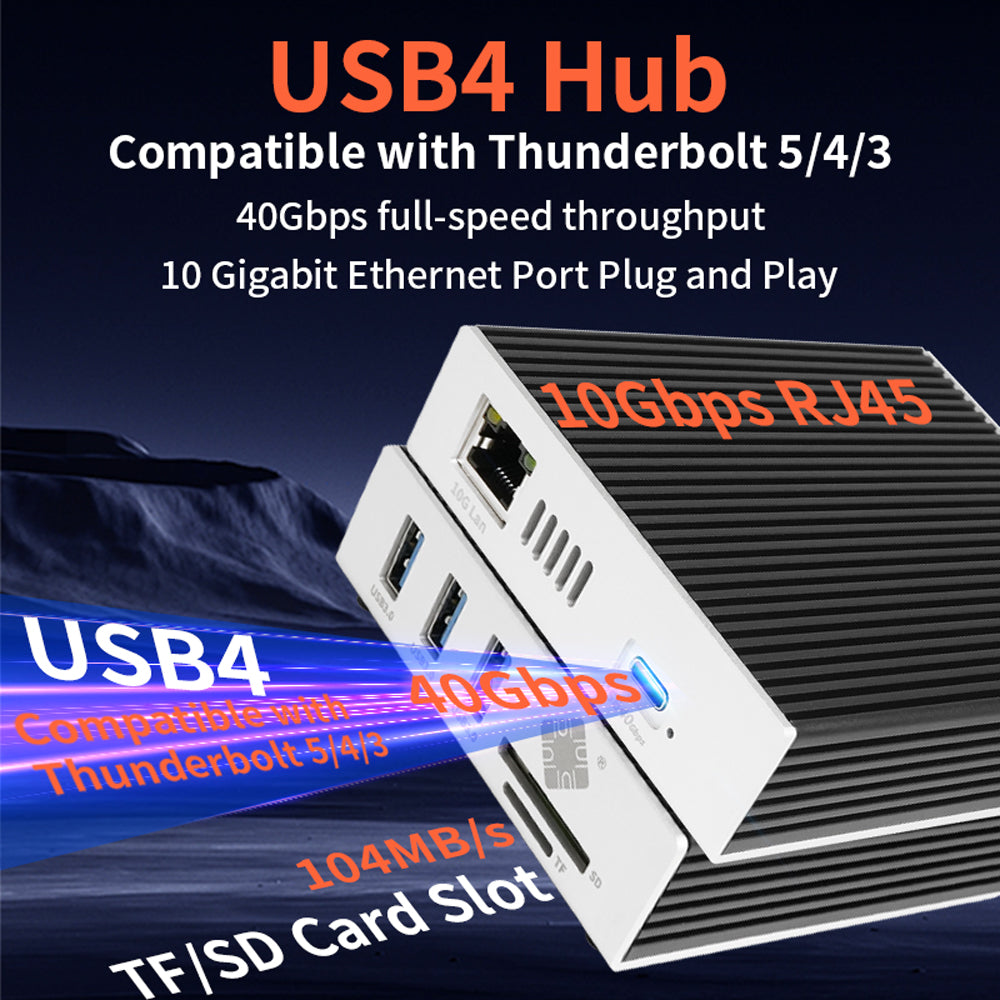
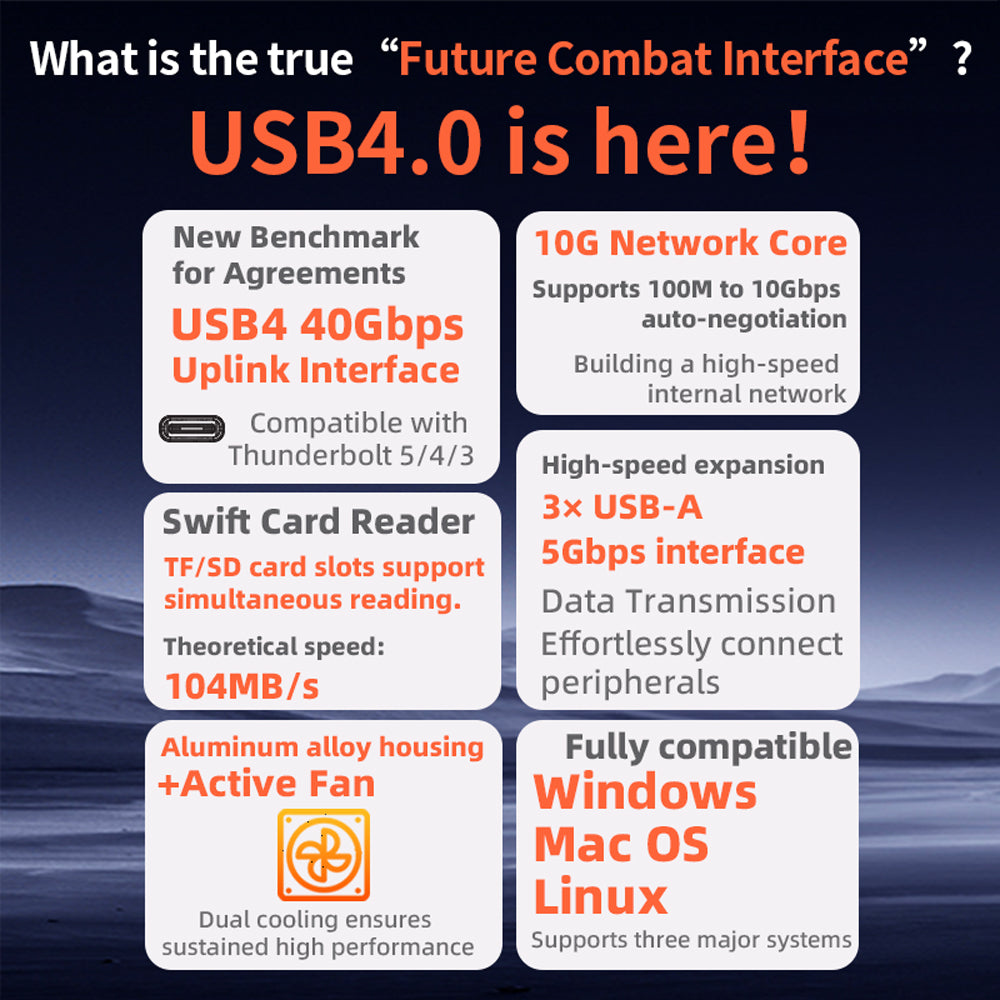
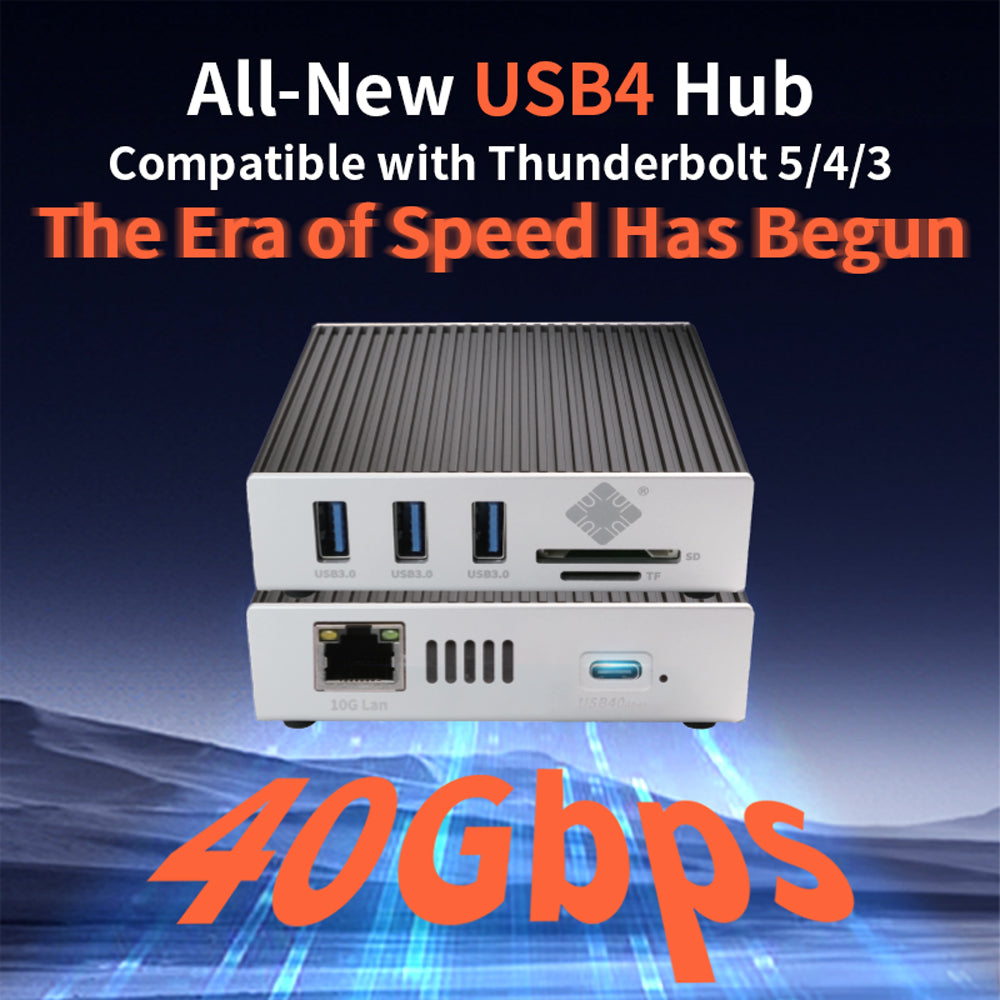
<p><strong>Q:</strong> Is this USB4 docking station fully compatible with Thunderbolt 3/4/5 ports? Can it reach the full 40Gbps speed?<br><strong>A:</strong> Yes, absolutely. Utilizing an advanced USB4 controller, this hub is fully backward compatible with Thunderbolt 3/4/5 and USB-C ports. When connected to a host device supporting USB4 or Thunderbolt (like a MacBook Pro or high-end Windows laptop), it delivers up to 40Gbps upstream bandwidth, ensuring a bottleneck-free data pipeline for the 10Gb Ethernet and connected peripherals.</p>
<p><strong>Q:</strong> Is this dock compatible with my M1/M2/M3 Apple Silicon MacBook? Do I need to install drivers on macOS?<br><strong>A:</strong> Compatible. It supports Macs with Intel processors as well as MacBook Pro and MacBook Air models powered by Apple M1, M2, and M3 chips. On macOS 10.14 and later, this docking station is plug-and-play, and no manual driver installation is required, including for the 10GbE network adapter.</p>
<p><strong>Q:</strong> Does the 10Gb RJ45 port support auto-negotiation? What are the cable requirements to achieve a true 10Gbps speed?<br><strong>A:</strong> Yes, this enterprise-grade 10GBASE-T network adapter supports auto-negotiation across 10/100/1000/2500/5000/10000 Mbps. To achieve a true 10Gbps ultra-high-speed connection, please ensure your router/switch supports 10G and that you are using at least Cat6A or Cat7 shielded Ethernet cables.</p>
<p><strong>Q:</strong> Will the speed drop if the 10Gb Ethernet, 3x USB 3.0 ports, and SD/TF card readers are all used simultaneously?<br><strong>A:</strong> No, it will not. Thanks to the massive 40Gbps USB4 upstream bandwidth, even if the 10Gbps network port is fully saturated while the 3x USB 3.0 ports (5Gbps each) and SD/TF 3.0 reader (104MB/s) are transferring files at full speed, the combined throughput is well within the 40Gbps limit. All 6 ports can operate concurrently at peak performance without degradation.</p>
<p><strong>Q:</strong> Can this hub be used for VMware ESXi or Proxmox VE (PVE) setups? Does it support hardware passthrough?<br><strong>A:</strong> This product is highly suitable. It has been specially designed and tested for compatibility with VMware ESXi, Proxmox VE (PVE), and mainstream Linux distributions. You can easily assign this 10GbE network card and USB4/Thunderbolt interface to virtual machines or containers via hardware passthrough (PCIe/USB Passthrough). It is an ideal solution for building a 10Gb homelab mini server, soft router, or expanding NAS storage networking.</p>
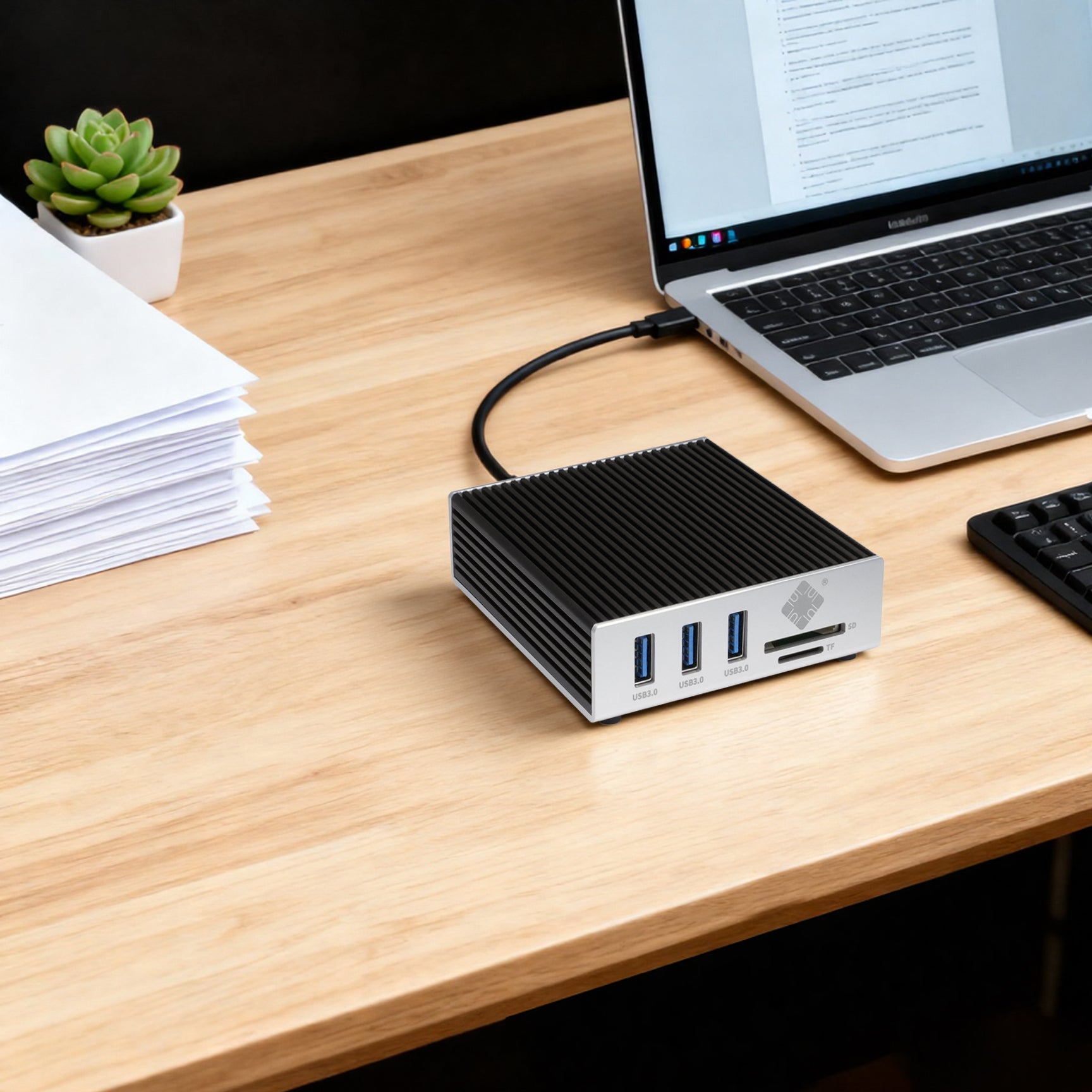
<p><strong>Q:</strong> Does this 10Gb docking station require an external power supply? Will it drain my laptop battery fast?<br><strong>A:</strong> No external power adapter is needed. It features a highly efficient, bus-powered design that runs straight off your laptop's USB-C or Thunderbolt port (a high-quality 40Gbps data cable is included in the package). Thanks to its ultra-low-power chipset architecture, it maintains peak performance across all ports with minimal power draw, preserving your laptop's battery life.</p>
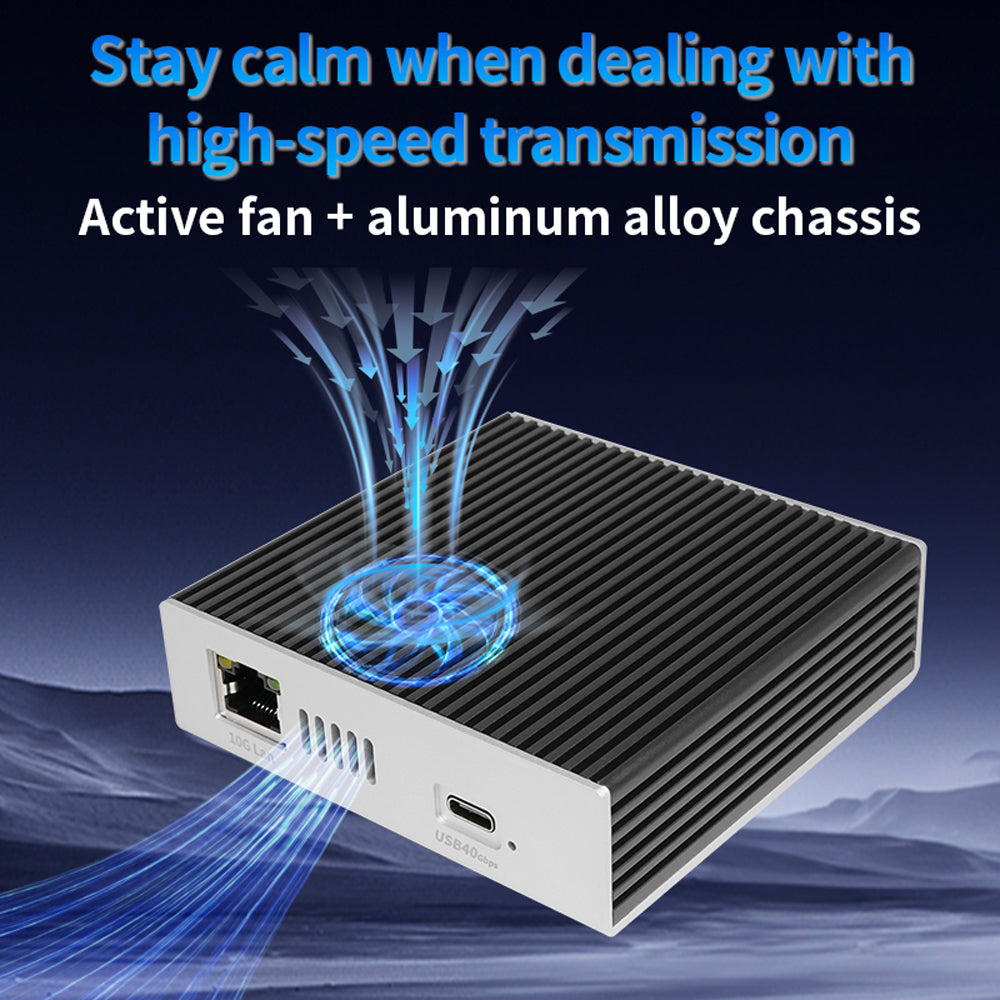
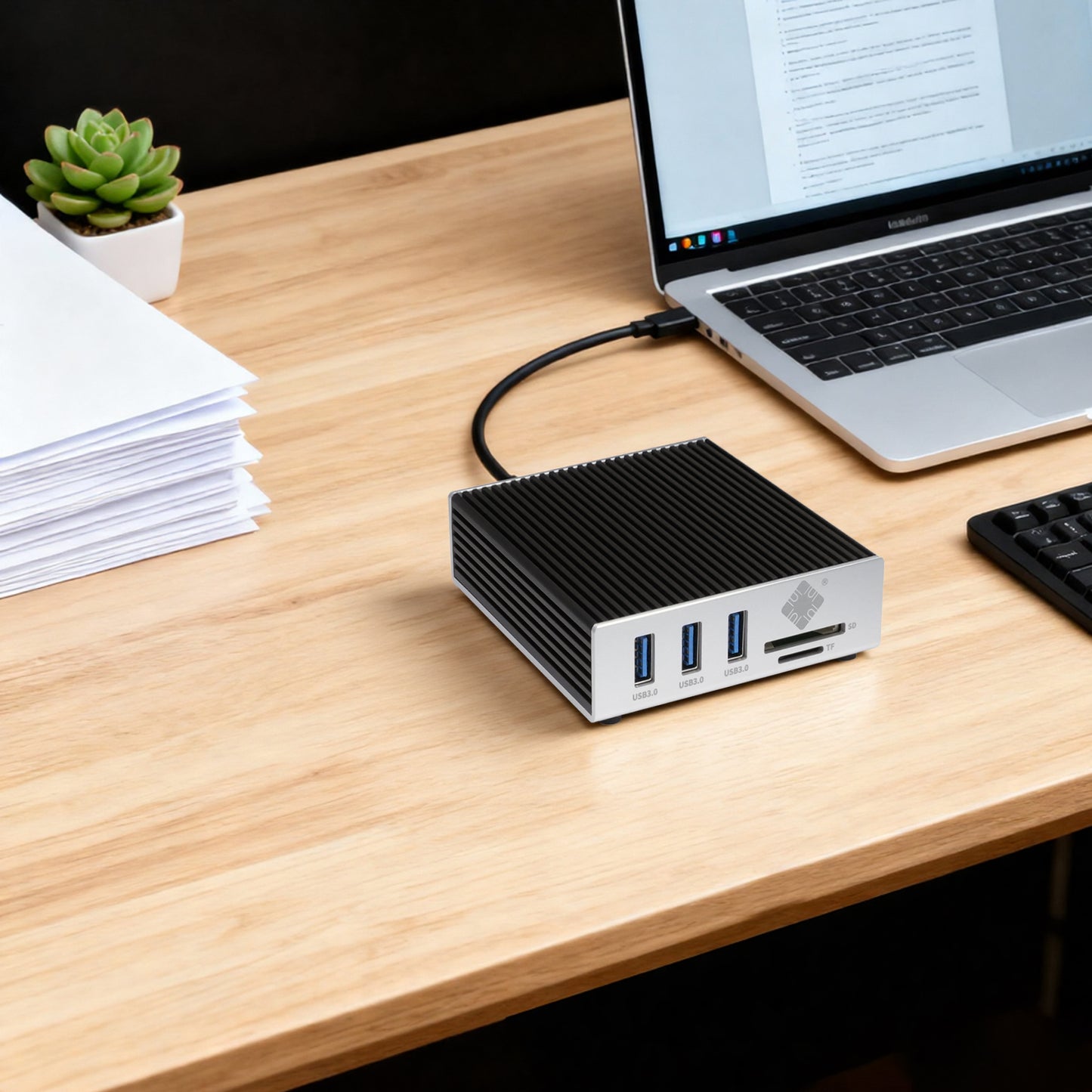
<p><strong>Q:</strong> 10Gb Ethernet chips typically run hot. How is the thermal performance of this hub under long-term heavy loads?<br><strong>A:</strong> 10Gb chips do generate heat during high-volume data transmission. To address this, this docking station uses a full aluminum alloy striped, wave-patterned housing (wave-style heat sink design), which significantly increases the surface area for air contact. The aluminum alloy body serves as an integrated heat sink that rapidly conducts internal heat away from the chips. This keeps temperatures within a safe operating range and is a key design feature to ensure stable, long-duration 10Gb networking without disconnections or speed drops.</p>
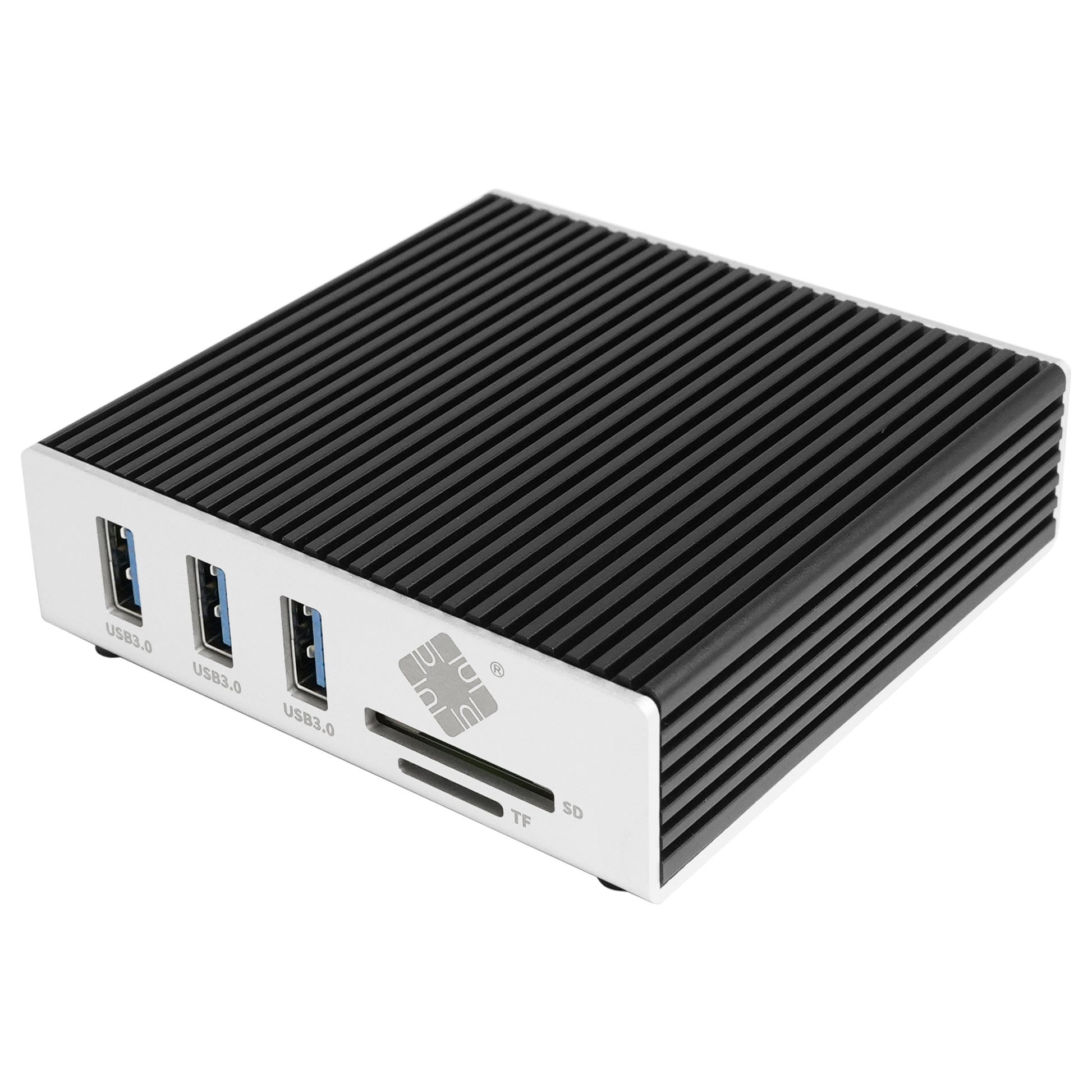
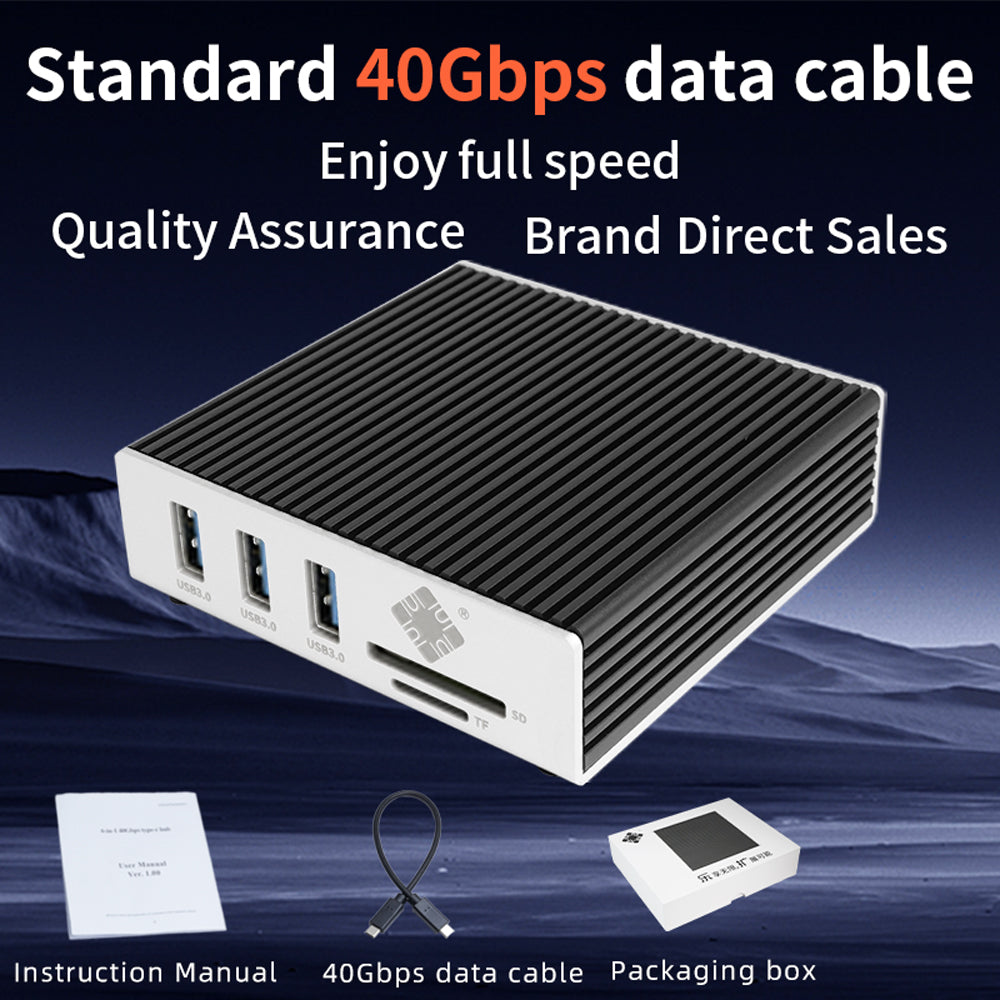
<p><strong>Q:</strong> What is included in the package? What are the specifications of the included cable?<br><strong>A:</strong> The package includes: 1 × Lekuo USB4 6-in-1 Docking Station (Model: DTB3R61) and 1 × specialized 40Gbps high-speed USB4 data cable. For optimal performance, we highly recommend using this included premium cable or a certified Thunderbolt 4/USB4 cable to ensure stable power delivery and full bandwidth.</p>
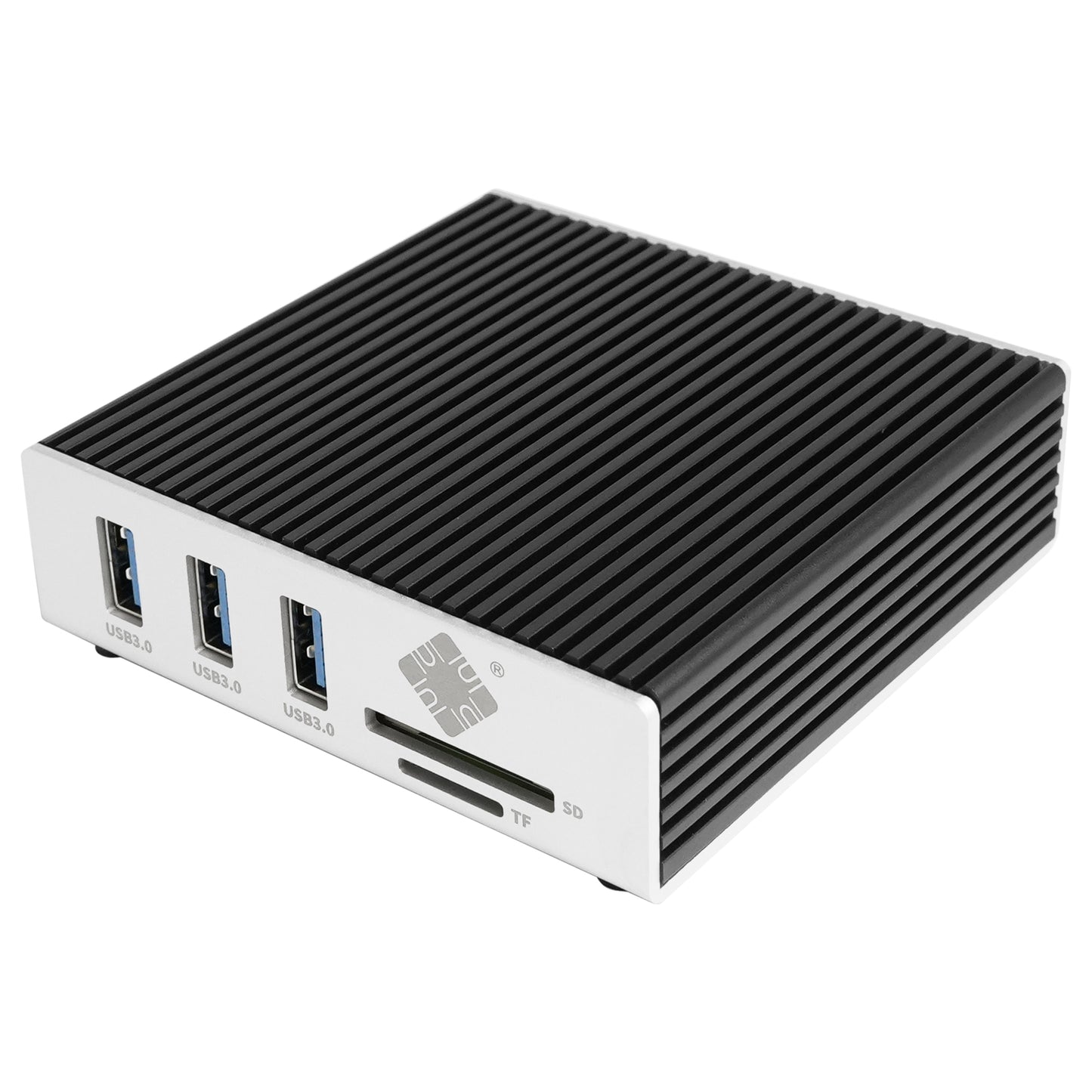
<p><strong>Q:</strong> What is the speed of the 3x USB-A ports? Can they be used to charge phones or run external hard drives?<br><strong>A:</strong> The 3x USB-A expansion ports conform to the USB 3.0 standard (5Gbps), making them ideal for high-speed portable SSDs, flash drives, keyboards, and mice. Because the hub is bus-powered, these ports are optimized primarily for data transfer. They are not recommended for fast-charging smartphones or tablets, and if you plan to connect multiple power-hungry external mechanical hard drives, ensure your host laptop can supply sufficient current through its USB-C port.</p>
<p><strong>Q:</strong> If the network port is not recognized in Windows 10/11 or Linux, where can I download the driver?<br><strong>A:</strong> When using a 10GbE network port on Windows 10/11 or Linux, if the system does not automatically include the driver for the 10Gb network card, you can directly visit the driver download section on the product page to download the latest driver for Windows/Linux with one click. After installation, simply restart the system to ensure the 10Gb network is properly recognized.</p>