
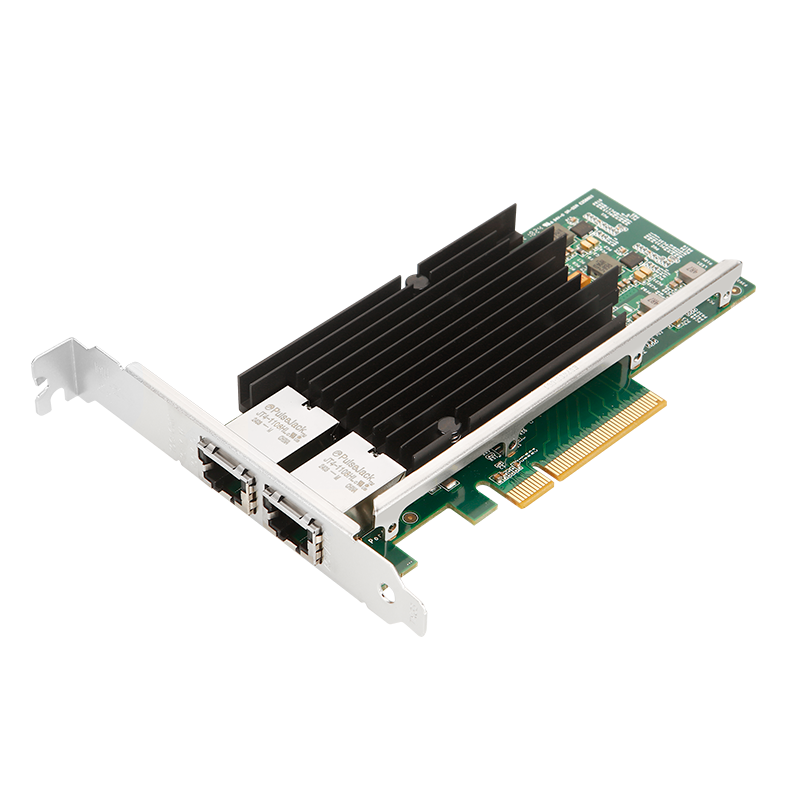
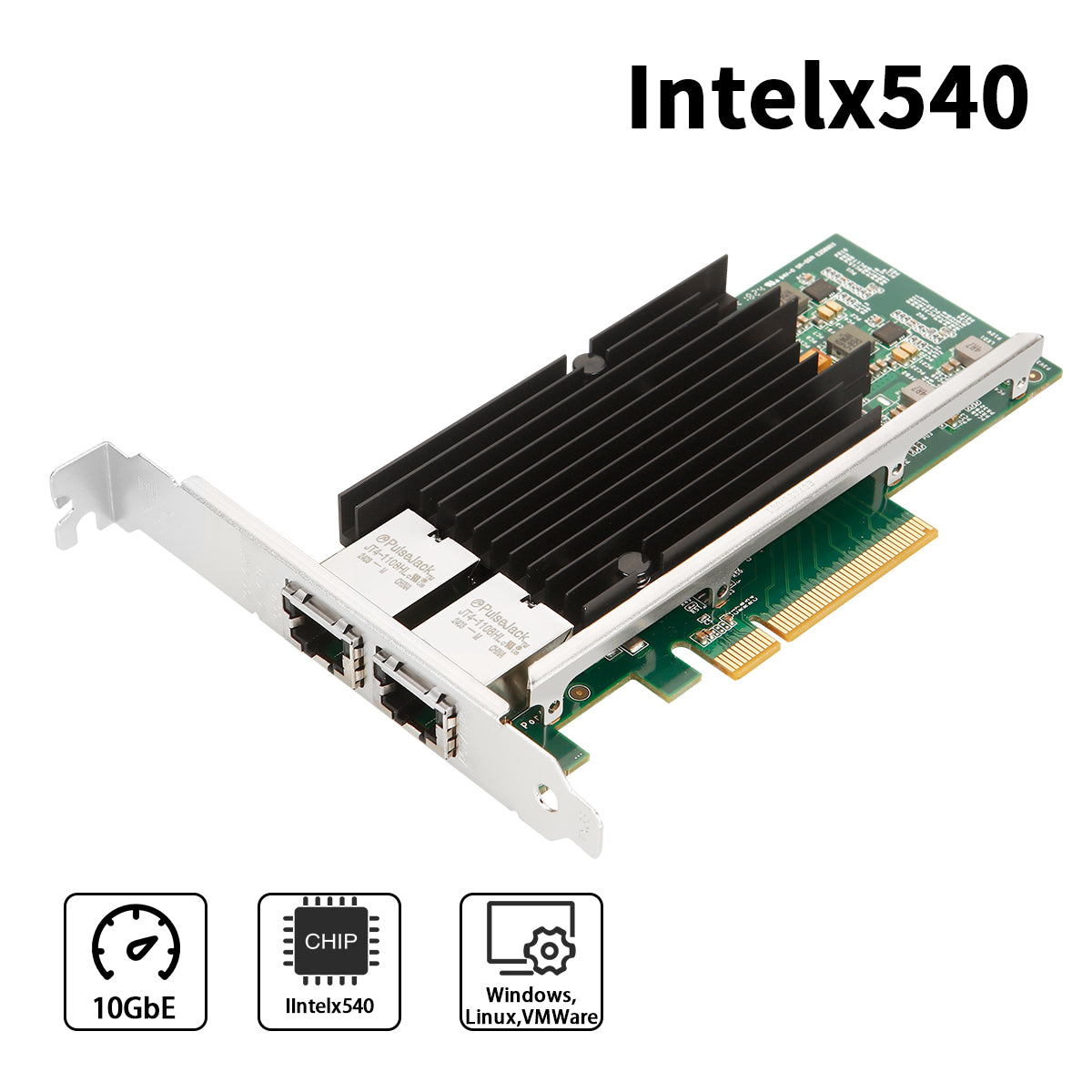
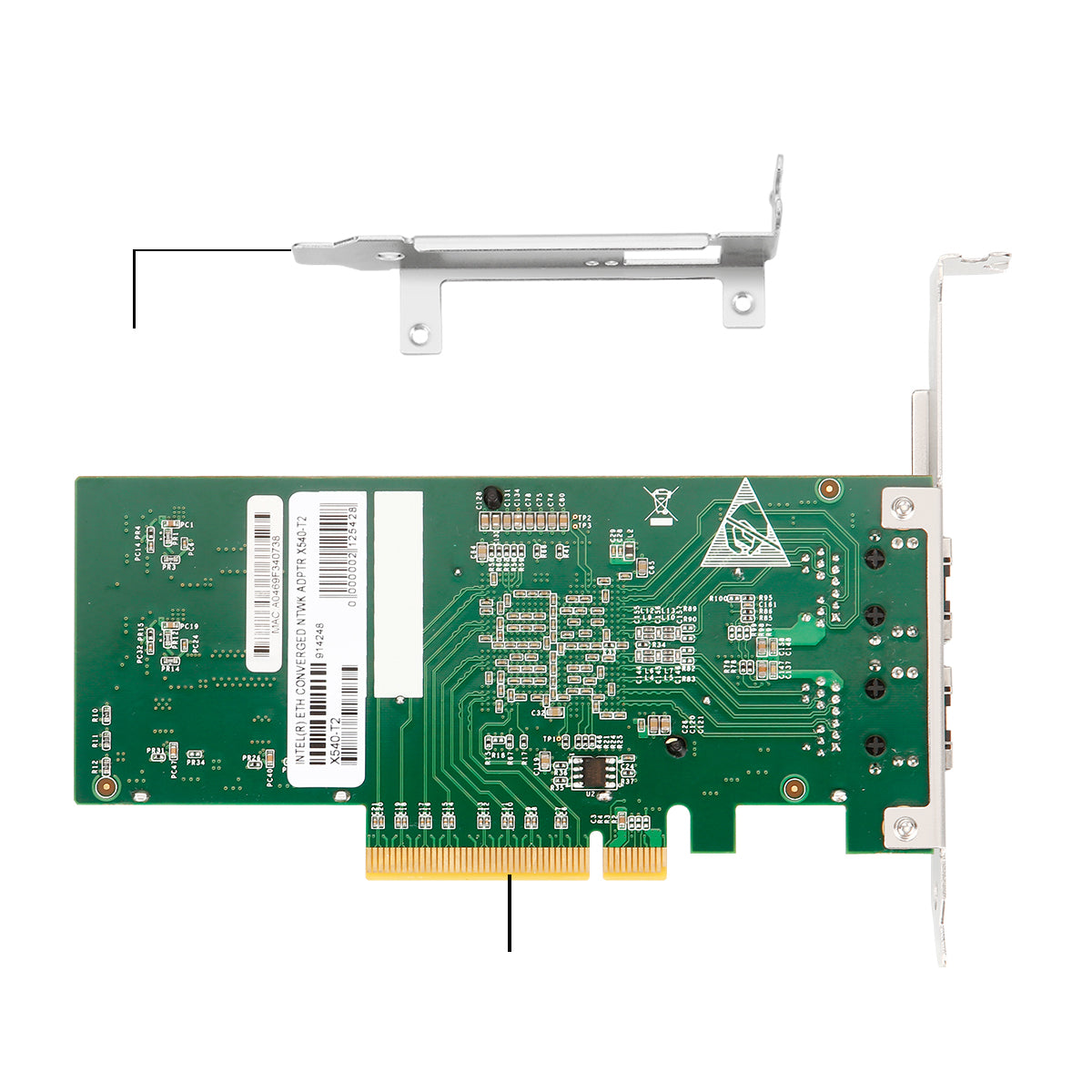
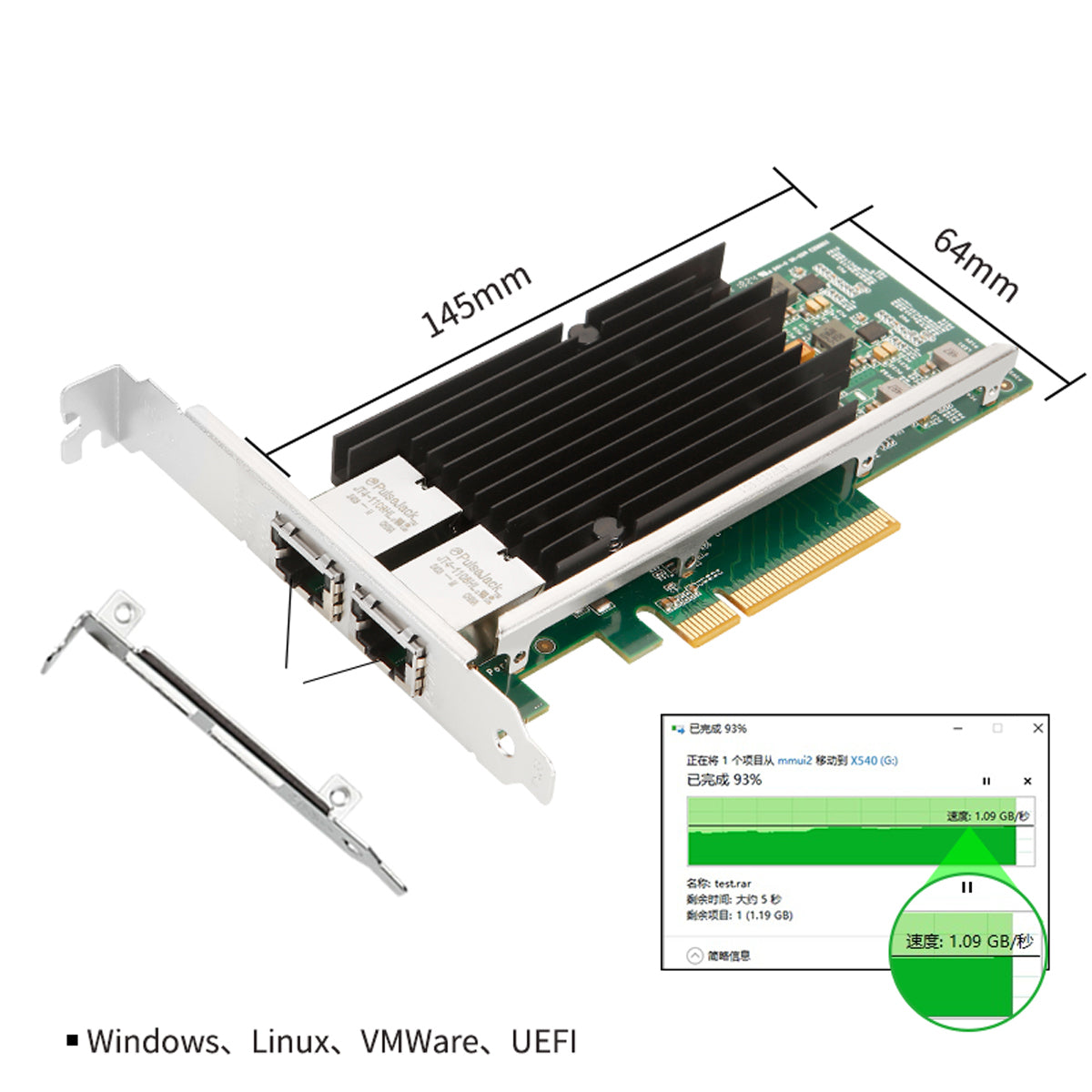
Intel X540 Dual-Port 10GbE Network Card
Professional-Grade PCIe x8 Network Adapter for Enterprise & High-Performance Computing
📥 Driver Download
Download the latest Intel X540 drivers for optimal performance
⬇️ Download Driver PackageCompatible with Windows, Linux, FreeBSD & VMware ESXi
📋 Technical Specifications
| Brand | Lekuo |
| Model Number | PI40R21 |
| Chipset | Intel X540 |
| Interface | PCIe 3.0 x8 (Compatible with x8/x16 slots) |
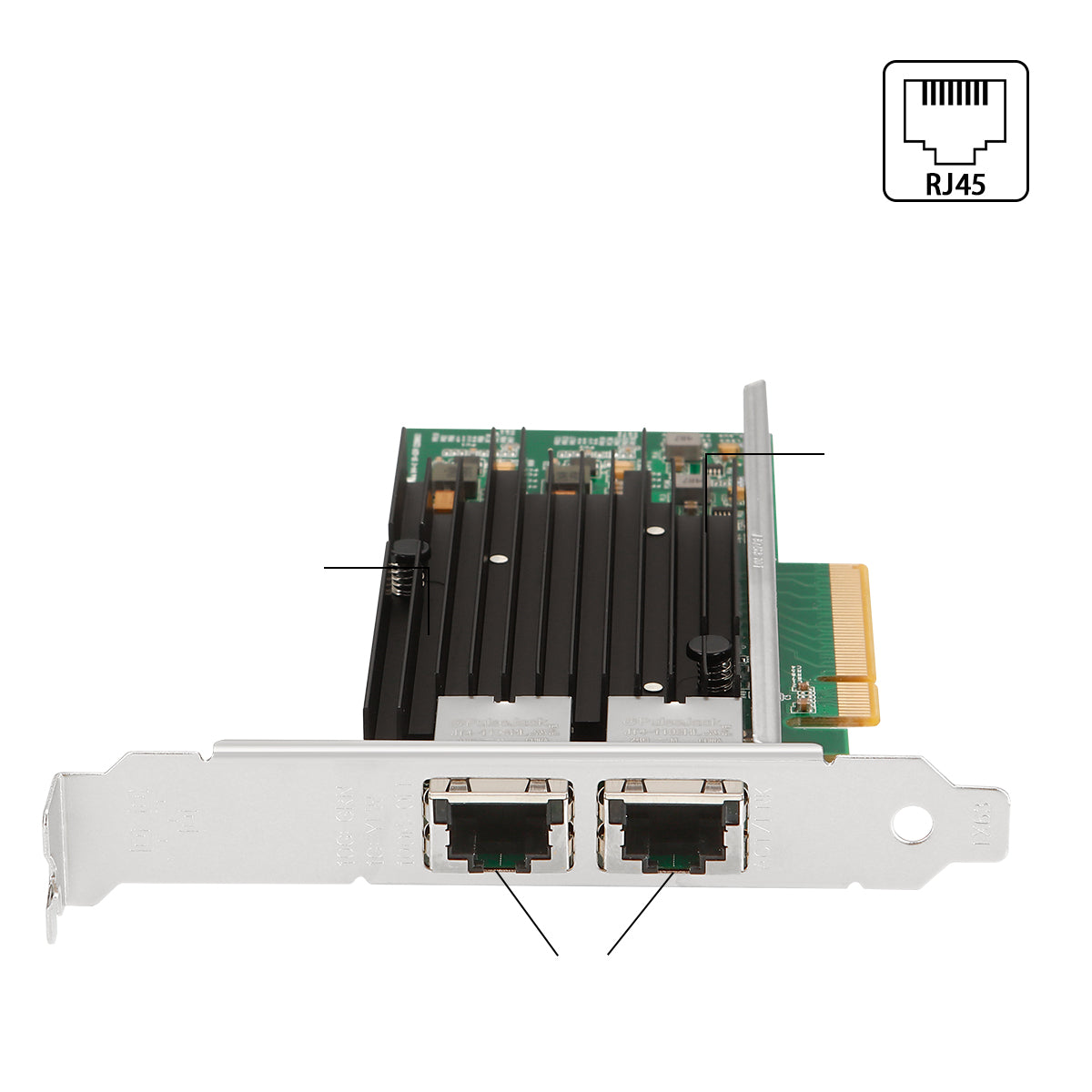
| Port Configuration | 2 × RJ45 10GbE Ports |
| Transfer Rate | 10Gbps per port |
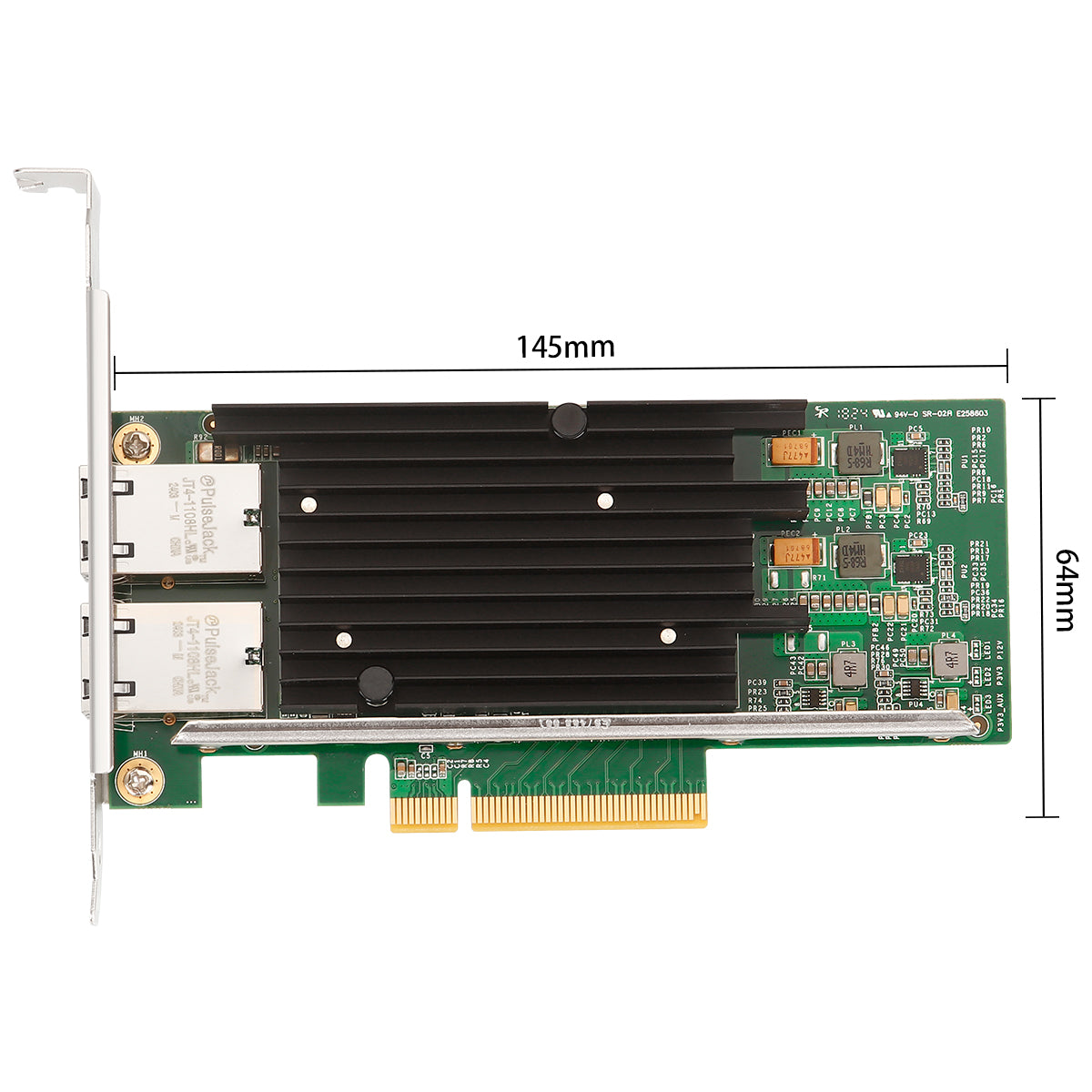
| Dimensions | 145 × 64mm |
| Weight | 134.2g (Net) / 230.7g (Gross) |
🚀 Why Choose the PI40R21?
⚡ Eliminate Network Bottlenecks
Tired of waiting for large file transfers? Frustrated by sluggish NAS performance? The PI40R21 delivers 10× faster speeds than Gigabit Ethernet, transferring a 100GB 4K video project in just 80 seconds instead of 13 minutes. Perfect for content creators, video editors, and professionals who can't afford to waste time.
🎮 Zero-Latency Gaming & Streaming
Competitive gamers and streamers demand ultra-low latency. With Intel's advanced traffic management and hardware offloading, the PI40R21 ensures sub-millisecond response times even under heavy network load. Stream 4K gameplay while downloading updates without a single dropped frame.
☁️ Enterprise Virtualization Ready
Running VMware ESXi, Proxmox, or Hyper-V? The PI40R21's SR-IOV and VMDq technologies allow you to assign dedicated network resources to each virtual machine, eliminating the "noisy neighbor" problem. Deploy up to 128 virtual functions across your VMs for true network isolation and predictable performance.
🔒 Bank-Grade Security Built-In
Protect sensitive data with hardware-accelerated MACsec encryption (IEEE 802.1AE) that secures network traffic at line speed without performance degradation. Ideal for financial institutions, healthcare providers, and enterprises handling confidential information.
⚡ Key Features
🔧 Controller & Performance
- Intel X540 Controller
- PCIe v2.1 (5.0 GT/s)
- 10GbE/1GbE/100Mb Auto-Negotiation
- 5.0 GT/s, x8 Lane Width
- Low Power: 12.5W TDP
🌐 Network Capabilities
- 100Base-T / 1000Base-T / 10GBase-T
- Jumbo Frame Support (9KB)
- IEEE 802.3az Energy Efficient Ethernet
- Flow Control (IEEE 802.3x)
- VLAN Tagging (IEEE 802.1Q)
☁️ Virtualization & Storage
- Intel® Virtualization Technology (VT-c)
- SR-IOV (Single Root I/O Virtualization)
- VMDq (Virtual Machine Device Queues)
- iSCSI / FCoE / NFS Support
- Ethernet over Fibre Channel
🔒 Advanced Security
- MACsec (IEEE 802.1AE) Encryption
- IEEE 1588 Precision Time Protocol
- On-Chip QoS & Traffic Management
- Flexible Port Partitioning
- Intelligent Offloading
💻 System Compatibility
Operating Systems:
- Windows 7 / 8 / 8.1 / 10 / 11
- Windows Server 2008 / 2012 / 2016 / 2019 / 2022
- Linux (Kernel 2.6+)
- FreeBSD
- VMware ESXi 5.x / 6.x / 7.x
- UEFI Boot Support
🌡️ Environmental Specifications
| Operating Temperature: | 0°C to 55°C (32°F to 131°F) |
| Storage Temperature: | -40°C to 70°C (-40°F to 158°F) |
| Storage Humidity: | 90% non-condensing @ 35°C |
📦 Package Contents
- ✅ 1 × PI40R21 Dual-Port 10G Network Card
- ✅ 1 × Low-Profile Bracket (for compact chassis)
- ✅ 1 × User Manual
❓ Frequently Asked Questions
Q: Can I use this card in a PCIe x4 slot?
A: No, the PI40R21 requires a physical PCIe x8 or x16 slot. While it's electrically compatible with PCIe 2.0/3.0/4.0, it will not fit in x1 or x4 slots due to the physical card size. For best performance, use a PCIe 3.0 x8 slot or higher.
Q: Do I need a 10G switch to use this card?
A: Yes, to achieve 10Gbps speeds, you need a 10G-capable switch or router. However, the card supports auto-negotiation and will work at 1Gbps or 100Mbps with standard switches. For direct PC-to-PC or PC-to-NAS connections, you can use a 10G DAC (Direct Attach Copper) cable without a switch.
Q: What type of Ethernet cables do I need?
A: For 10Gbps speeds, use Cat6a or Cat7 cables (recommended for runs up to 100 meters). Cat6 cables work for shorter distances (up to 55 meters at 10Gbps). Cat5e is NOT recommended as it only supports 10G up to 45 meters and may experience signal degradation.
Q: Does this work with TrueNAS / Unraid / Proxmox?
A: Yes! The Intel X540 chipset has excellent Linux driver support and is widely used in NAS and virtualization environments. It's fully compatible with TrueNAS (Core & Scale), Unraid, Proxmox VE, XCP-ng, and other Linux-based platforms. Drivers are typically included in the kernel (ixgbe module).
Q: How much power does this card consume?
A: The PI40R21 has a typical power consumption of 12.5W under full load. It does NOT require additional PCIe power connectors - it draws all power from the PCIe slot itself. Ensure your power supply has adequate capacity for your entire system.
Q: Can I use both ports simultaneously?
A: Absolutely! Both RJ45 ports can operate at full 10Gbps simultaneously, providing a total aggregate bandwidth of 20Gbps. You can configure them for link aggregation (LACP/bonding), separate networks, or failover redundancy depending on your needs.
Q: Is driver installation required for Windows?
A: Windows 10/11 and Server 2016+ include inbox drivers for the Intel X540, so the card should work immediately after installation. However, we recommend downloading the latest drivers from Intel's website for optimal performance and access to advanced features like SR-IOV and VMDq.
Q: Does this support Wake-on-LAN (WoL)?
A: Yes, the Intel X540 chipset supports Wake-on-LAN functionality. You'll need to enable it in your BIOS/UEFI settings and configure it in your operating system's network adapter properties. Note that WoL requires the system to remain connected to power.
Q: What's the difference between this and SFP+ cards?
A: This card uses RJ45 copper ports with standard Ethernet cables, while SFP+ cards use fiber optic or DAC cables. RJ45 is more convenient for shorter distances (up to 100m) and works with existing Cat6a/Cat7 infrastructure. SFP+ is better for longer distances (up to 300m with fiber) and data center environments. Choose RJ45 for office/home use, SFP+ for data centers.
🎯 Perfect For
Enterprise Servers • NAS & SAN Storage • Virtualization Hosts • High-Frequency Trading • 4K/8K Video Editing • Data Centers • Scientific Computing • Competitive Gaming