
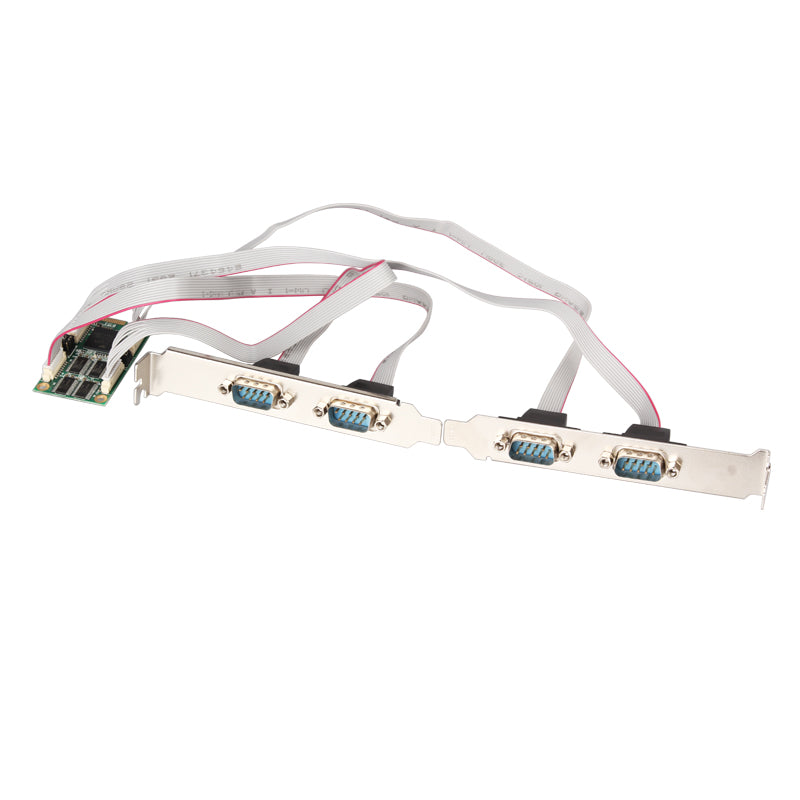
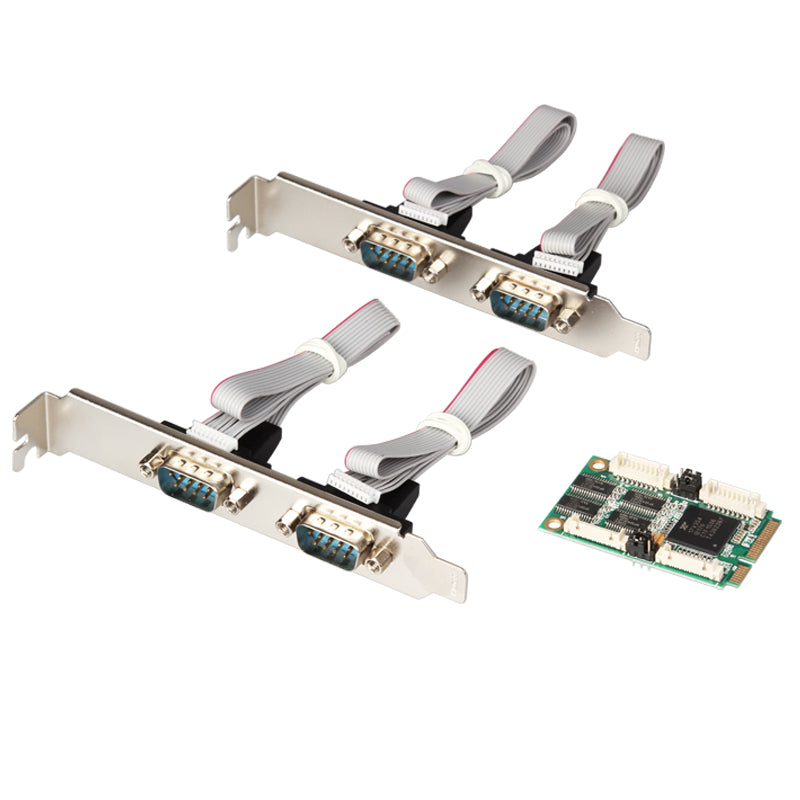
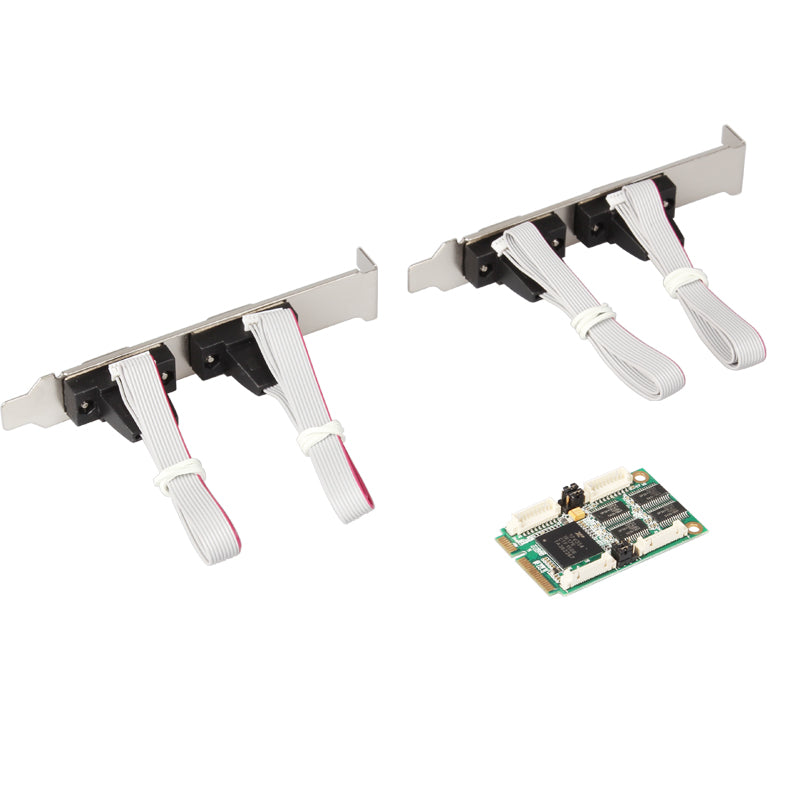
🔌 Professional 4-Port RS-232 Serial Expansion Card for Industrial Applications
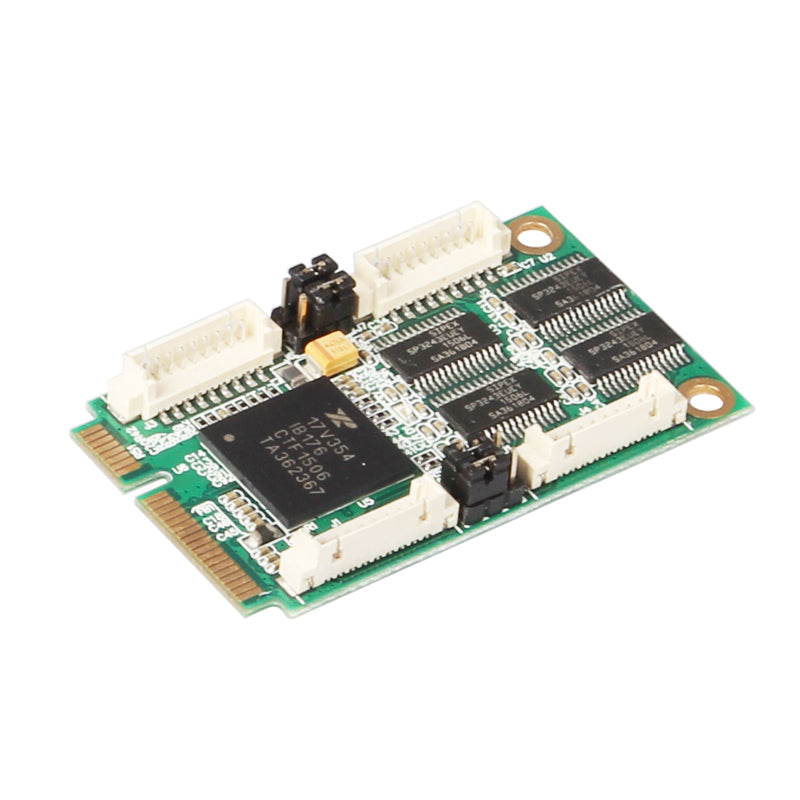
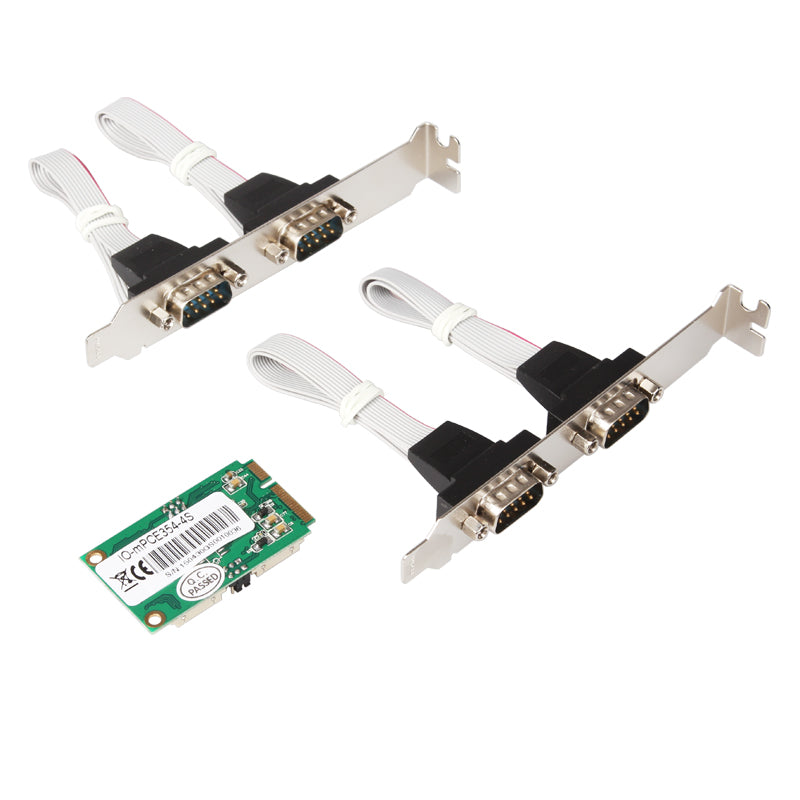
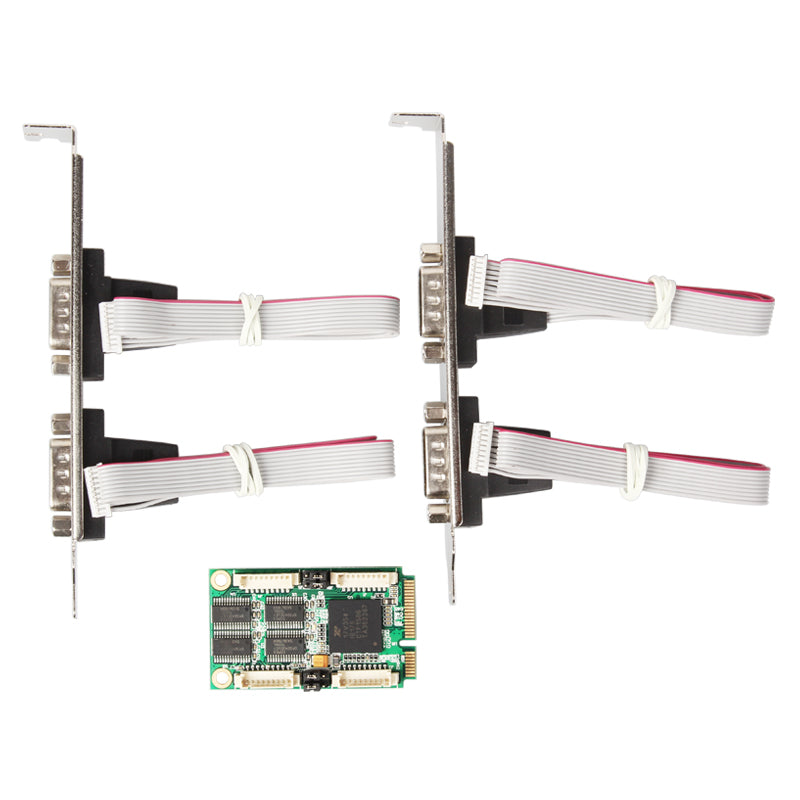
The Lekuo Mini PCIe 4-Port RS-232 Serial Card delivers reliable serial communication for embedded systems, automation, and server environments. Featuring the XR17V354 chipset with 15KV ESD protection, this expansion card ensures stable data transmission in demanding conditions.
📋 Mini PCIe RS-232 Card Technical Specifications
✨ Key Features of XR17V354 Serial Card
🛡️ Enhanced Reliability
15KV ESD protection and extended temperature range (-40°C to 85°C) ensure stable operation in harsh environments
⚡ High-Speed Communication
Data transfer rates up to 921.6Kbps for efficient serial data transmission
🔧 Flexible Configuration
Multiple flow control options and UART settings adapt to various application requirements
💚 Power Efficient
Sleep mode with wake-up indicator reduces power consumption when idle
🖥️ Wide Compatibility
Supports Windows Server, Windows desktop, and Linux operating systems
📦 Compact Design
Mini PCIe form factor (50x30mm) fits seamlessly into embedded systems
🎯 Ideal Applications for RS-232 Serial Port Expansion
📦 Package Contents
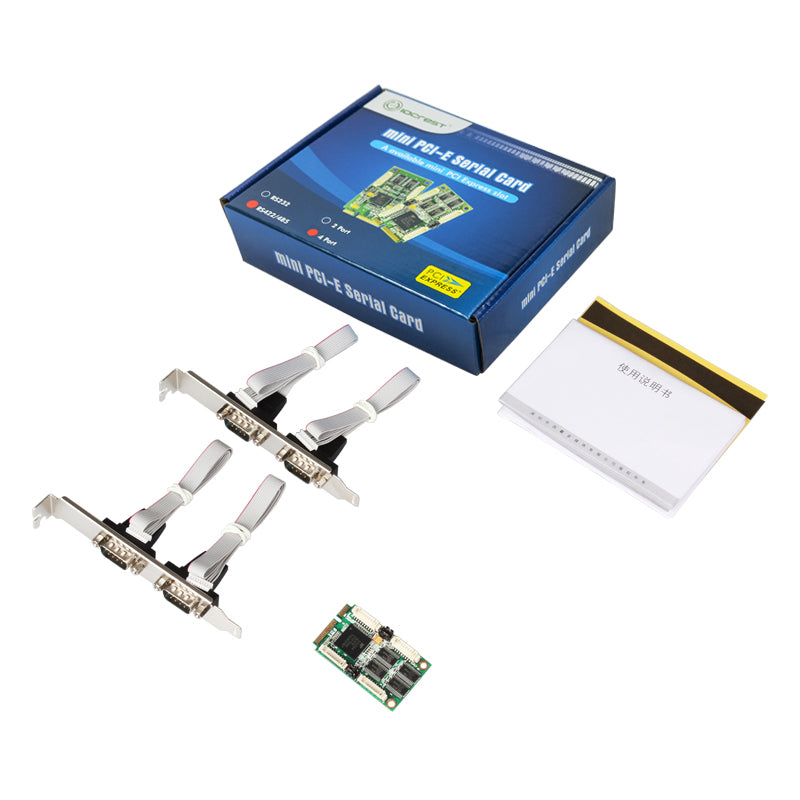
- ✅ 1 x Mini PCIe 4-Port RS-232 Serial Card
- ✅ Driver CD (also available for download above)
- ✅ Installation Guide
❓ Frequently Asked Questions - Mini PCIe Serial Card
Q: Does this card require external power?
A: No, the card is powered directly through the Mini PCIe slot. No external power supply is needed.
Q: Is this compatible with my motherboard?
A: This card requires a standard Mini PCIe slot (PCIe 2.0 Gen 1 or newer). Please verify your motherboard has an available Mini PCIe slot before purchasing. It's compatible with most embedded boards, mini-ITX motherboards, and server platforms.
Q: Can I use all 4 ports simultaneously?
A: Yes, all 4 RS-232 ports can operate simultaneously at full speed (up to 921.6Kbps per port) without performance degradation.
Q: What cable type do I need for RS-232 connections?
A: We recommend using twisted-pair cable or shielded cable for optimal signal integrity. Standard DB9 serial cables are compatible with the RS-232 ports.
Q: Do I need to install drivers?
A: Yes, drivers are required for proper operation. Download the latest driver package from the link above. The driver supports Windows (XP through 10, Server editions) and Linux (kernel 2.6.27 and newer).
Q: What is the maximum cable length for RS-232?
A: RS-232 standard supports cable lengths up to 15 meters (50 feet) at maximum baud rate. For longer distances, consider using RS-422 or RS-485 converters.
Q: Does this card support hot-swapping?
A: No, Mini PCIe devices are not designed for hot-swapping. Please power down your system before installing or removing the card.
Q: What warranty is included?
A: This product comes with a standard manufacturer warranty. Please contact us for specific warranty terms and support.