
🔧 Driver Download Required
Download the official JMB582/585/586/5810/5824 driver package for optimal performance and compatibility.
📥 Download Driver Package✓ Official driver package | ✓ Safe & verified | ✓ Free download
📋 Product Specifications
| Model | IO-MPE40150 |
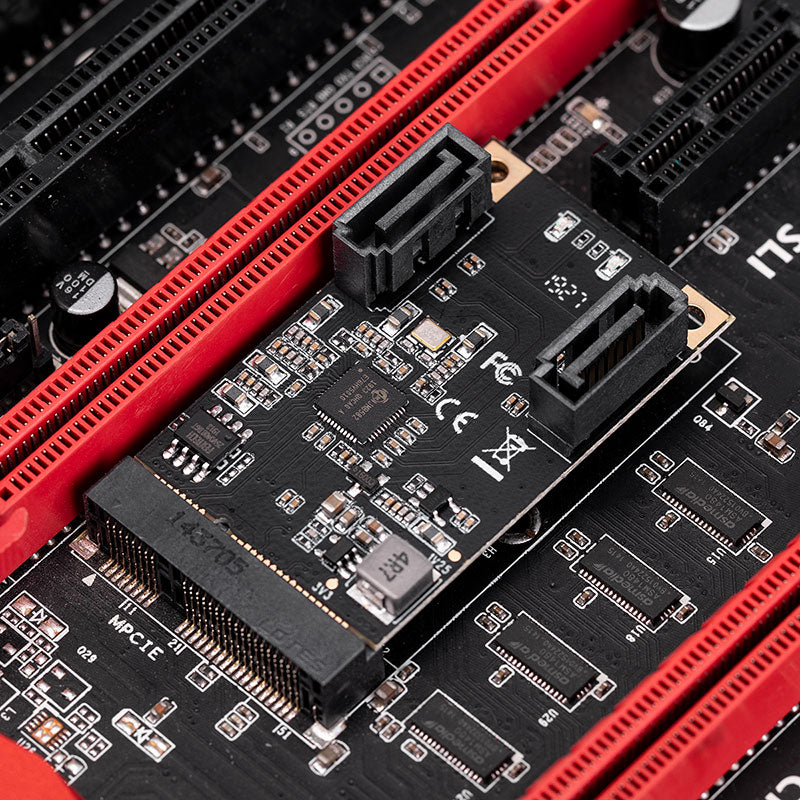
| Interface | Mini PCI Express Rev. 1.2, PCIe Base Spec 3.1a |
| Bus Type | PCI Express, 1 lane |
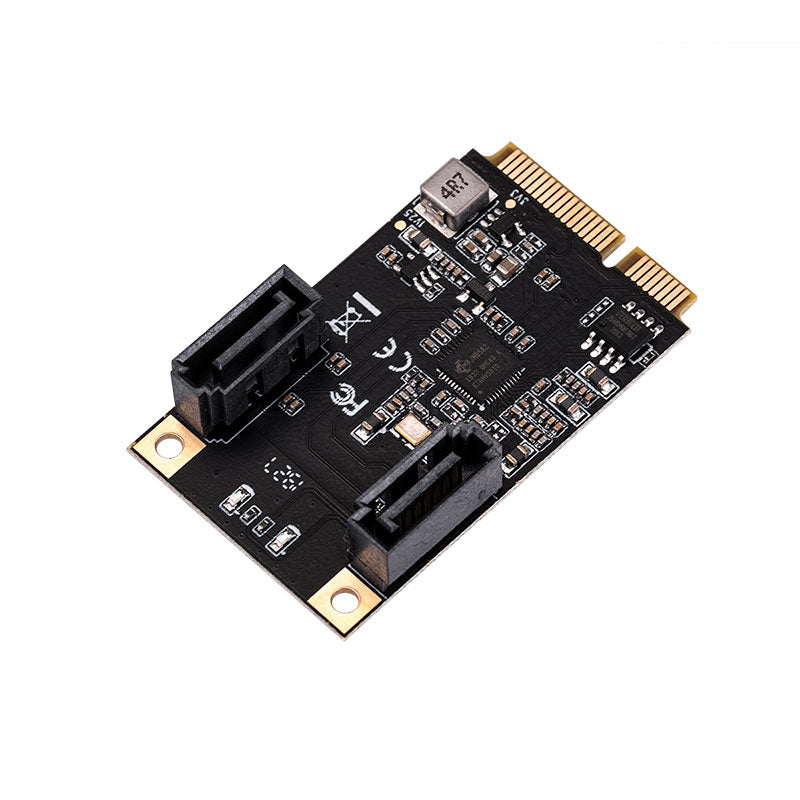
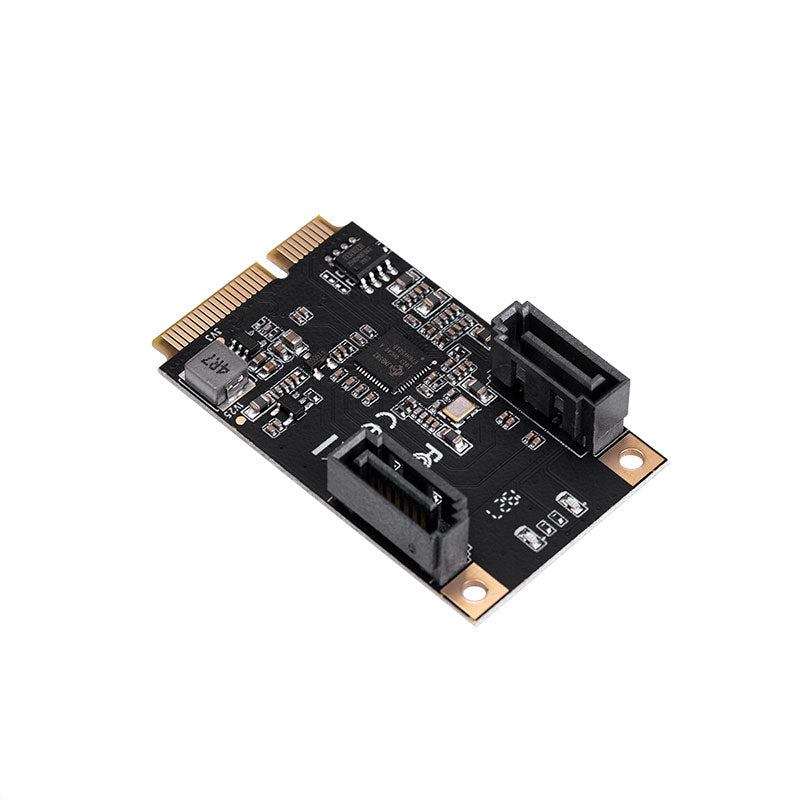
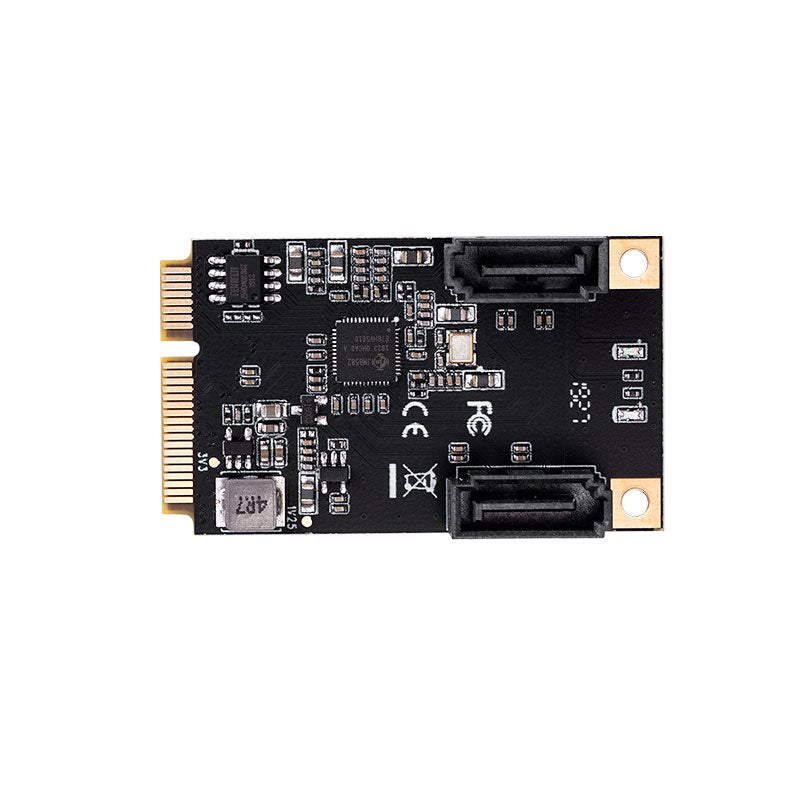
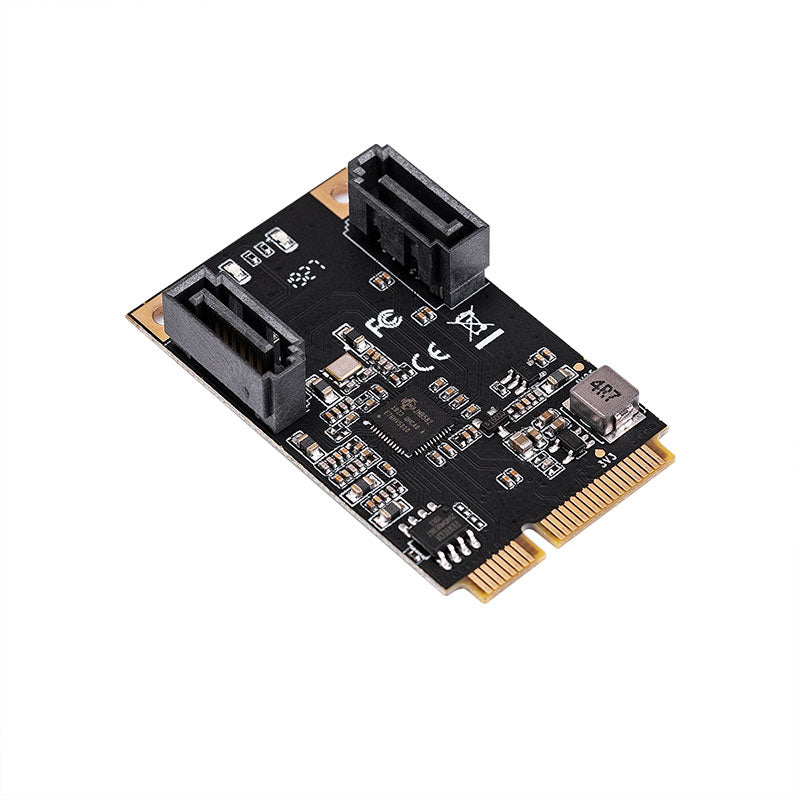
| SATA Ports | 2 × SATA III (6.0 Gbps, backward compatible with 3.0 Gbps / 1.5 Gbps) |
| Transfer Rate | 6.0 Gbps / 3.0 Gbps / 1.5 Gbps |
| Port Multiplier | Supported (command-based and FIS-based) |
| Modes | AHCI mode and IDE programming interface |
| Dimensions | 50 × 30 mm |
| OS Compatibility | Windows 7/8/10 (x86/x64), Linux-based OS, UEFI |
✨ Key Features
- Mini PCI Express, Rev. 1.2
- Supports one lane of PCI Express
- Complies with PCI Express Base Specification Revision 3.1a
- Supports PCIe link layer power saving mode
- Supports 2 SATA ports
- Complies with SATA Specification Revision 3.2
- Supports command-based and FIS-based for Port Multiplier
- Supports AHCI mode and IDE programming interface
- Supports Native Command Queue (NCQ)
- Supports SATA link power saving mode (partial and slumber)
- Supports SATA plug-in detection capable
- Supports drive power control and staggered spin-up
- Supports SATA Partial / Slumber power management state
💻 System Requirements
- Windows 7 (X86/X64)
- Windows 8/8.x / 10 (X86/X64) - Windows in-box driver
- Linux-based OS
- UEFI
📦 Package Contents
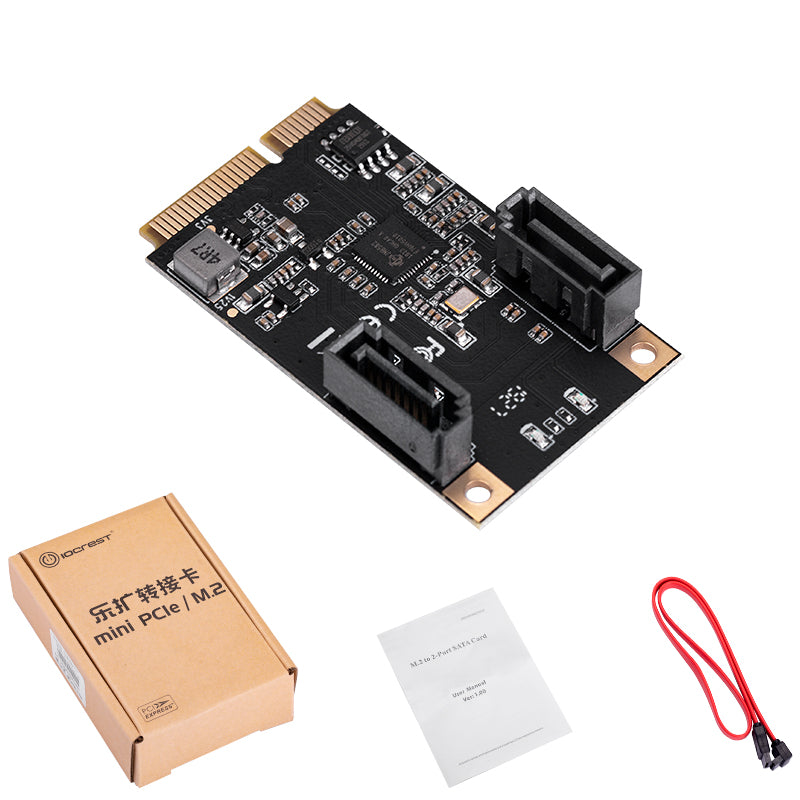
- 1 × Mini PCIe to 2-Port SATA Card
- 1 × User Manual
- 1 × SATA Cable
Note: Contents may vary depending on country/market
❓ Frequently Asked Questions
Q: Is this adapter compatible with my laptop?
A: This adapter is compatible with any device that has a Mini PCI Express slot. It's commonly found in laptops, compact PCs, and embedded systems. Please check your device specifications to confirm it has a Mini PCIe slot available.
Q: Do I need to install drivers?
A: Yes, please download and install the driver package from the download button above for optimal performance.
Q: Can I use both SATA ports simultaneously?
A: Yes! This adapter supports 2 SATA ports simultaneously, allowing you to connect two SSDs or HDDs at the same time. Both ports support full SATA III 6Gbps speeds.
Q: What is the maximum storage capacity supported?
A: There is no capacity limitation from the adapter itself. The maximum capacity depends on your operating system and motherboard chipset. Modern systems support drives of 10TB or larger per port.
Q: Does this work with NVMe SSDs?
A: No, this adapter is designed for SATA drives only (SSDs and HDDs with SATA interface). It does not support NVMe protocol. For NVMe drives, you would need an M.2 NVMe adapter instead.
Q: Is the SATA cable included?
A: Yes, the package includes 1 SATA cable. If you plan to use both ports, you may need to purchase an additional SATA cable separately.
Q: Does it support hot-plug (hot-swap)?
A: Yes, this adapter supports SATA hot-plug detection, allowing you to connect or disconnect drives while the system is running (if your operating system and BIOS support this feature).
Q: Will this work in a desktop PC?
A: Yes, as long as your desktop motherboard has a Mini PCI Express slot. However, most desktop motherboards use standard PCIe slots, so you may want to check our PCIe to SATA adapters instead for better compatibility.
Q: What's the difference between AHCI and IDE mode?
A: AHCI (Advanced Host Controller Interface) is the modern standard that supports advanced features like NCQ and hot-plug. IDE mode is a legacy compatibility mode. We recommend using AHCI mode for best performance and feature support.