
📥 Need drivers for Windows/Linux/Mac?
Download JMB582 Driver Package🎯 Perfect For
Expand storage capacity in Synology, QNAP, Asustor NAS devices
Multi-drive setups for video editing and content creation
Add SATA storage to compact servers with M.2 slots
Maximize storage options in custom PC builds
📋 Product Specifications
| Model | IO-ADA40149 |
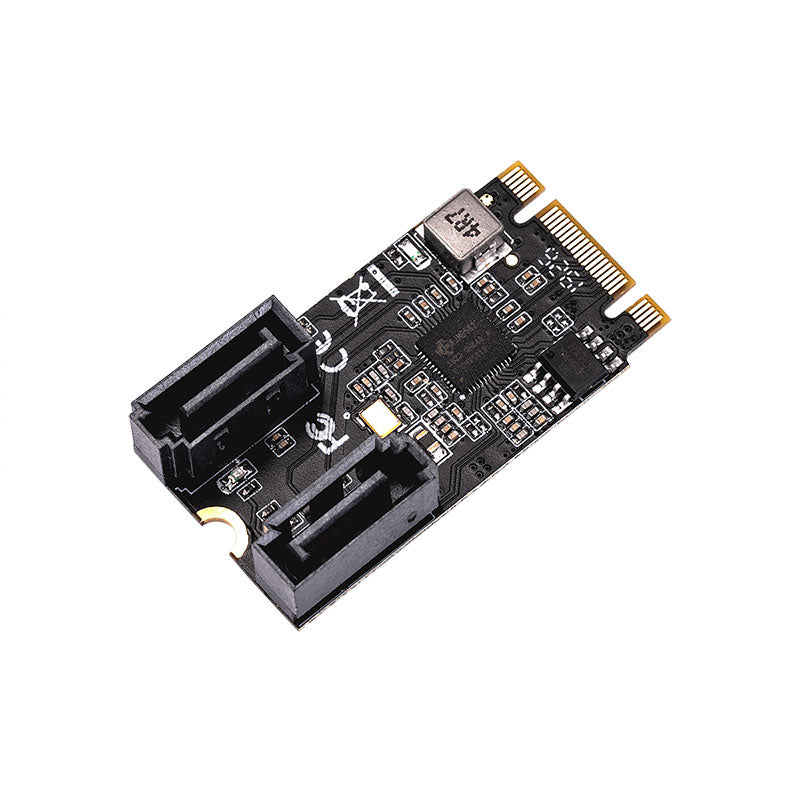
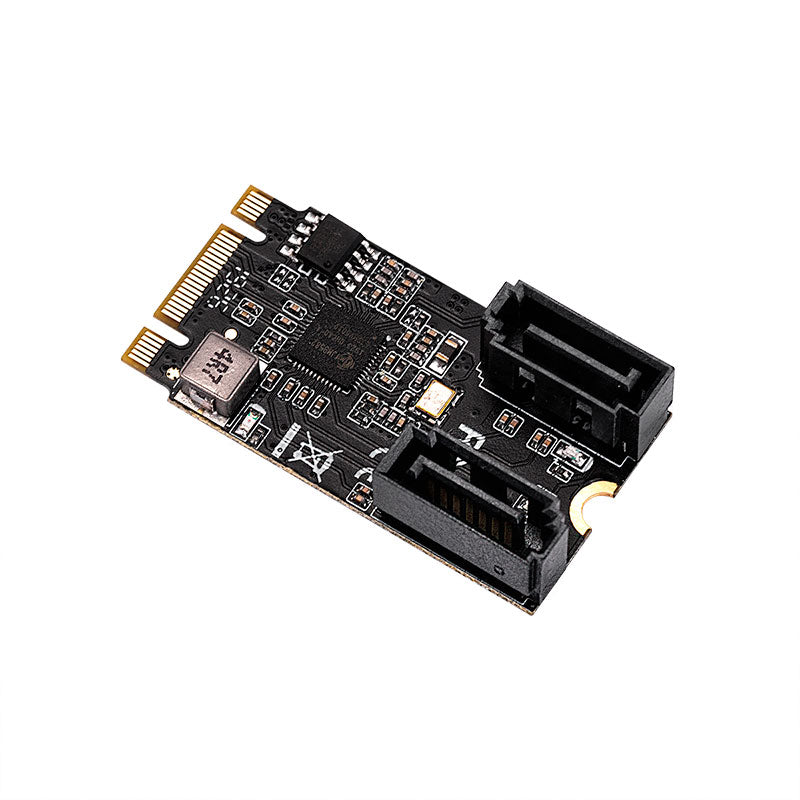
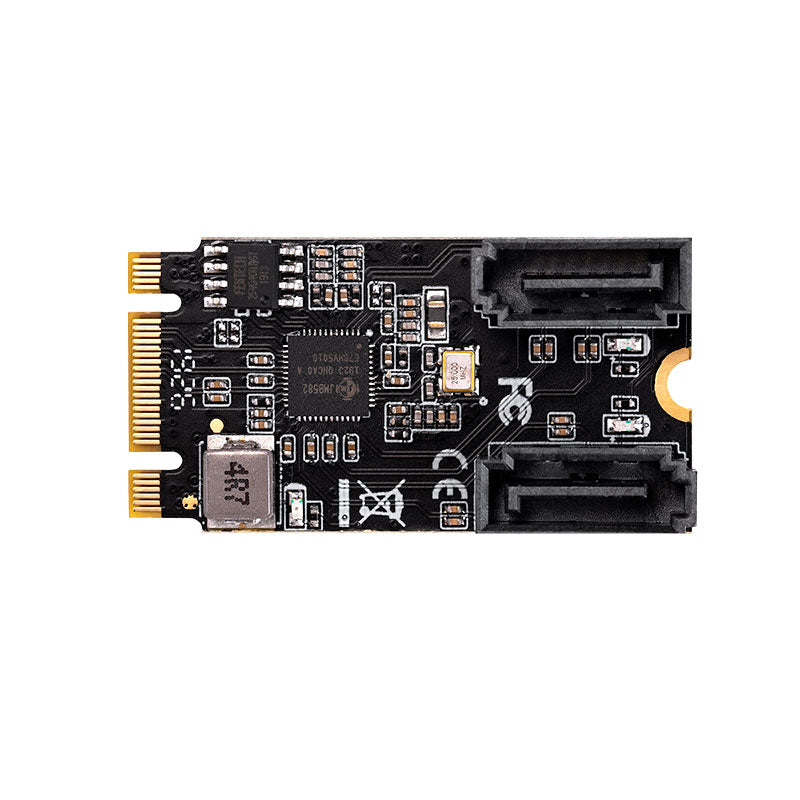
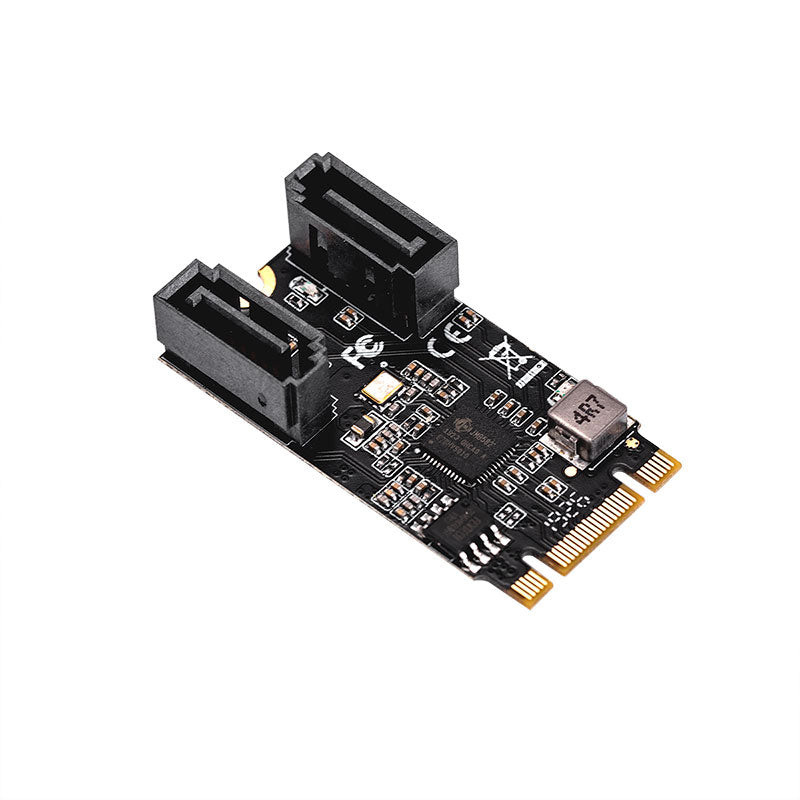
| Chipset | JMicron JMB582 |
| Interface | PCI Express Base Specification Rev. 3.1a, M.2 B+M Key |
| Bus Type | PCI Express (1 Lane) |
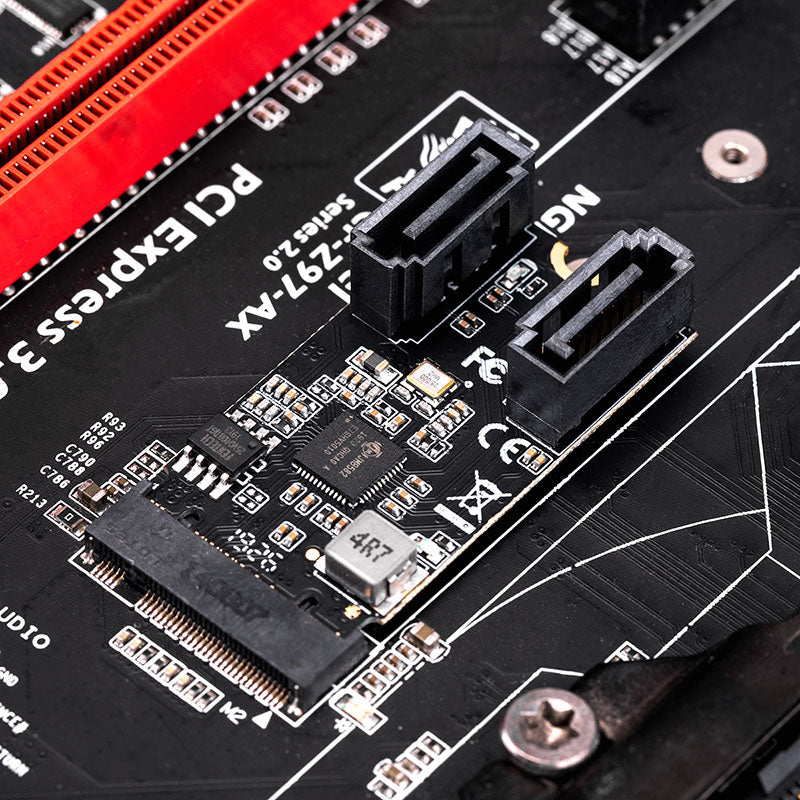
| Number of Ports | 2 x SATA III Ports |
| Data Transfer Rate | Up to 6Gbps (SATA 3.0), backward compatible with 3Gbps/1.5Gbps |
| Key Features | AHCI mode, NCQ, Hot Plug, Hot Swap, Port Multiplier |
| Dimensions | 22 x 42 mm (M.2 2242) |
| OS Compatibility | Windows XP/7/8/10/11, Linux, Mac, NAS |
| Power Management | SATA Partial/Slumber mode, PCIe power saving |
📦 Package Contents
- ✓ 1 × M.2 to 2-Port SATA Card
- ✓ 1 × User Manual
- ✓ 1 × SATA Cable
⚡ Technical Features
- ✓ PCI Express Base Specification Rev. 3.1a
- ✓ PCIe link layer power saving mode
- ✓ Dual SATA III 6Gbps ports
- ✓ M.2 B+M Key interface
- ✓ SATA Specification Rev. 3.2 compliant
- ✓ Port Multiplier support (FIS & Command-based)
- ✓ AHCI mode & IDE programming interface
- ✓ Native Command Queue (NCQ)
- ✓ Hot Plug & Hot Swap capable
- ✓ Drive power control & staggered spin-up
- ✓ Advanced power management (Partial/Slumber)
💻 System Requirements
- ✓ Windows 7/8/8.1/10/11 (X86/X64) - in-box driver support
- ✓ Linux-based operating systems
- ✓ UEFI firmware
❓ Frequently Asked Questions
Q: Will this adapter work with my motherboard's M.2 slot?
A: This adapter uses M.2 B+M Key interface and requires a PCIe-based M.2 slot (not SATA-based M.2). Check your motherboard manual to confirm your M.2 slot supports PCIe mode. Most modern motherboards with M.2 slots are compatible.
Q: Do I need to install drivers?
A: For Windows 8/10/11, drivers are built-in and will install automatically. For Windows 7 or older systems, you may need to download and install the JMB582 driver package (link provided above). Linux and Mac systems typically have native support.
Q: Can I use both SATA ports simultaneously?
A: Yes! This adapter supports 2 independent SATA III ports, allowing you to connect two SATA drives (SSD or HDD) at the same time, each running at up to 6Gbps speed.
Q: Does this support hot-swap functionality?
A: Yes, the JMB582 chipset supports hot-plug and hot-swap, meaning you can connect or disconnect SATA drives while the system is running (if your OS and drives support it).
Q: What's the difference between M.2 B Key, M Key, and B+M Key?
A: B+M Key means this adapter is compatible with both B-keyed and M-keyed M.2 slots. The physical notch allows it to fit in most M.2 slots, but your slot must support PCIe mode (not just SATA mode) for this adapter to work.
Q: Can I boot from drives connected to this adapter?
A: Yes, if your motherboard BIOS/UEFI supports booting from PCIe-based storage devices. You may need to enable the option in BIOS settings. Boot support varies by motherboard manufacturer.
Q: Will this work in a NAS system?
A: Yes, this adapter is compatible with many NAS systems that have available M.2 PCIe slots. Popular brands like Synology, QNAP, and Asustor NAS devices with M.2 expansion slots should work, but verify your specific model supports PCIe-based M.2 cards.
Q: What is the maximum capacity of drives I can connect?
A: There is no capacity limitation from the adapter itself. You can connect any SATA III SSD or HDD regardless of capacity. The limitation, if any, would come from your operating system or motherboard.
📌 Note: Package contents may vary depending on country/market