๐ Product Overview
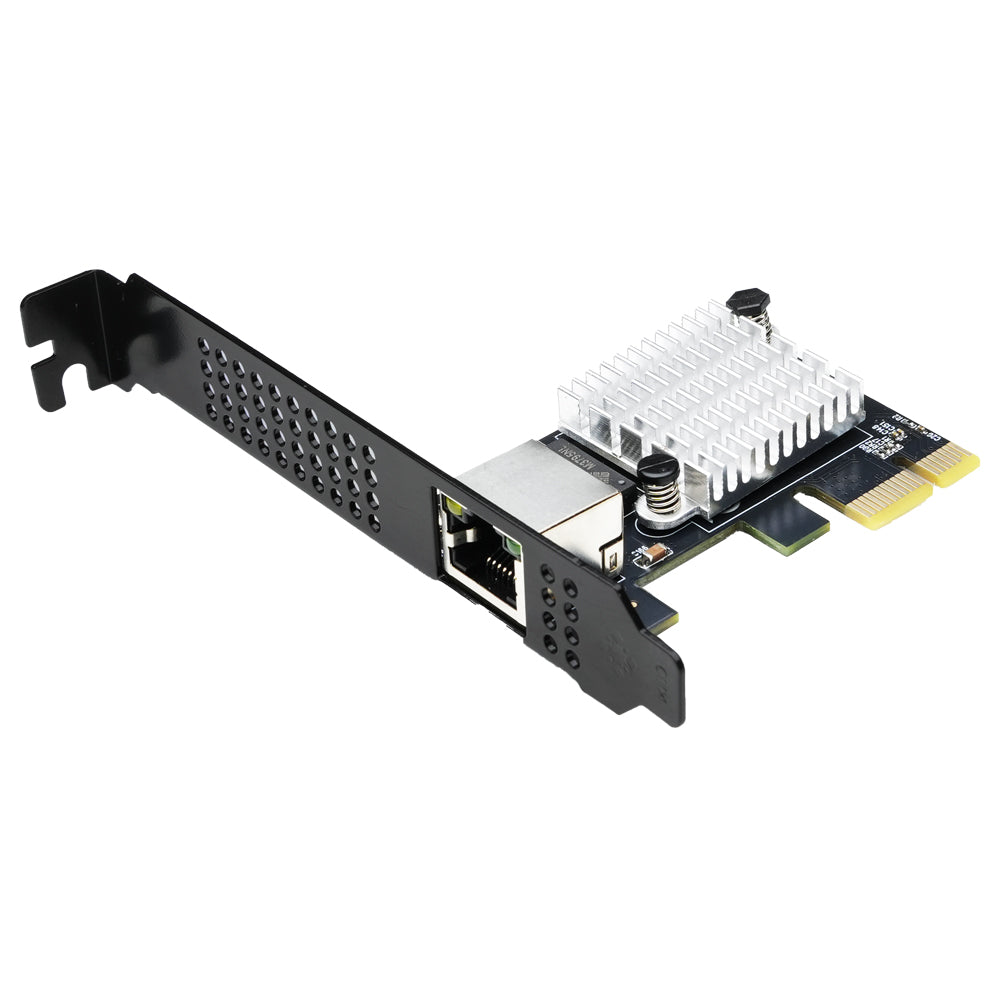
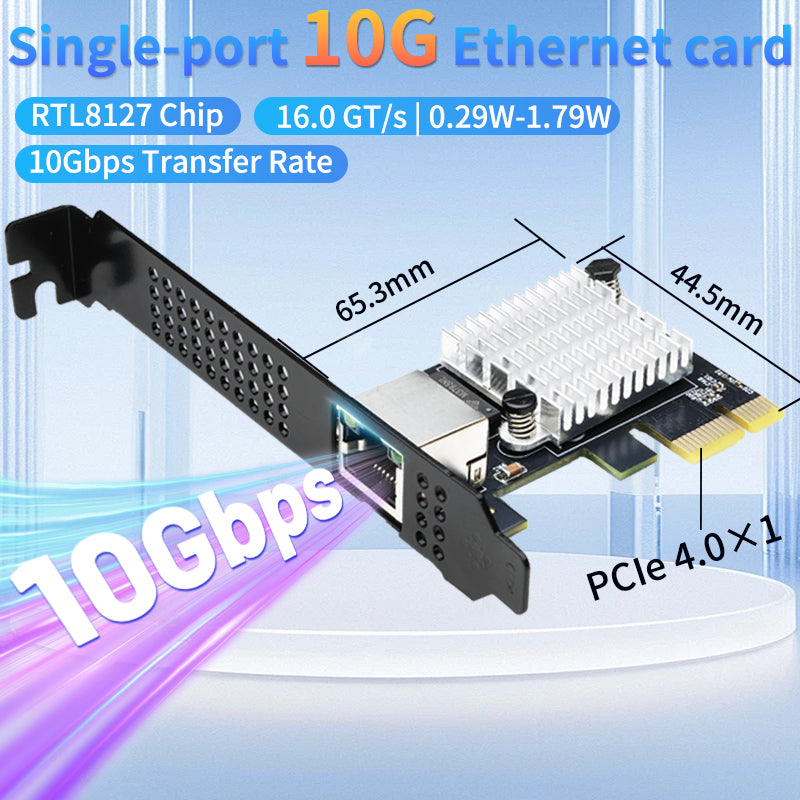
The Lekuo PR27R11 is a high-performance 10 Gigabit Ethernet network adapter featuring the Realtek RTL8127 chipset. With its compact PCIe Gen4 x1 form factor and 10Gbps data transfer capability, this network card provides a professional networking solution for systems requiring high-speed network connectivity.

โจ Key Features
- โก 10Gbps Speed: Supports data transfer rates up to 10 Gigabits per second (10GBASE-T)
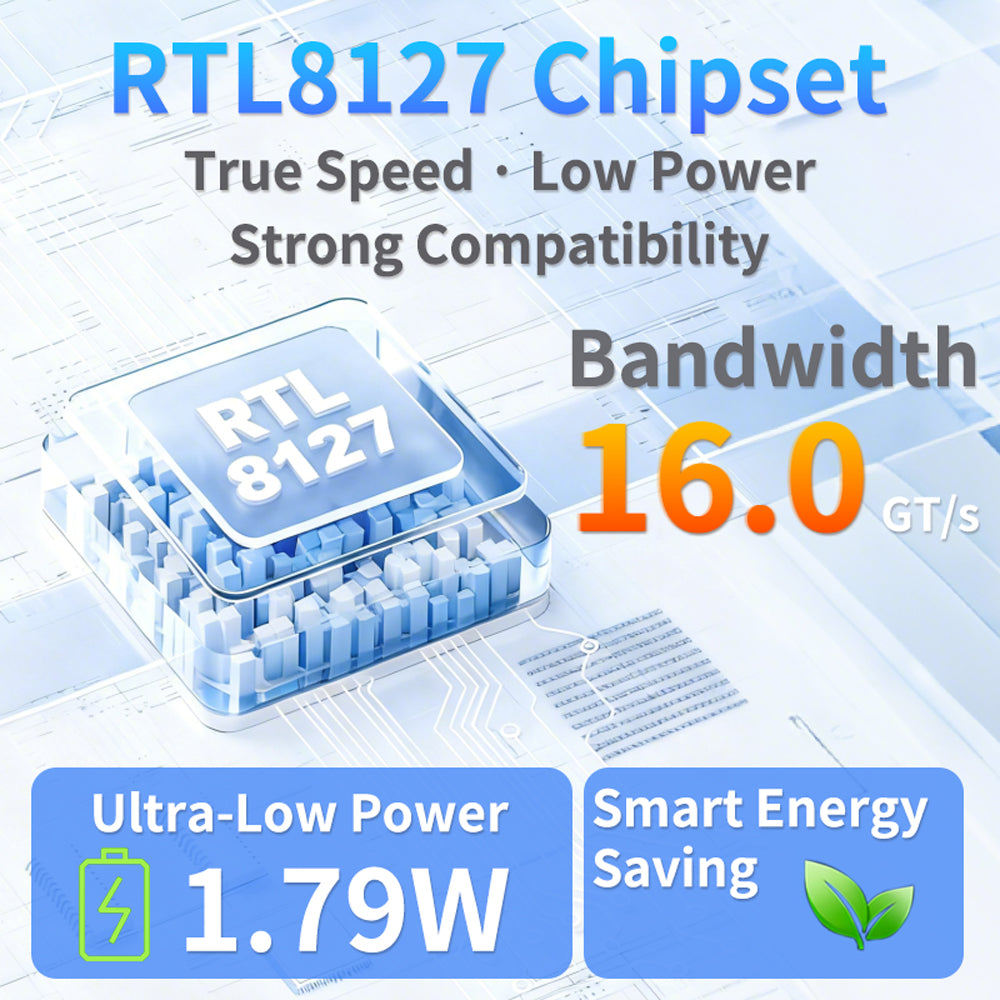
- ๐ง RTL8127 Chipset: Realtek RTL8127 controller for reliable network performance
- ๐ PCIe Gen4 x1: Latest generation PCIe 4.0 x1 interface, compatible with x1, x4, x8, and x16 slots
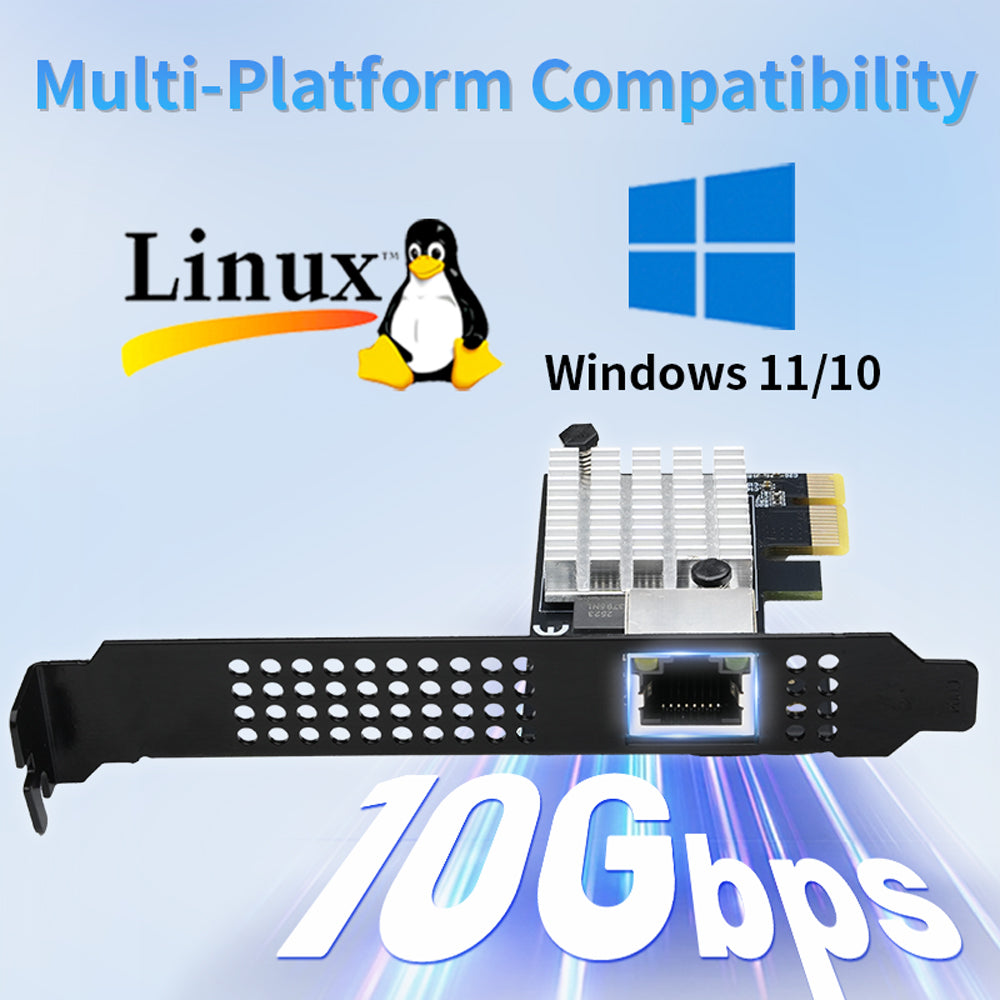
- ๐ป OS Support: Compatible with Windows 10/11 and Linux (Kernel 3.x and above)
- ๐ RJ45 Port: Standard RJ45 Ethernet connector
- ๐ก Low Power: No additional power connector required
- ๐ High Bandwidth: Supports PCIe Gen4 x1/x4/x16 bus specifications with single lane speed up to 16.0 GT/s. Compatible with 10G/5G/2.5G/1G/100M network standards for versatile high-speed transmission
- ๐ฅ Easy Driver Download: Latest drivers available for download above - no CD required

๐ Technical Specifications
| Model | PR27R11 |
| Chipset | Realtek RTL8127 |
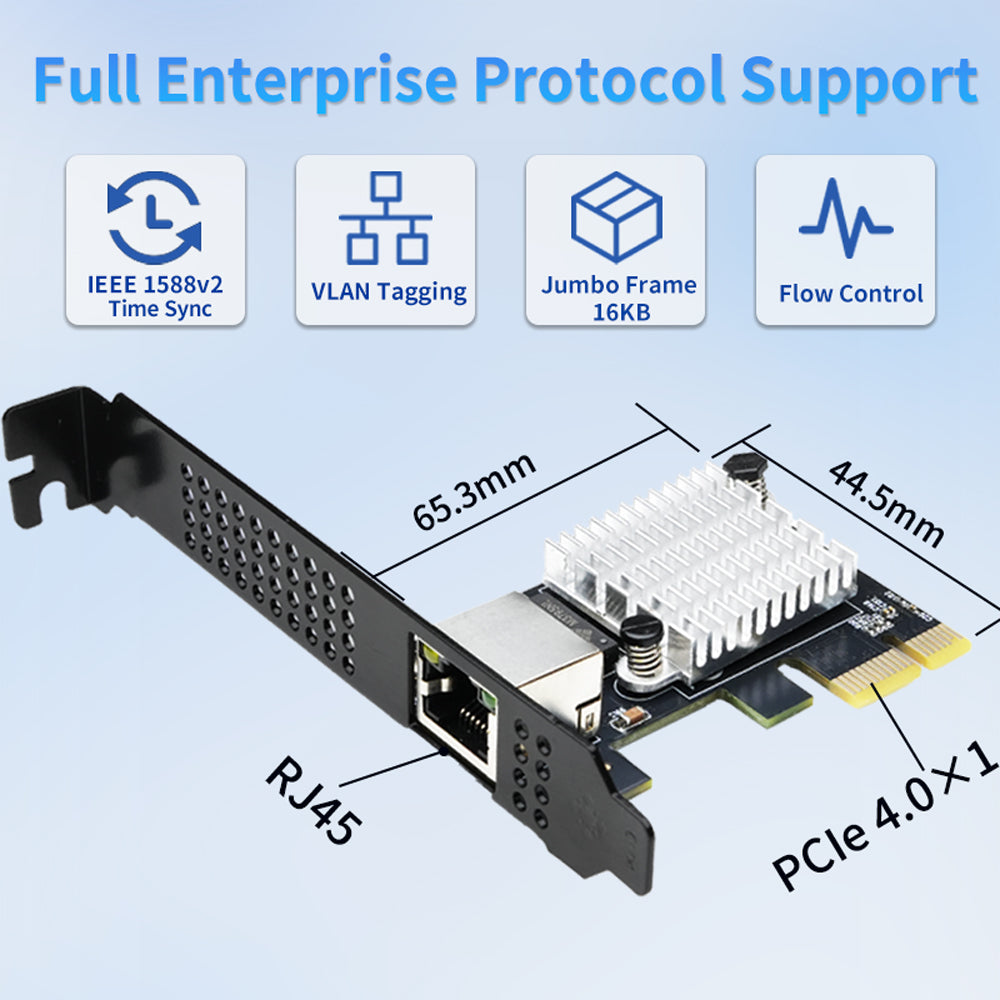
| Interface | PCIe 4.0 x1 (compatible with Gen3/Gen2, works in x1/x4/x8/x16 slots) |
| PCIe Speed | Up to 16.0 GT/s (PCIe 4.0) |
| Network Speed | 10G / 5G / 2.5G / 1G / 100M (auto-negotiation) |
| Port Type | 1 x RJ45 Ethernet Port |
| Operating Systems | Windows 10/11, Linux (Kernel 3.x+) |
| Form Factor | Low Profile / Standard Bracket Included |
| Power | Powered via PCIe slot (no additional connector required) |
๐ Multi-Speed Network Support
This network card automatically negotiates the best available speed with your network equipment, supporting multiple network standards:
๐ก Auto-Negotiation: The card automatically detects and connects at the highest speed supported by your network equipment, ensuring optimal performance in any environment.
๐ฆ Package Contents
- โ 1 x Lekuo 10G PCIe Gen4 x1 Network Card (PR27R11)
- โ 1 x Low Profile Bracket
- โ 1 x Quick Installation Guide
๐ก Driver Download: Drivers are available for download at the top of this page. No CD drive required!
๐ง Installation
- Download the driver from the link at the top of this page
- Power off your computer and disconnect the power cable
- Open the computer case
- Locate an available PCIe slot (x1, x4, x8, or x16)
- Insert the network card into the PCIe slot
- Secure the bracket with a screw
- Close the case and reconnect power
- Boot the system and install the downloaded driver
- Connect your Ethernet cable and enjoy high-speed networking!
๐ก Note: This card supports PCIe 4.0 but is backward compatible with PCIe 3.0, 2.0, and 1.0 systems. It will work in any PCIe slot generation.
โ Frequently Asked Questions
Q: What advantages does the Realtek RTL8127 chip in the Lekuo PR27R11 have over older Intel X550 or Aquantia chips?
A: Traditional 10G NICs (such as Intel X550/Aquantia AQC107) use older manufacturing processes, generate significant heat, and typically require active cooling fans. The Lekuo PR27R11, equipped with the Realtek RTL8127 chip, benefits from a much more advanced process, fundamentally solving the "overheating" pain point of 10G NICs, delivering more stable operation and lower failure rates.
Q: What is the actual power consumption of this NIC? Why is it called a power-saving marvel for home servers/NAS?
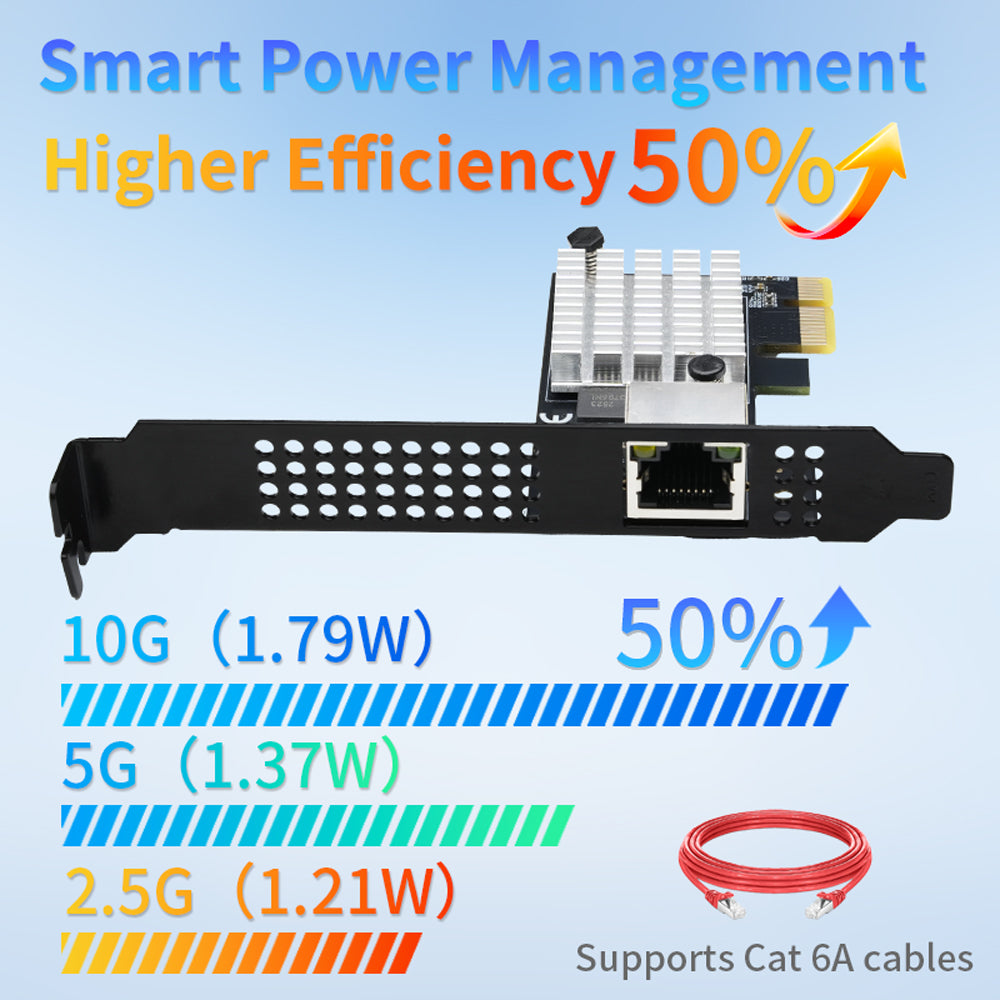
A: This NIC delivers outstanding power efficiency: typical consumption is only 1.79W in 10G mode, 1.37W in 5G mode, 1.21W in 2.5G mode, and just 0.92W in 1G mode. Compared to the Intel X550, it reduces energy consumption by nearly 40%. For 24/7 home NAS or soft routers, it not only saves electricity but also enables completely passive fanless (Fanless) silent operation.
Q: Why does this 10G NIC only require a PCIe 4.0 x1 slot? Can it fully saturate 10Gbps bandwidth?
A: Yes, absolutely. A single PCIe 4.0 x1 lane offers a theoretical bidirectional bandwidth of about 2GB/s (16Gbps), while full-speed 10GbE requires only about 1.25GB/s (10Gbps). Therefore, the x1 interface design delivers full 10G performance without occupying precious x4 or x8 slots.
Q: My older motherboard only has PCIe 3.0 or PCIe 2.0 slots. Can I use this PCIe 4.0 x1 NIC?
A: Yes, it works normally. This NIC is fully backward compatible with PCIe Gen3 and Gen2. It can be installed into any physical slot (x1, x4, x8, x16) on your motherboard. However, if plugged into a PCIe 3.0 x1 slot, the theoretical unidirectional bandwidth is about 985MB/s, so you might see a slight reduction in peak speed tests, but daily performance still far exceeds that of 2.5G NICs.
Q: Does the RTL8127 chip require driver tinkering in Proxmox VE (PVE) or Unraid virtualization systems?
A: Driver installation is required.
Q: Does the Lekuo PR27R11 support remote wake-up? How can it be implemented over a 10G network?
A: Yes. This NIC fully integrates Wake-On-LAN (WOL) remote wake-up functionality. Simply enable PCIe Device Wake Up and related options in your motherboard BIOS, and turn on "Allow this device to wake the computer" in the NIC's advanced properties within your operating system. You can then remotely wake your main workstation or storage server at any time by sending a Magic Packet over the LAN.
Q: Why does my internal network speed test or Windows network connection show only 1Gbps after installing this 10G NIC?
A: This is the most common hardware bottleneck in 10G networking. Please check the following four points in order:
1. Cable grade: 10G networks must use Cat6A (Augmented Category 6) or Cat7 (or above) shielded cables. Standard Cat6 cables cannot maintain 10G beyond 55 meters.
2. Physical port: Confirm that the switch or router port on the other end is a 10G port; if it's only Gigabit, the NIC will auto-negotiate down.
3. Driver not updated: On Windows, if the official RTL8127 driver is not properly installed, the NIC may run in generic Gigabit mode.
4. Force speed: In Windows Device Manager โ right-click the NIC โ Properties โ Advanced โ set "Speed & Duplex" from Auto-Negotiation to 10Gbps Full Duplex.
Q: What tangible improvements does enabling Jumbo Frames bring to 10G internal network editing and NAS transfers?
A: This NIC supports Jumbo Frames of up to 16KB (16,000 bytes). When transferring large files (e.g., 4K/8K video editing, NAS backups), enabling Jumbo Frames on both the NIC and switch expands the standard 1500-byte packet size, significantly reducing the CPU overhead for packet processing. This not only lowers latency but also helps sustain full throughput.
Q: Does this NIC support Xpenology (DSM) or VMware ESXi virtualized systems?
A: VMware ESXi: The native ESXi image does not include Realtek drivers, but it can be recognized by injecting community networking drivers.
Xpenology (DSM): It can be driven by selecting the Realtek 10G driver extension package during compilation with mainstream bootloaders (such as ARPL / RR).
โ ๏ธ Requirements
- Available PCIe x1 (or higher) slot - PCIe 4.0, 3.0, 2.0, or 1.0
- Network equipment supporting desired speed (10G/5G/2.5G/1G/100M)
- Appropriate Ethernet cable for desired speed (Cat6a/Cat7 for 10G, Cat6 for 5G/2.5G, Cat5e for 1G)
- Driver installation required - download from the link at the top of this page
- Internet connection recommended for driver download
๐ก๏ธ Warranty & Support
โ Technical Support Available
โ Latest Driver Downloads Always Available
โ PCIe 4.0 Ready with Backward Compatibility
โ Multi-Speed Support (10G/5G/2.5G/1G/100M)