Lekuo USB-C 10GbE Ethernetアダプター (RTL8159)
PCIeカードをインストールすることなく、信頼性の高い柔軟な10Gネットワークを必要とするノートパソコン、NASシステム、およびワークステーション向けに設計された高速USB-C-10Gb Ethernetアダプターです。

USB-C経由で高速10Gネットワーキングを実現
シンプルなUSB-C接続でシステムを10Gb Ethernetにアップグレードできます。デバイスを開かずにポータブルな10Gネットワークソリューションを必要とするユーザーに最適です。
- マルチギガビット対応のRealtek RTL8159チップセット
- 10G / 5G / 2.5G / 1G / 100M速度をサポート
- USB 3.2 Gen2x2インターフェース (最大20Gbps帯域幅)
- 簡単な導入のための標準RJ45ポート

ホストインターフェースごとの実世界でのパフォーマンス
パフォーマンスはUSBポートの種類によって異なります。以下はLekuo DR59R11 (Realtek RTL8159) に基づく実際のテスト結果です。システムによって結果は異なる場合があります。

| ホストインターフェース |
最大USBデータレート |
実測スループット |
| USB 3.0 (USB 3.2 Gen1) |
5 Gbps |
3.54 - 3.92 Gbps |
| USB 3.1 (USB 3.2 Gen2) |
10 Gbps |
7.21 - 7.44 Gbps |
| USB 3.2 Gen2x2 |
20 Gbps |
9.12 - 9.49 Gbps ✓ フル10G |
| Thunderbolt 3 |
40 Gbps (USB 5/10 Gbpsモード) |
3.54 - 6.01 Gbps* |
| Thunderbolt 4 |
40 Gbps (USB 10 Gbpsモード) |
7.11 - 7.44 Gbps* |
| Thunderbolt 5 |
80 Gbps (USB 10 Gbpsモード) |
5.92 - 6.25 Gbps* |
| USB4 |
40 Gbps (USB 10 Gbpsモード) |
7.11 - 7.44 Gbps* |
*注: ThunderboltおよびUSB4ポートは、Thunderbolt以外のデバイスに接続した場合、「USB互換モード」で動作することがよくあります。実際の速度は、ホストコントローラーの実装によって異なります。
スループットは、Cat6aケーブル、10GbE NAS、最適なネットワーク環境でiperf3を使用して測定されました。
ファンレス設計 - 静音で高効率
多くの高速ネットワークアダプターとは異なり、このUSB-C 10GbEアダプターは優れた放熱性を備えた完全ファンレス設計です。

- 0dBノイズ - 完全な静音動作
- 受動冷却用アルミニウムヒートシンク
- 可動部品なし - 高い信頼性
- 静かなホームオフィスやスタジオ環境に最適
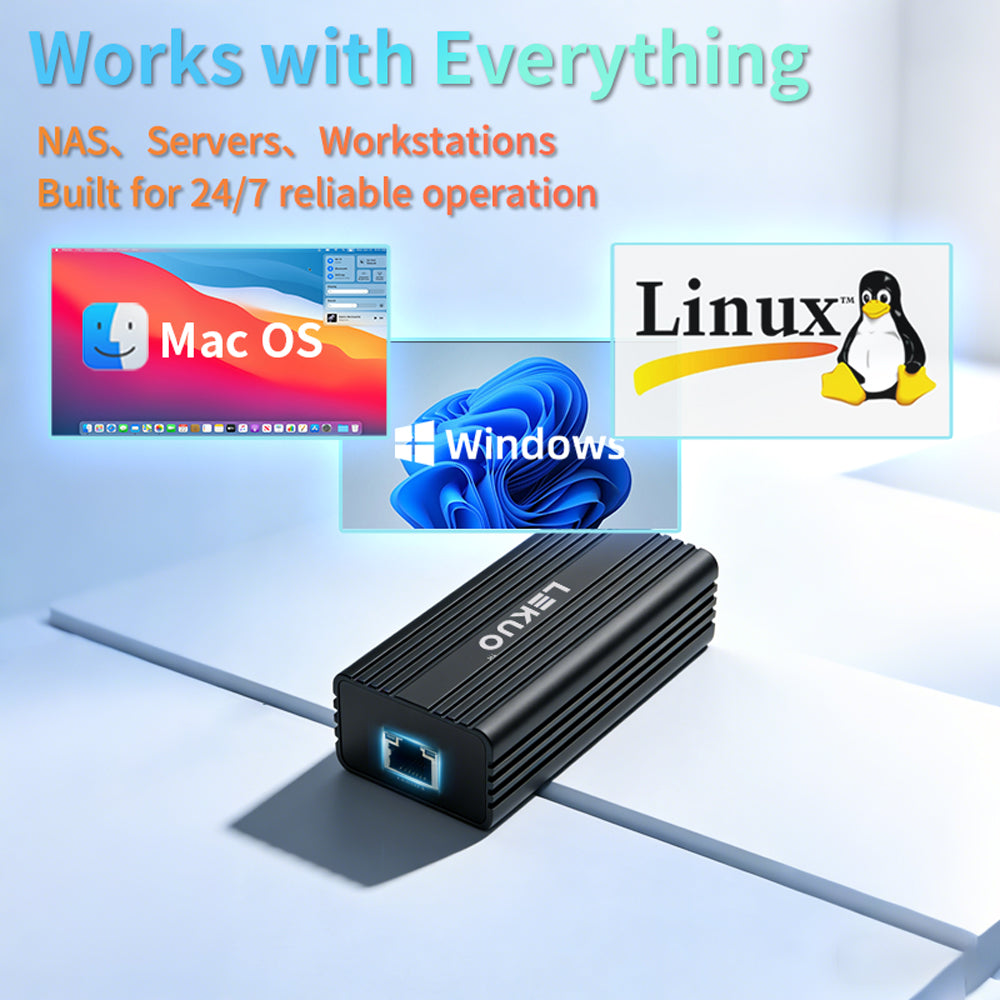
幅広いシステム互換性
複数のオペレーティングシステムと互換性があります。macOSはプラグアンドプレイの利便性を提供しますが、WindowsとLinuxは最適なパフォーマンスのためにドライバーのインストールが必要です。

-
Windows 10/11: ドライバーのインストールが必要
-
Linux: ドライバーのインストールが必要 (カーネルサポートあり)
-
macOS: ✓ プラグ&プレイ - ドライバー不要
-
iOS/iPhone: 使用は限定的 (互換性はさまざま)
実際の使用例のために設計

- NASおよびホームラボセットアップに最適な10G Ethernetアダプター
- 大容量の4K/8Kファイルを扱うビデオ編集者に最適
- 大容量データセットを転送するエンジニアに適しています
- 内蔵Ethernetポートがないノートパソコンに最適

なぜPCIeではなくUSB 10Gを選ぶのか?
従来のPCIeネットワークカードと比較して、このUSB-C 10Gb Ethernetアダプターは、ネットワークをアップグレードするためのより柔軟でアクセスしやすい方法を提供します。
- デバイスを開いたり、ハードウェアをインストールしたりする必要はありません
- 標準のRJ45 Ethernetインフラストラクチャで動作します
- 内部NICソリューションよりもポータブルです
- 10Gネットワーキングへの参入障壁が低い
パッケージ内容と仕様

技術仕様:
-
インターフェース: USB-C (USB 3.2 Gen2x2、下位互換性あり)
-
チップセット: Realtek RTL8159
-
ポート: 1 × RJ45 Ethernet
-
速度: 10G / 5G / 2.5G / 1G / 100M / 10M オートネゴシエーション
-
互換性: ノートパソコン、デスクトップ、ミニPC、NAS
-
ケーブル要件: 10GにはCat6a以上を推奨
-
OSサポート: Windows 10/11、Linux、macOS、iOS/iPhone
パッケージ内容:
- 1 × USB-C 10GbE Ethernetアダプター
- 1 × ユーザーマニュアル
ドライバーのダウンロードとインストール
WindowsおよびLinuxシステムでは、最適なパフォーマンスのためにドライバーのインストールが必要です。macOSユーザーはプラグアンドプレイの利便性を享受できます。

📥 RTL8159ドライバーをダウンロード
インストール手順:
- 上記のボタンをクリックしてRTL8159ドライバーパッケージをダウンロードします
- ZIPファイルを展開し、インストーラーを実行します
- 画面の指示に従ってインストールを完了します
- プロンプトが表示された場合はシステムを再起動します
- アダプターを接続し、ネットワーク接続を確認します
FAQ
Q: このアダプターはフル10Gbps速度に達しますか?
A: はい、USB 3.2 Gen2x2 (20Gbps) ポートに接続し、適切な10Gネットワーク環境であれば、実世界テストで9.12-9.49 Gbpsを達成できます。
Q: デバイスがUSB 3.1 (10Gbps) しか持っていない場合はどうなりますか?
A: その場合でも、7.21-7.44 Gbpsという優れたパフォーマンスが得られ、ほとんどの高速ネットワーキングタスクには十分です。
Q: ThunderboltのパフォーマンスがUSB 3.2 Gen2x2よりも低いのはなぜですか?
A: ThunderboltおよびUSB4ポートは、Thunderbolt以外のデバイスに接続した場合、「USB互換モード」で動作することがよくあります。実際の速度は、ホストコントローラーの実装によって異なります。
Q: ドライバーをインストールする必要がありますか?
A: macOSユーザーはドライバー不要のプラグアンドプレイを享受できます。WindowsおよびLinuxユーザーは、最適なパフォーマンスのためにドライバーをインストールする必要があります。
Q: macOSで動作しますか?
A: はい、macOSはこのアダプターをネイティブでプラグ&プレイサポートしています。ドライバーのインストールは不要です。
Q: これはNASに良い10Gアダプターですか?
A: はい、NASやホームラボ環境に10G接続を追加するための実用的で柔軟なソリューションです。
Q: 動作中にノイズは発生しますか?
A: いいえ、これは完全なファンレス設計で0dBのノイズレベルであり、静かな環境に最適です。
複雑さのない信頼性の高い10Gネットワーキング
このUSB-C 10Gb Ethernetアダプターは、PCIeインストールの複雑さや光ファイバーベースのSFP+セットアップなしに高速ネットワーキングを求めるユーザー向けに設計されています。パフォーマンス、柔軟性、使いやすさのバランスの取れたソリューションを提供します。
URL:https://lekuo.com/uploadfile/upload//data/upload/image/RTL8159.zip
Q: Can I use this 10G adapter with Apple MacBook and iMac? Does it require a driver?
A: Fully supported, and it is plug-and-play with no driver required on macOS. However, please note that when a Mac's Thunderbolt (Thunderbolt 3/4) or USB4 port connects to a non-Thunderbolt USB 10G NIC, it typically runs in "USB compatibility mode" (10Gbps), so the actual throughput on Macs is capped at approximately 7.2 Gbps.
Q: Why does my Thunderbolt 4 / USB4 port only deliver around 7 Gbps in speed tests, far below the 9.4 Gbps 10G maximum?
A: This is determined by Intel's Thunderbolt controller and the underlying USB4 protocol allocation mechanism. When Thunderbolt 3/4 and USB4 ports are backward-compatible with non-Thunderbolt 10G devices, they typically allocate only 10 Gbps of USB data bandwidth and cannot activate 20 Gbps mode. To achieve the full 9.4 Gbps speed, we recommend using a PC with a USB 3.2 Gen2x2 (20Gbps) independent controller.
Q: Is this NIC compatible with Synology, QNAP, and other NAS devices?
A: Compatible, but some systems may require third-party drivers. On Linux-core NAS systems or self-built Xpenology, you can download and install the corresponding RTL8159 driver from open-source communities like GitHub. For slim NAS devices without PCIe expansion slots, this is an excellent low-power 10G upgrade solution.
Q: Does this 10G NIC generate a lot of heat? Will it overheat and disconnect during prolonged downloading?
A: Any 10GBASE-T NIC generates noticeable heat during operation. However, thanks to the RTL8159 chip's low-power design and the high-thermal-conductivity aluminum alloy housing with heat-dissipating fins, its thermal control is significantly better than older 10G NICs. The housing will feel warm under sustained full load, which is normal thermal exchange and will not cause throttling or disconnection.
Q: Does it support PVE (Proxmox VE), ESXi virtual machines, or OpenWrt soft router systems?
A: Yes. In PVE and mainstream Linux environments, RTL8159 has good system and community driver support. For OpenWrt soft routers, as long as your firmware includes the Realtek USB 10G NIC driver, you can use it as a 10G WAN/LAN port, making it ideal for building a compact 10G soft router.
Q: What are the cable requirements? Can I use standard Cat6 cables?
A: To ensure stable 10G speeds and signal integrity, we strongly recommend using Cat6a (Augmented Category 6) or Cat7/Cat8 cables. Over short distances (within 5 meters), high-quality genuine Cat6 cables might negotiate 10G, but over longer distances they are prone to dropping to 5G or 2.5G, or even experiencing frequent packet loss.
Q: Does this product support Jumbo Frames and Wake-on-LAN (WoL)?
A: Fully supported. The adapter supports Jumbo Frames up to 16KB, which significantly reduces CPU overhead when transferring large files between a NAS and a PC over the LAN. It also fully supports Wake-on-LAN functionality.
Q: Can this USB 10G NIC connect to standard 2.5G or 1G (Gigabit) switches?
A: Absolutely, it is fully downward-compatible. The adapter features advanced Auto-Negotiation technology, supporting not only 10G but also 5G, 2.5G, 1G (Gigabit), as well as 100M/10M speeds. It automatically negotiates with the maximum speed supported by your connected switch or router port, achieving seamless speed fallback.
Q: Can I use this NIC for link aggregation (Teaming/Bonding) to combine bandwidth on Windows 10/11?
A: It depends on the OS and controller. Windows 10/11 consumer editions have removed the standard NIC teaming feature. However, if you are using Linux, PVE, self-built NAS (e.g., Xpenology), or Windows Server, you can fully leverage built-in LACP or Bonding protocols to combine this NIC with others for link redundancy or bandwidth stacking.
Q: If my computer doesn't have a USB-C port, can I use a regular USB-A adapter?
A: It is usable, but strongly not recommended. Using a regular USB-A (USB 3.0) adapter limits the host port bandwidth to 5Gbps or even less, which drops the actual throughput of this 10G NIC to around 3.5 Gbps. Additionally, 10G NICs draw significant power, and many USB-A ports (especially front-panel ports) may not provide sufficient power, leading to disconnection issues.
Q: Does this adapter support Wake-on-LAN (WoL)? Do I need to adjust BIOS settings?
A: The hardware fully supports WoL. However, since it is powered via the USB bus, after your computer shuts down (S5 state), your motherboard BIOS must enable "Allow USB devices to wake the system" or disable "ErP support" to maintain standby power to the USB ports, enabling remote wake-on-LAN functionality.
Q: Why is my speed slower on Thunderbolt 3/4/5 than on USB 3.2 Gen2x2? Is the adapter defective?
A: No, this is completely normal behavior — not a defect. Thunderbolt ports use Intel's controller, which allocates USB bandwidth in compatibility mode (max 10 Gbps tunnel). This means the actual throughput is limited to ~7 Gbps on Thunderbolt 4/USB4, and ~3.5–6 Gbps on Thunderbolt 3. To unlock the full 9.4 Gbps 10G speed, connect to a native USB 3.2 Gen2x2 port (20 Gbps). Check your PC specs or motherboard manual to identify if you have a Gen2x2 port — it is often labeled "USB 3.2 Gen2x2" or "20G" on the port or in device manager.
Reliable 10G Networking Without Complexity
This USB-C 10Gb Ethernet adapter is designed for users who want high-speed networking without the complexity of PCIe installation or fiber-based SFP+ setups. It offers a balanced solution between performance, flexibility, and ease of use.