
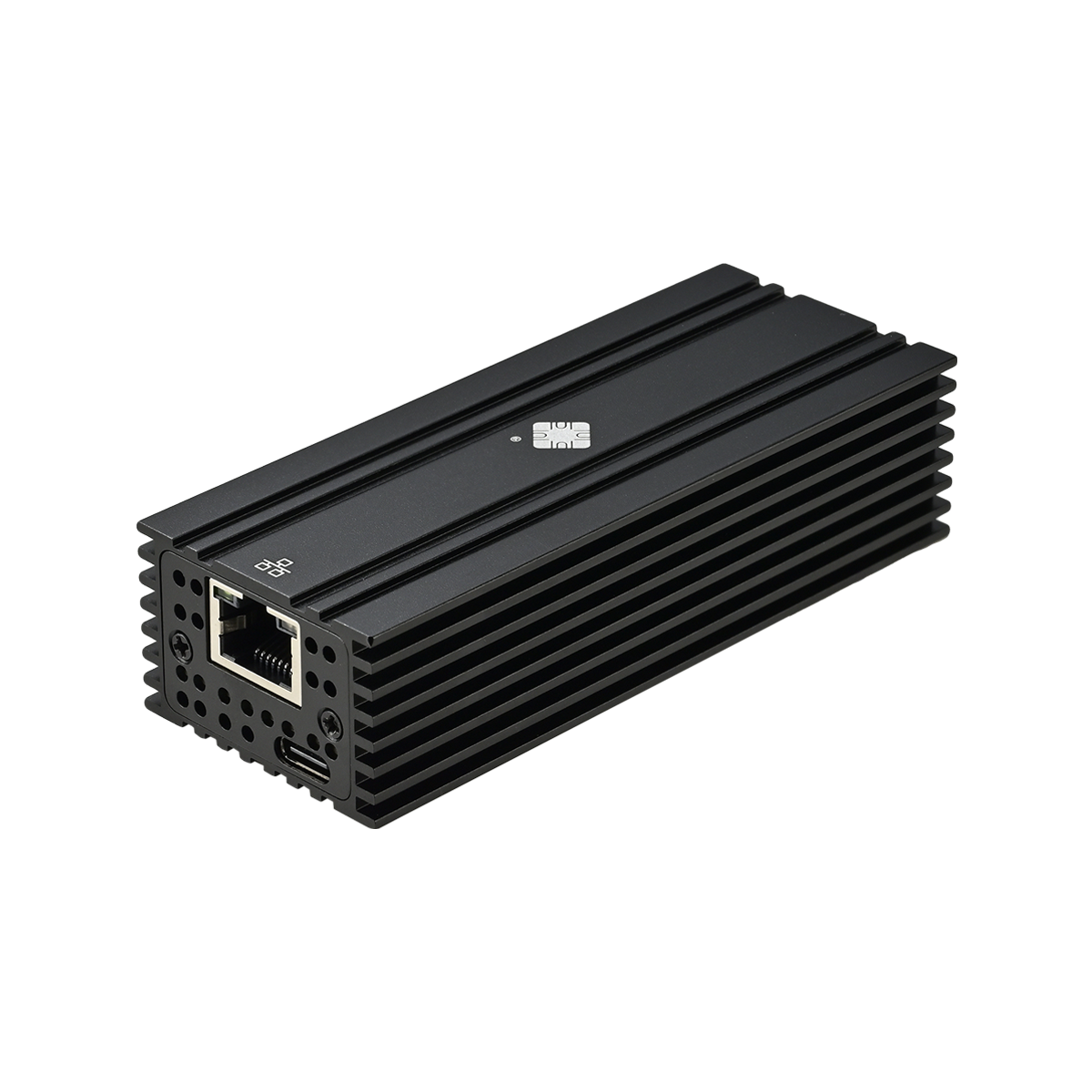
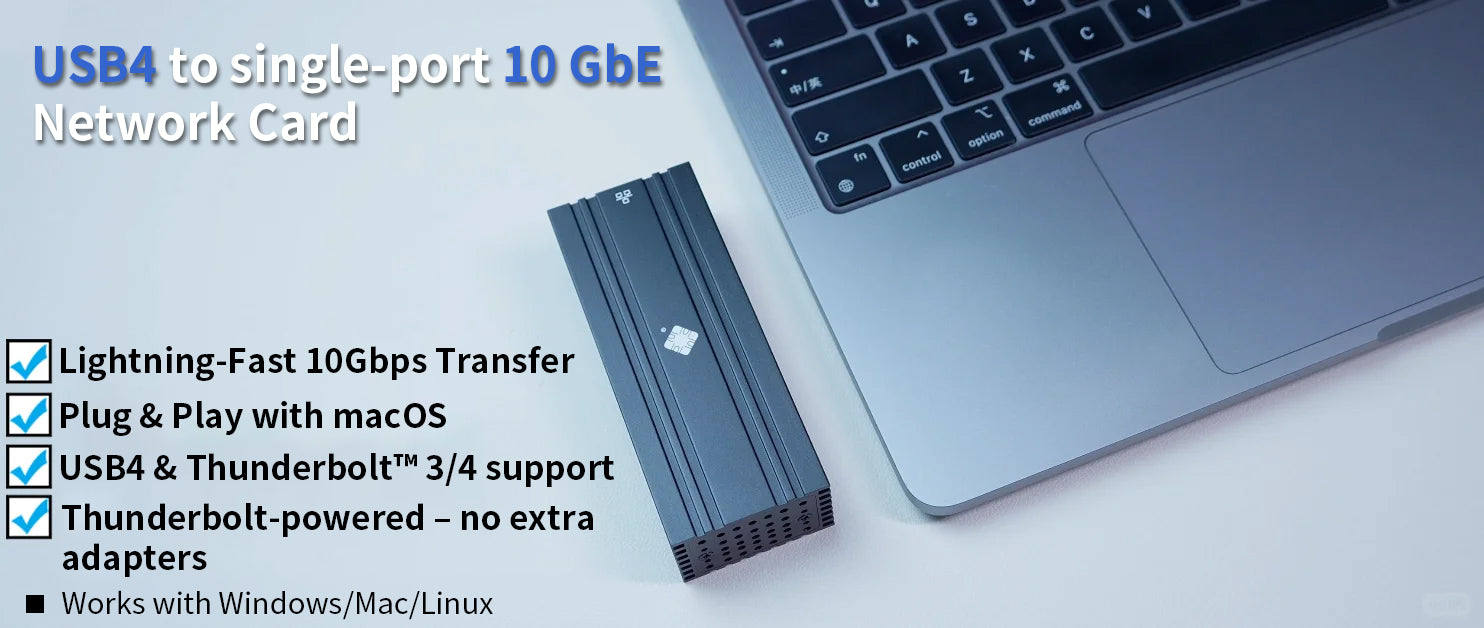
⚡ 10X Faster Internet Speed! Professional USB4 Ethernet Adapter
🎯 Why Choose Our Adapter?
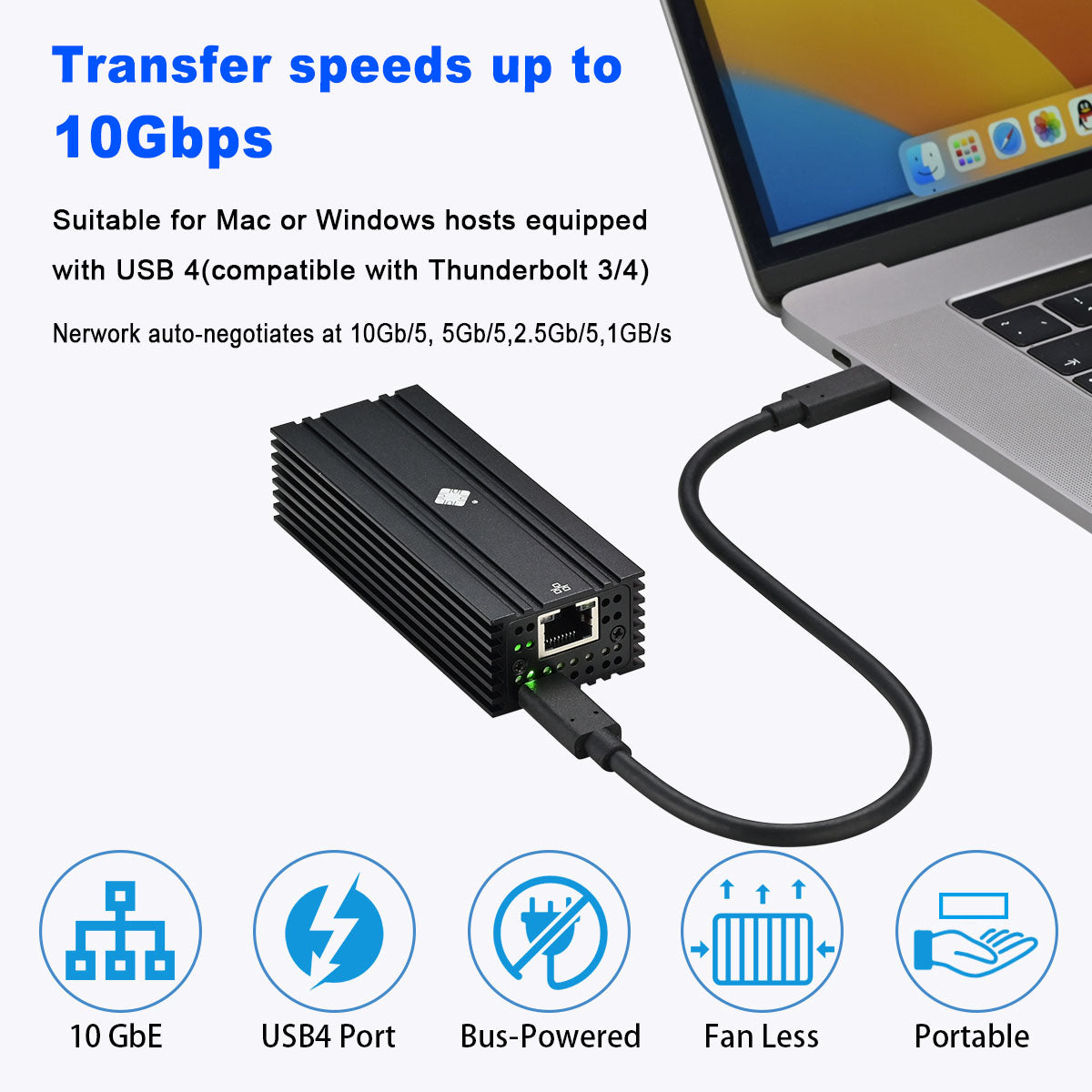
⚡ 10X Speed Boost
Instantly upgrade from 100Mbps to 10Gbps, say goodbye to network lag
🔌 Plug & Play
Mac systems driver-free, Windows simple installation, ready in 5 minutes
💎 Professional Chip
AQC113 chipset, stable and reliable, professional-grade quality assurance
🔥 Limited Stock - Only 47 Units Left!
156 people purchased this in the last 24 hours
⏰ Offer countdown, don't miss out!
👥 Real Customer Feedback
"Finally found an adapter that actually delivers 10Gbps! Video editing and large file transfers are no longer a wait."
- John M., Video Producer
"Gaming latency dropped from 50ms to 5ms, no more disconnections in battle royale! Worth every penny."
- Mike T., Pro Gamer
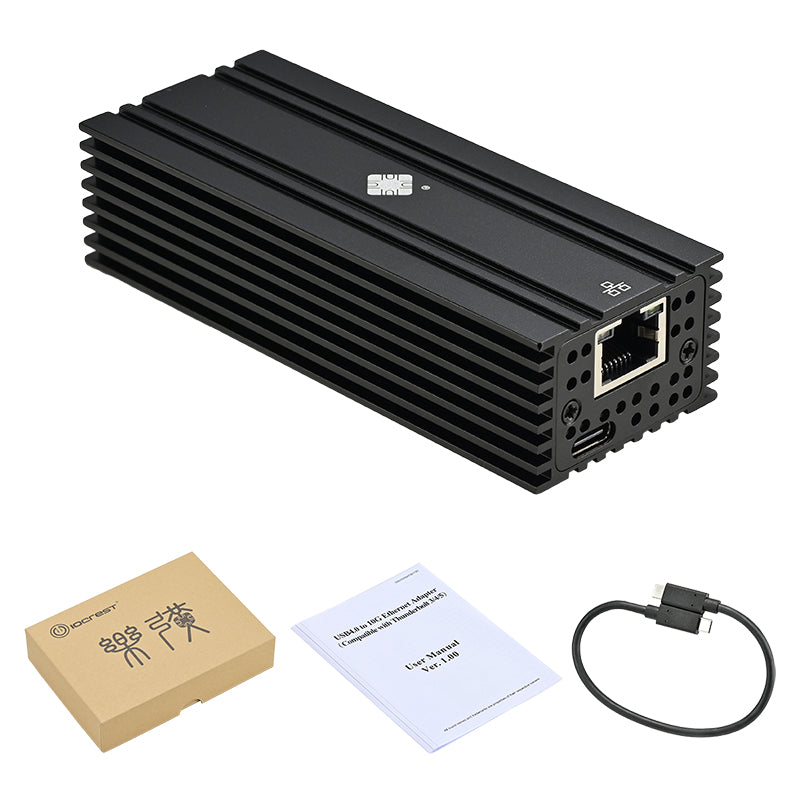
📦 What You Get
🛡️ 1 Year Warranty
Quality Guarantee
🚚 48H Shipping
Fast Delivery
💬 Tech Support
Professional Service
💼 Perfect For
🎬 Video Professionals
4K video editing, large file transfers
🎮 Gamers
Ultra-low latency, competitive edge
🏢 Business Users
High-speed networking, efficiency boost
⚙️ Technical Specifications
| Model: | IO-HTB1131-GLAN |
| Chipset: | AQC113 Professional |
| Interface: | USB4/Thunderbolt 3/4 |
| Speed: | 10Gbps |
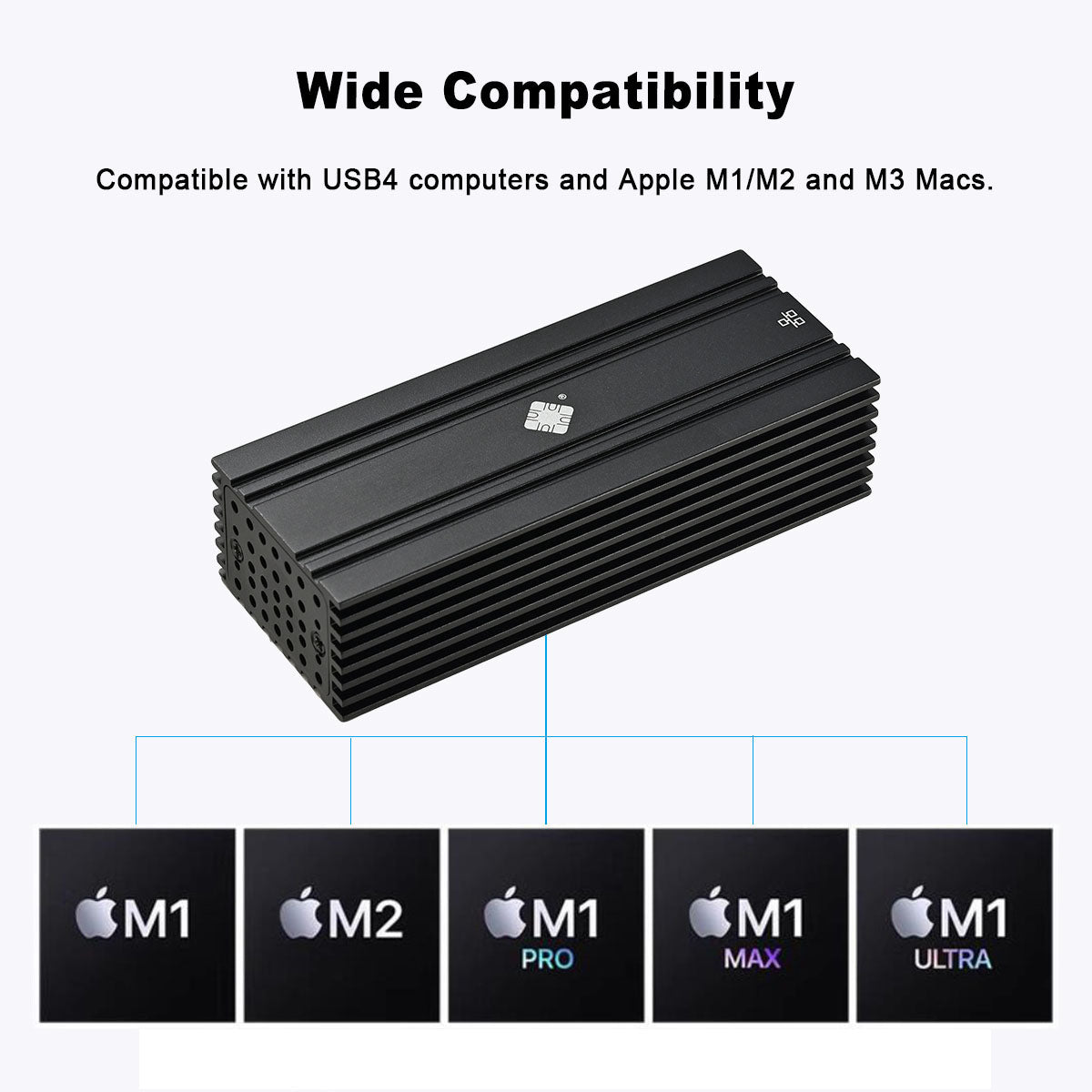
| Compatible: | Mac/Windows/Linux |
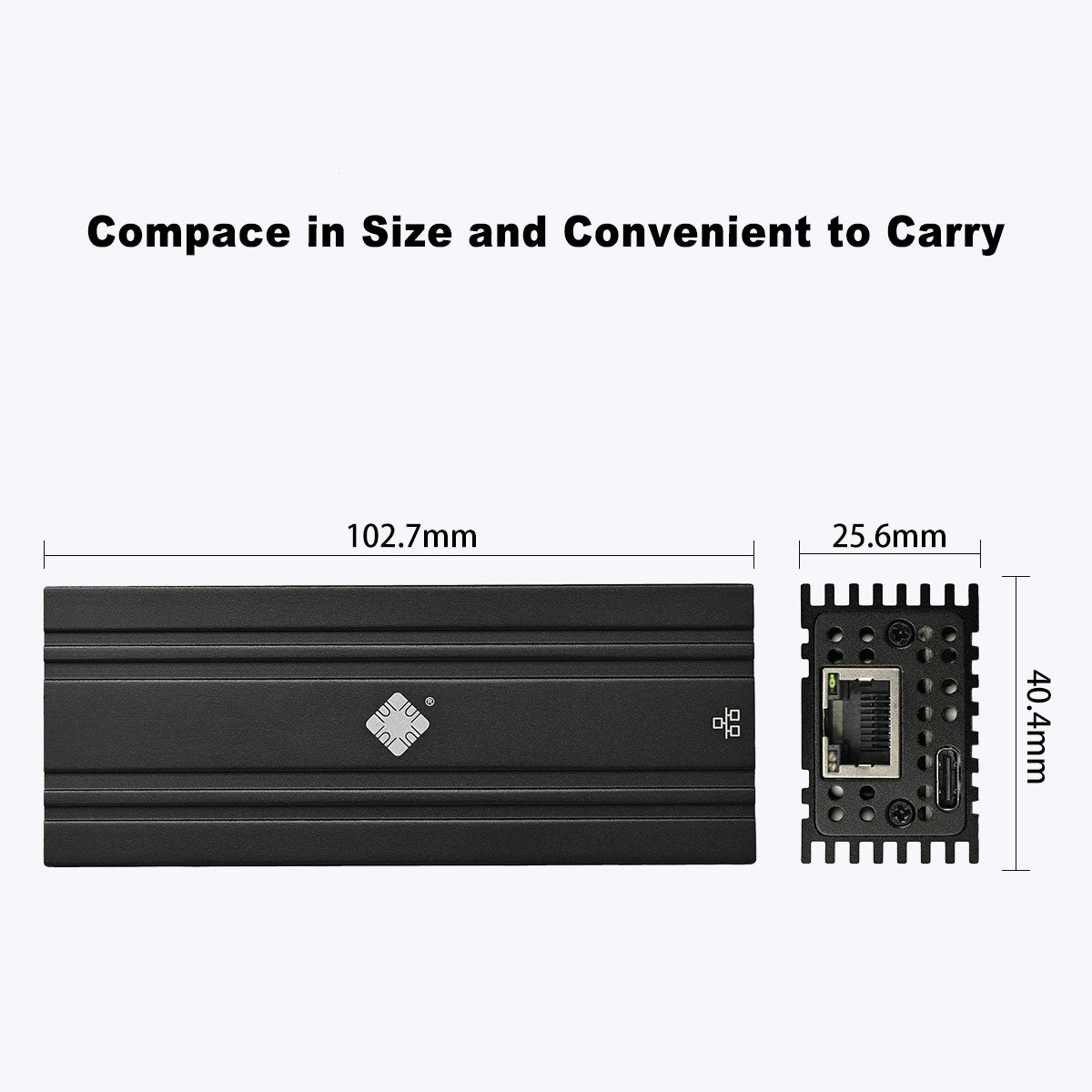
| Weight: | Only 108g |
💾 Driver Download
For Windows users: Download and install the AQC113 driver
For Mac users: Plug & Play - No driver needed!


❓ Frequently Asked Questions
Does this USB4/Thunderbolt 10G NIC require driver installation on Mac OS?
Apple Mac OS is completely driver-free, plug-and-play. Whether you have a MacBook Pro or Mac Studio, simply connect to a supported Thunderbolt or USB4 port, plug in the network cable, and it will be immediately recognized for 10G networking, with no need to manually download any drivers.
Does this 10G network adapter require a driver for Windows systems? Where can I download it?
Windows systems (Win10/Win11) require a dedicated driver for first-time use. Please ensure your computer has a USB4 or Thunderbolt 3/4/5 port, and go to the official driver download link: lekuo.com/uploadfile/.../AQC113.zip to download the latest NIC driver.
What are the cable requirements for this 10G NIC? Can ordinary cables achieve full 10G speed?
It is recommended to use Cat6e (Augmented Category 6) or Cat7 (or above) shielded cables. Traditional Cat5 or standard Cat6 cables may not stably reach 10Gbps bandwidth over longer distances.
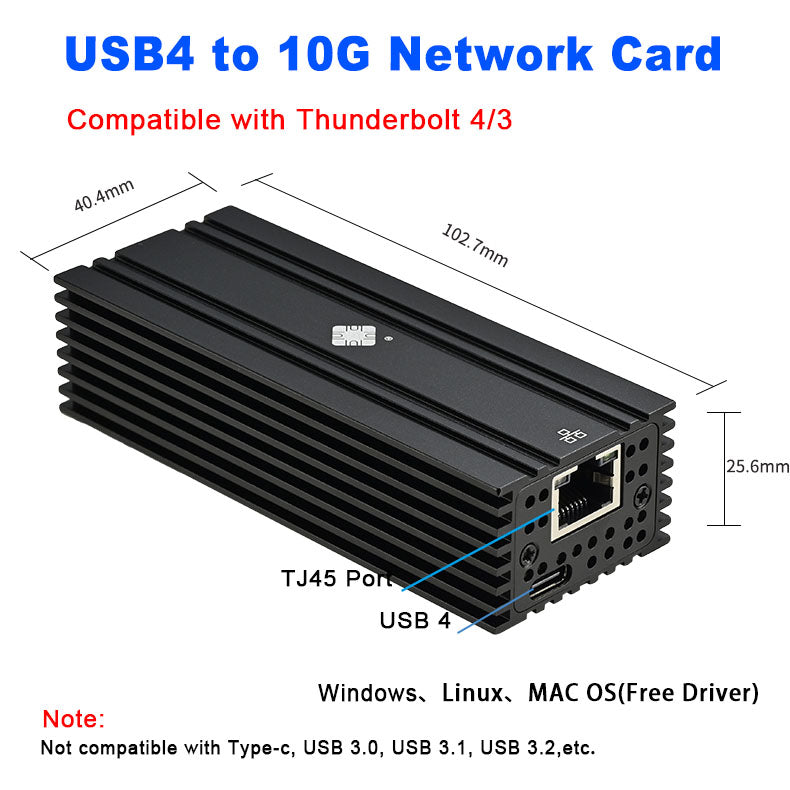
Can this 10G NIC be used with USB3.2, USB3.0, or standard Type-C ports?
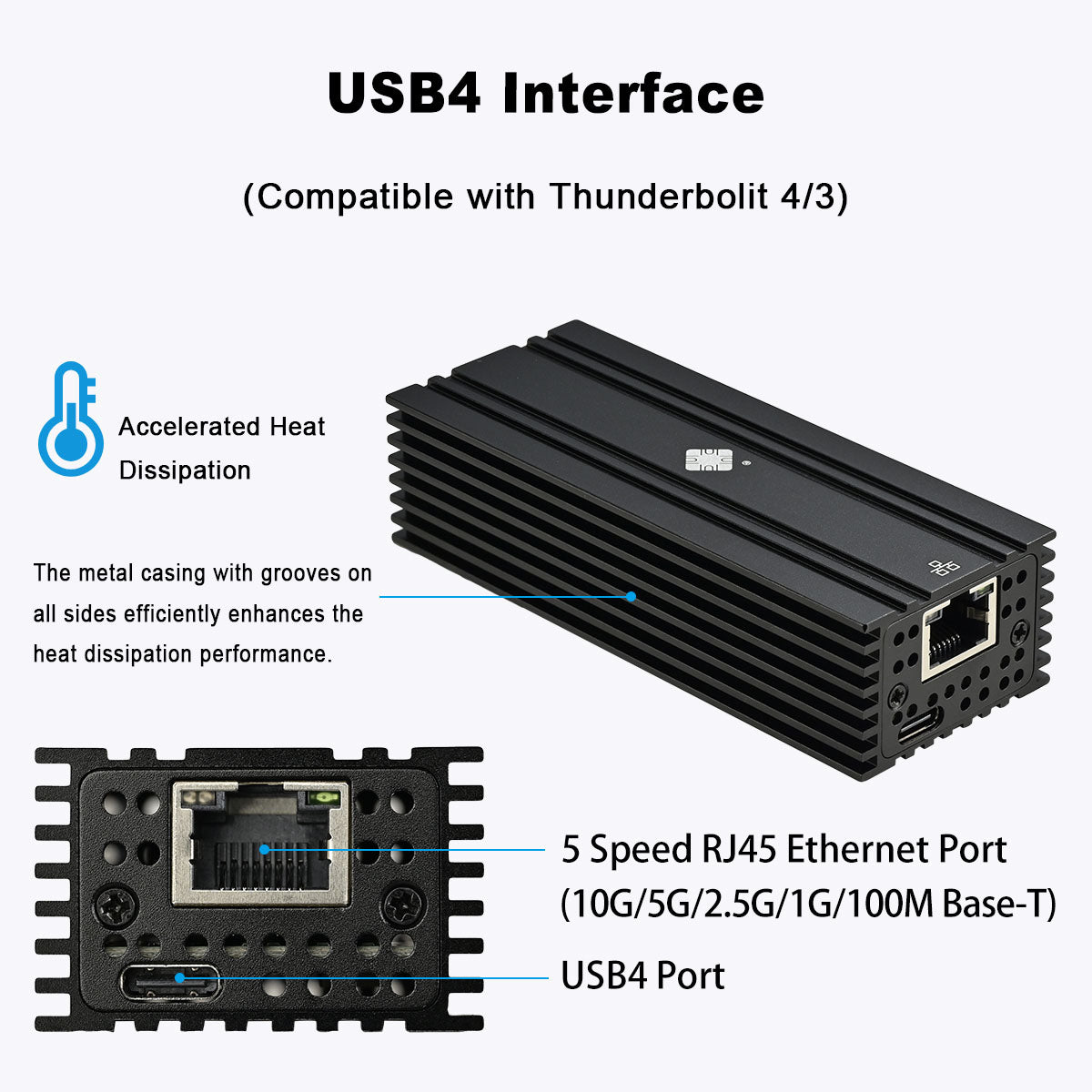
Not supported. This product only supports USB4.0, Thunderbolt 3, Thunderbolt 4, and Thunderbolt 5 ports. Standard USB 3.2/3.1/3.0/2.0 ports are incompatible and will not be recognized due to bandwidth limitations.
Does the metal casing get excessively hot when running the 10G NIC? Is there any fan noise?
This product uses a pure aluminum alloy casing for efficient heat dissipation, and operates with completely zero noise (0dB) – no built-in fan, providing an absolutely quiet working environment.
Why does my computer show no response or fail to recognize the 10G NIC when plugged in? How to troubleshoot?
Please follow these steps to troubleshoot:
- Confirm that your computer port is USB4.0 or Thunderbolt.
- Use the original high-bandwidth data cable and ensure it is firmly connected.
- For Mac users, the device will only activate after a working network cable is connected.
- For Windows users, verify that the driver is installed successfully.
Does this Thunderbolt 10G NIC require an additional external power supply?
No external power is required at all. This product uses a bus-powered design, drawing operating power directly from the Thunderbolt or USB4 connection, making it convenient for mobile office use.
Why doesn't my 10G NIC achieve the ideal 10G speed in speed tests? How can I optimize the network settings?
Please perform the following optimizations:
- Use a professional 10G speed test endpoint (e.g., files.budman.pw).
- In the NIC advanced settings, enable Jumbo Frames and set them to 9014 bytes.
- Verify that your switch/gateway device actually supports 10G speeds.
How do I manually set the NIC speed to 10G mode on Windows?
Right-click This PC ➡️ Manage ➡️ Device Manager ➡️ Network Adapters ➡️ Right-click the corresponding device and select 'Properties' ➡️ Advanced ➡️ Speed & Duplex ➡️ Change the 'Value' to 10 Gbps Full Duplex.
What are the requirements for the computer's SSD read/write speed to fully utilize the 10G network?
The computer's disk read/write speed must exceed the network transfer speed (approximately 1250MB/s). If the target drive uses a slower protocol, it will become a bottleneck. It is strongly recommended to use an NVMe SSD for testing.
🔗 Explore More Networking Solutions
Browse our complete collection of USB and Thunderbolt Network Adapters or view all Networking Equipment and Accessories.
Need help? Visit our Technical Support Center or Contact Our Support Team.