
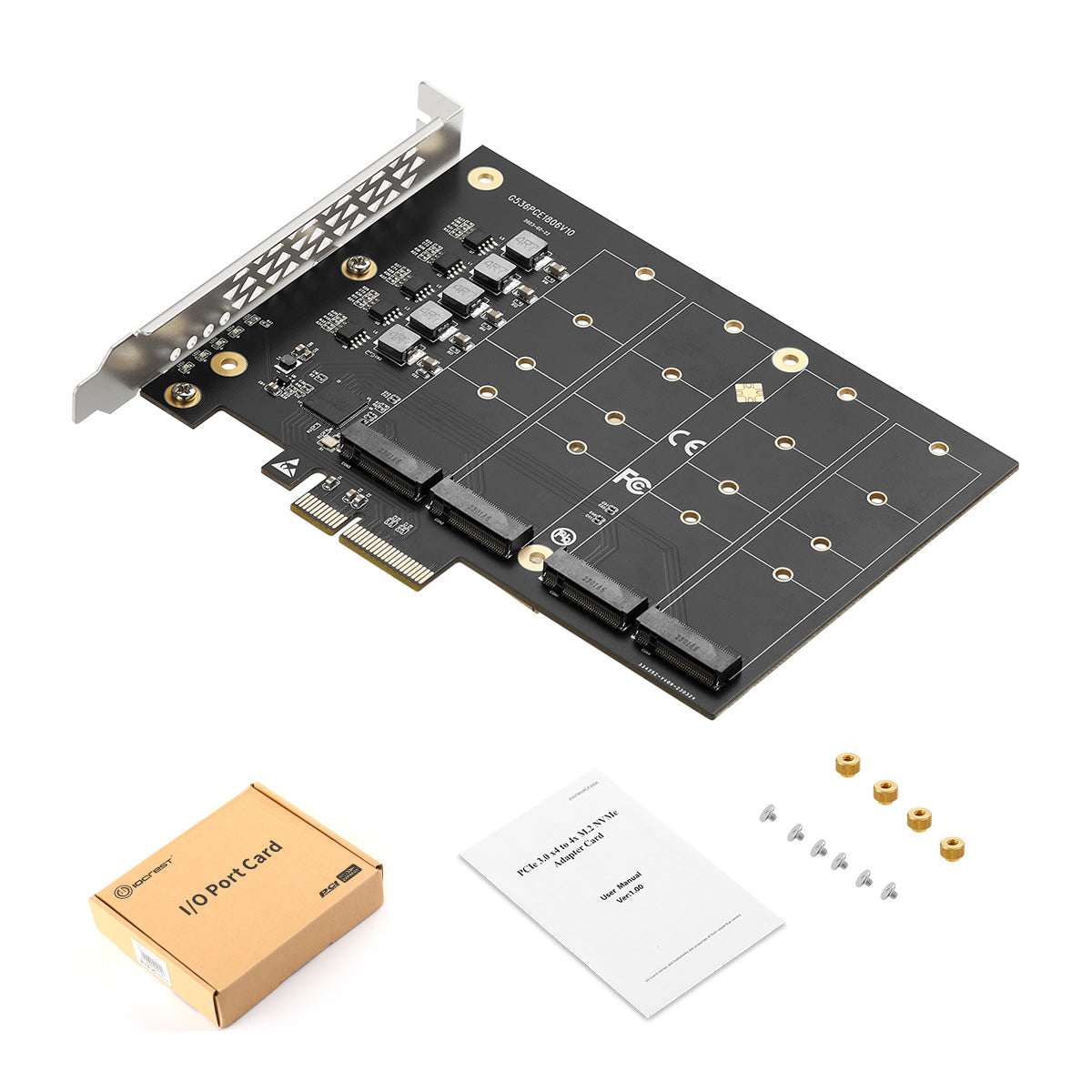
🚀 Professional 4-Port M.2 NVMe PCIe Expansion Solution
The IO-PCE2806-4M2 is a high-performance PCIe 3.0 x4 expansion card designed for professionals and enthusiasts who need to maximize their system's storage capacity. This adapter card enables you to connect up to four M.2 NVMe SSDs simultaneously through a single PCIe slot, delivering exceptional data transfer speeds up to 1GB/s per drive.
Perfect for workstations, servers, NAS systems, and high-performance computing applications where storage expansion and speed are critical.
🔧 Key Technical Features
- Universal PCIe Compatibility: Supports PCIe x4/x8/x16 slots
- Multi-Generation Support: Compatible with PCIe 4.0, 3.1, 3.0, and PCIe 2.0 motherboards
- Industry Standard Compliance: Fully compliant with PCI Express M.2 specification 1.0 and 1.1
- High-Speed Data Transfer: Supports transfer rates up to 2.5Gb (250MB/s), 5Gb (500MB/s), and 8Gb (1GB/s)
- Direct PCIE Connection: Connects PCIe motherboard to NGFF M-Key SSDs without performance bottlenecks
- Multiple SSD Size Support: Compatible with 2230, 2242, 2260, and 2280 size NGFF SSDs
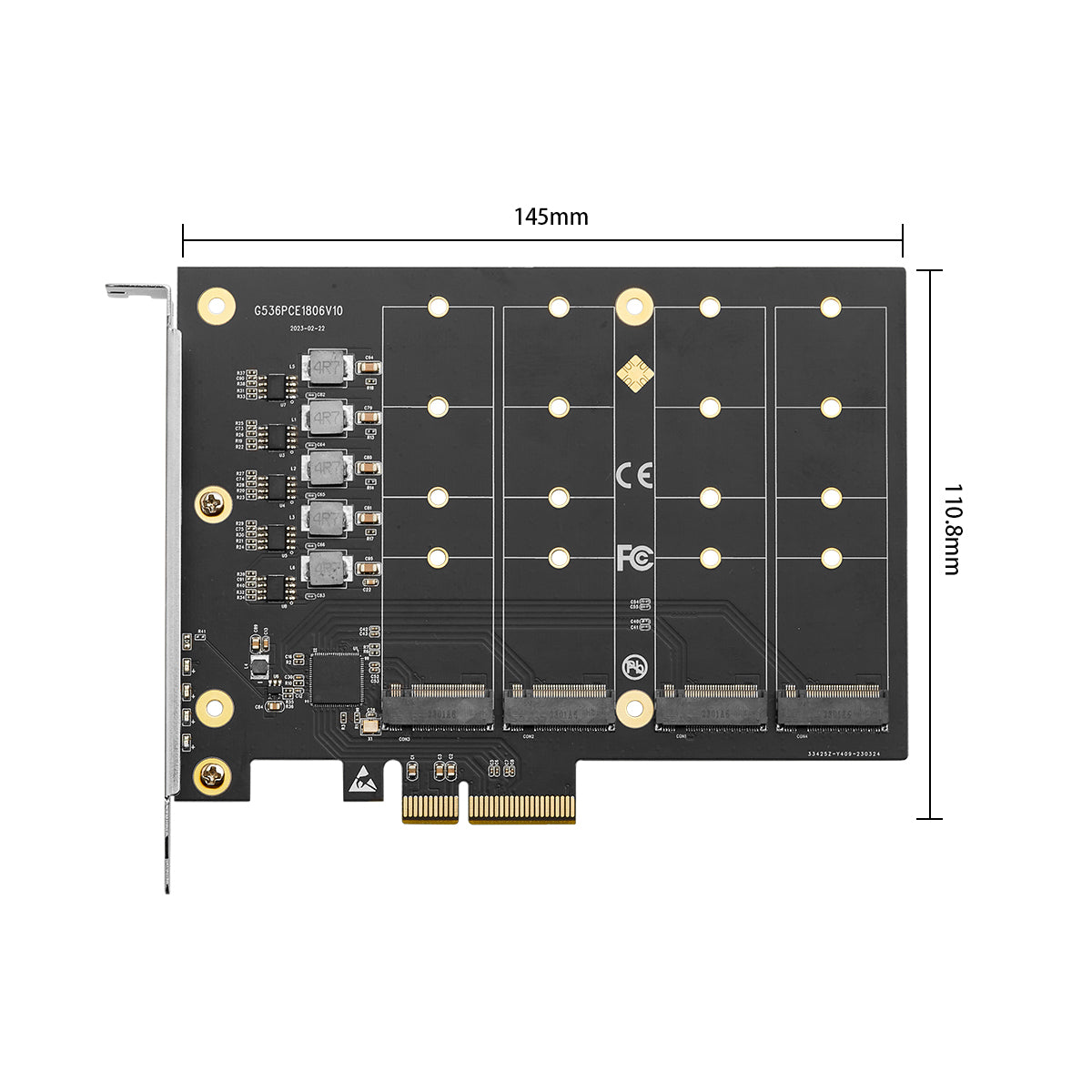
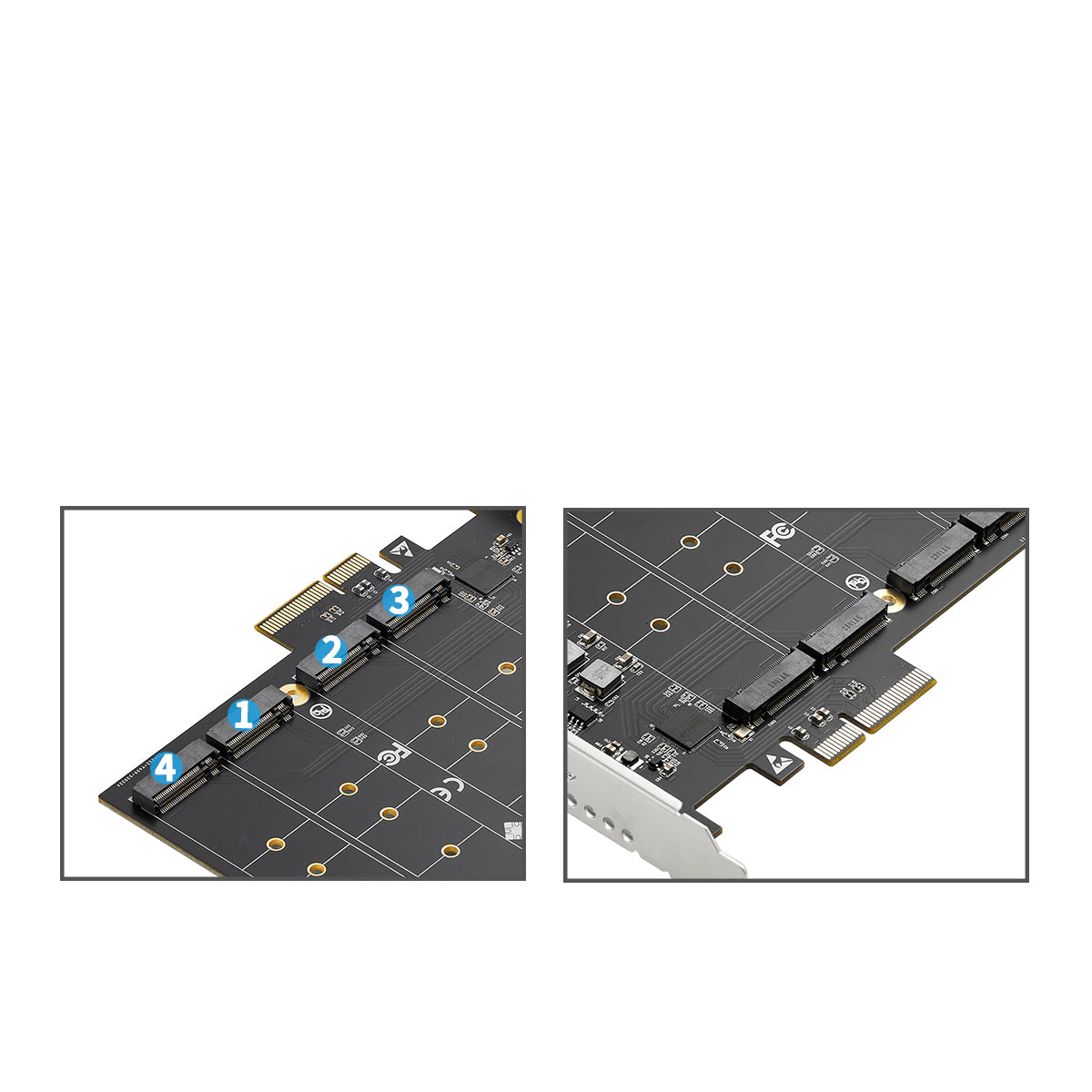
- Four Independent M.2 Slots: Provides four NGFF M.2 M-Key slots for maximum flexibility
- Secure Mounting System: 4 screw holes for each size (2230/2242/2260/2280) to securely fix NGFF SSD cards
- Stable PCB Design: 4 additional screw holes to firmly mount the PCB board to your chassis
- Plug-and-Play Installation: Easy installation with no driver required - works out of the box
💡 Ideal Use Cases
- Content Creators: Expand storage for 4K/8K video editing and large media libraries
- Data Centers: Increase server storage density without occupying multiple PCIe slots
- Gaming Rigs: Install multiple game libraries on separate high-speed NVMe drives
- Workstations: Run multiple OS installations or create high-performance RAID arrays
- NAS Systems: Build cost-effective all-flash storage solutions
💻 System Requirements
Operating Systems: Windows 7/8/10/11, Windows Server, Linux (all distributions), macOS (with compatible hardware)
Hardware Requirements: Available PCIe x4, x8, or x16 slot; UEFI BIOS recommended for boot support
📦 Package Contents
- 1 × PCIe 3.0 x4 to 4× M.2 (M-Key) Expansion Card
- 1 × Comprehensive User Manual with installation guide
- 1 × Complete M.2 Installation Materials Kit (screws, thermal pads, screwdriver)
⚙️ Technical Specifications
| Model Number: | IO-PCE2806-4M2 |
| Interface: | PCIe 3.0 x4 |
| M.2 Slots: | 4× M-Key (NVMe) |
| Supported Sizes: | 2230, 2242, 2260, 2280 |
| Max Transfer Speed: | 8Gb/s (1GB/s) per slot |
| Form Factor: | Standard PCIe bracket |
| Net Weight: | 87.8g |
| Gross Weight: | 147.2g |
✅ Why Choose IO-PCE2806-4M2?
✓ Proven Reliability: Engineered with high-quality components for long-term stability
✓ Maximum Compatibility: Works with virtually all modern motherboards and operating systems
✓ Cost-Effective Expansion: Add up to 4 NVMe drives using just one PCIe slot
✓ Professional Grade: Suitable for both enterprise and enthusiast applications
✓ Easy Installation: Complete with all necessary mounting hardware and clear instructions
❓ Frequently Asked Questions (FAQ)
Q1: Does this adapter support PCIe 4.0 speeds?
A: Yes, the IO-PCE2806-4M2 is backward and forward compatible with PCIe 4.0, 3.1, 3.0, and 2.0. However, the actual speed will be limited by the PCIe 3.0 x4 interface (up to 32Gbps total bandwidth shared across all four slots).
Q2: Can I use this card to boot my operating system from an M.2 SSD?
A: Yes, if your motherboard supports UEFI boot from PCIe devices. Most modern motherboards (2015+) support this feature. Please check your BIOS settings and ensure the boot option is enabled.
Q3: Do I need to install any drivers?
A: No drivers are required. The adapter is plug-and-play on Windows, Linux, and macOS. Simply install the card, insert your M.2 SSDs, and they will be automatically detected by your operating system.
Q4: Will all four M.2 slots work simultaneously?
A: Yes, all four M.2 slots can be used simultaneously. However, the total bandwidth is shared across the PCIe 3.0 x4 interface (approximately 3.94GB/s total). Each drive will receive a portion of this bandwidth depending on usage.
Q5: Does this adapter support SATA M.2 SSDs?
A: No, this adapter only supports M.2 NVMe SSDs with M-Key interface. It does not support SATA M.2 drives (B+M Key). Please ensure your SSDs are NVMe protocol before purchasing.
Q6: What PCIe slot should I install this card in?
A: For optimal performance, install the card in a PCIe x4, x8, or x16 slot that is directly connected to the CPU (not through the chipset). Check your motherboard manual to identify which slots provide direct CPU lanes.
Q7: Can I create a RAID array with the four M.2 SSDs?
A: Yes, you can create RAID 0, 1, 5, or 10 arrays using your operating system's software RAID or your motherboard's RAID controller (if supported). This allows you to combine multiple drives for increased performance or redundancy.
Q8: What is the warranty period for this product?
A: This product comes with a 1-year manufacturer warranty covering defects in materials and workmanship. Please retain your proof of purchase for warranty claims.
Q9: Is this adapter compatible with Mac Pro or Hackintosh systems?
A: Yes, this adapter works with Mac Pro (2013 and later models with available PCIe slots) and Hackintosh systems running macOS. Ensure your system has the appropriate PCIe slot available and that your BIOS/firmware is properly configured.